





Can Duplicate Yelp Listings Affect SEO and Local Rankings?
A business owner logs into their Yelp account and discovers something unsettling: there are three separate Yelp listings for their restaurant, each with different review scores, photos, and business information. The confusion is immediate—which one do customers see? How does Google treat these duplicates? Most importantly, are these duplicate Yelp listings tanking their search rankings?
This scenario plays out for thousands of businesses monthly. According to a local SEO survey, approximately 31% of businesses have discovered duplicate listings across major platforms. While the issue is widespread, the impact on SEO and local rankings remains misunderstood.
In this comprehensive guide, we’ll examine exactly how duplicate Yelp listings affect your SEO, why they happen, and most importantly, how to resolve them. Understanding this landscape is critical for any business serious about local search visibility.
What Is a Yelp Listing?

A Yelp listing is your business’s profile on Yelp, one of the most visited local business platforms in North America. Yelp reports over 200 million monthly unique visitors, making it a significant traffic source and trust signal for search engines.
Your Yelp listing includes:
- Business name, address, and phone number (NAP)
- Business hours and contact information
- Customer reviews and ratings
- Photos and business description
- Categories and service areas
- Customer Q&A sections
The Value of Yelp SEO for Customer Engagement

From an SEO perspective, Yelp listings serve multiple functions:
Local Citation Authority
Yelp is considered a high-authority citation source. When your NAP data appears consistently across Yelp and other platforms, Google uses this consistency to validate your business location and credibility. Inconsistencies—particularly across multiple listings—create confusion signals.
Review Signal
Google’s local ranking factors heavily weight reviews and ratings. Yelp reviews contribute to perceived business credibility, though not as directly as Google Business Profile reviews.
Backlink Value
Links from Yelp to your website (if you’ve added one to your listing) provide referral traffic and potentially modest SEO value, though Yelp links are often no-follow.
User Behavior Signal
Yelp interactions—click-throughs to your website, phone calls, and direction requests—generate behavioral signals Google considers when ranking local results.
When duplicate Yelp listings exist, these signals become fragmented rather than consolidated, potentially weakening your overall local SEO authority.
How Duplicate Yelp Listings Directly Impact Local Rankings
Citation Inconsistency Problem
According to Moz’s Local Search Ranking Factors study, citation consistency is a critical local ranking signal. When you have two Yelp listings with the same NAP but different details—one says you’re open until 9 PM, another says 10 PM—search engines interpret this as unreliable information.
Google’s algorithm doesn’t necessarily penalize duplicate citations heavily, but it does penalize inconsistency. Your business authority decreases when basic information conflicts across citations.
Review Fragmentation
If you have three Yelp listings, customer reviews are split across them. One listing might have 4.5 stars with 120 reviews; another has 3.8 stars with 45 reviews. Rather than appearing as a business with 165 reviews and a consolidated rating, you appear fractured.
Local search ranking algorithms weight review velocity and volume. Fragmented reviews across duplicate listings significantly weaken this signal, particularly in competitive categories where review count directly influences ranking position.
Confused Search Intent Signals
When Google’s local algorithm encounters multiple Yelp listings for your business, it must determine: which is canonical (the primary listing)? This uncertainty can cause:
- Your business appears in local pack results inconsistently
- Different listings ranking for location-based searches
- Lower visibility overall as Google hedges its bets across duplicates rather than consolidating authority
A well-managed, single Yelp listing consolidates all authority signals into one powerful citation. Duplicates diffuse that power.
Trust Signal Degradation
Consistency demonstrates expertise and trustworthiness. Multiple conflicting Yelp listings suggest a business is either disorganized or potentially operating unethically (in some cases, fake listings are created to inflate reviews).
Search engines become more cautious about ranking businesses with suspicious duplicate citation patterns.
Ways to Identify Duplicate Yelp Listings for Your Business
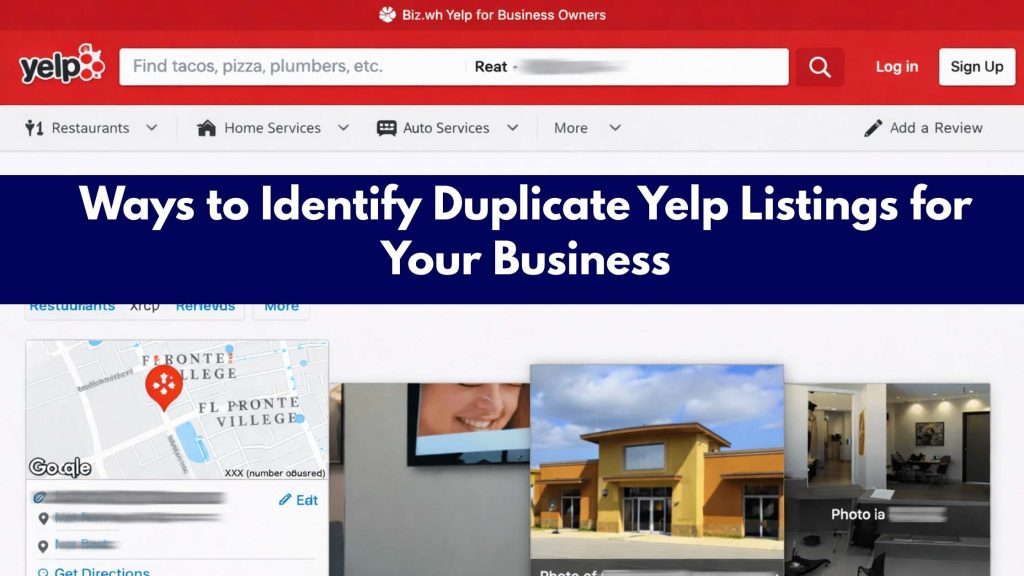
Before you can fix the problem, you need to identify it. Here’s a systematic approach:
Step 1: Direct Search on Yelp
Visit Yelp.com and search for your business name. Review all results—note each listing, its address, phone number, and review count.
Step 2: Yelp Business Account Audit
Log in to your Yelp business account (if you have one claimed). Check whether you have ownership of multiple listings. Sometimes you’ll find you’re already managing duplicates without realizing it.
Step 3: Google Search Verification
Search “[Your Business Name] Yelp” on Google. Google often surfaces multiple Yelp results if duplicates exist in Yelp’s database.
Step 4: Citation Management Tools
Services like Yext, BrightLocal, and SEMrush Local Business scan the web for duplicate citations, including Yelp listings. These tools provide a consolidated view of where your business appears online.
Pro Tip: Directory One, a leading local SEO agency, regularly audits client Yelp accounts and identifies hidden duplicates that businesses miss in manual searches. Their systematic approach often uncovers listings created years ago, long forgotten by business owners.
Step-by-Step Guide: How to Remove Duplicate Yelp Listings
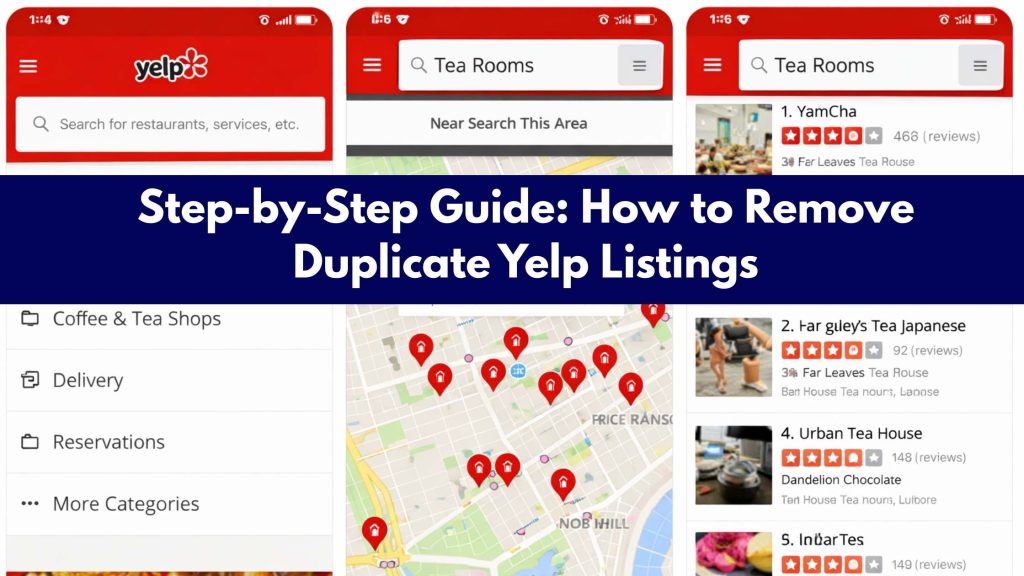
Option 1: If You Own Multiple Accounts
Step 1: Log in to your primary Yelp business account (the one you want to keep).
Step 2: Visit Yelp’s Business Support page and locate instructions for removing duplicate listings.
Step 3: Document which listing you’re keeping (note its URL and listing ID).
Step 4: Access the secondary account and look for a “Delete Listing” or “Deactivate Business” option in settings. Not all accounts have this option—sometimes you can only request removal via Yelp support.
Option 2: If Someone Else Owns the Duplicate
Step 1: Visit the duplicate listing page on Yelp.
Step 2: Click “Claim This Business” at the top of the listing.
Step 3: Follow Yelp’s verification process. You’ll need to verify ownership through mail, phone, or email.
Step 4: Once you’ve claimed the duplicate listing, you can either deactivate it or merge it with your primary listing (if Yelp’s system allows).
Option 3: Requesting Yelp Support Intervention
If you’re unable to remove duplicates through standard processes:
Step 1: Visit Yelp Business Support.
Step 2: Select “Claim Business Issues” or “Duplicate Listing” as your issue.
Step 3: Provide detailed information: business name, address, phone, URLs of all listings involved, and an explanation of the problem.
Step 4: Yelp’s support team typically responds within 3-5 business days. Response times vary; some requests are resolved immediately, while others require verification.
Expected Outcome: In most cases, Yelp will deactivate the duplicate listing or merge review data from the duplicate into your primary listing (though merged reviews appear only in your aggregate rating, not as separate reviews).
How to Optimize Your Yelp Listing for Better Rankings
Beyond duplicate removal, specific optimization tactics improve your Yelp ranking and local SEO visibility:
| Optimization Factor | Impact on Ranking | Implementation |
| Review quantity & recency | High | Encourage recent reviews consistently |
| NAP consistency | High | Audit across all platforms quarterly |
| Review response rate | Medium | Respond to all reviews within 48 hours |
| Photo count & quality | Medium | Upload 15-20 professional images |
| Business description completeness | Medium | Write detailed, keyword-rich descriptions |
| Customer Q&A engagement | Low-Medium | Answer customer questions promptly |
| Yelp check-ins | Low | Promote customer check-ins in-store |
Create a Yelp Ranking Strategy
A comprehensive Yelp SEO strategy involves:
- Monthly review audit: Track new reviews, response rates, and sentiment shifts
- Quarterly photo updates: Add seasonal content and new service offerings
- Attribute verification: Update business hours, services, and details as needed
- Competitive benchmarking: Compare your Yelp ranking with top competitors in your category and location
- Customer feedback collection: Direct satisfied customers to leave Yelp reviews (ethical solicitation)
Directory One’s local SEO expertise extends to comprehensive Yelp optimization, helping businesses build strategic Yelp management plans that complement their broader local SEO efforts.
The Bottom Line
Yes, duplicate Yelp listings directly affect your SEO and local rankings. They fragment your citation authority, split your review volume, create inconsistent signals that search engines distrust, and ultimately reduce your visibility in local search results.
If you’re unsure whether you have duplicate Yelp listings, a professional audit by experienced local SEO specialists can identify hidden duplicates and develop a consolidation strategy. Directory One has helped hundreds of Houston-area businesses resolve duplicate listing issues and implement comprehensive Yelp SEO strategies that improve their local search rankings and drive measurable business growth.
Ready to audit your Yelp listings and develop a local SEO strategy that actually works? Directory One’s team specializes in identifying duplicate listings, optimizing Yelp presence, and building integrated local search strategies that deliver results.
Call us at (713) 269-3094 or visit our website https://www.directoryone.com/.
About The Author
