





What Is Crawling and Indexing in SEO?
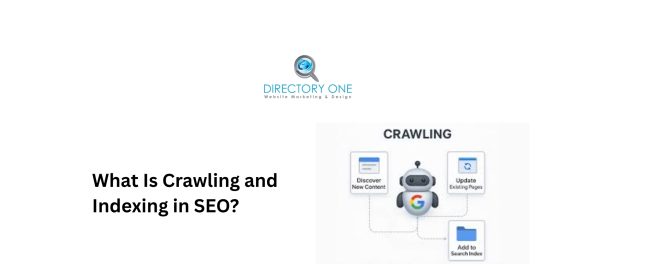
Your website could have the best content on the internet — and still not show up in Google. Why? Because if search engines cannot find, read, and store your pages, those pages do not exist in search results. It is that simple. Understanding what is crawling and indexing — and how the two work together — is one of the most foundational concepts in SEO. It explains why some pages rank and others stay invisible. And more importantly, it tells you exactly what to fix when your pages are not showing up.
This guide breaks everything down clearly, from the basics to the fixes.
Understanding Crawling and Indexing in SEO
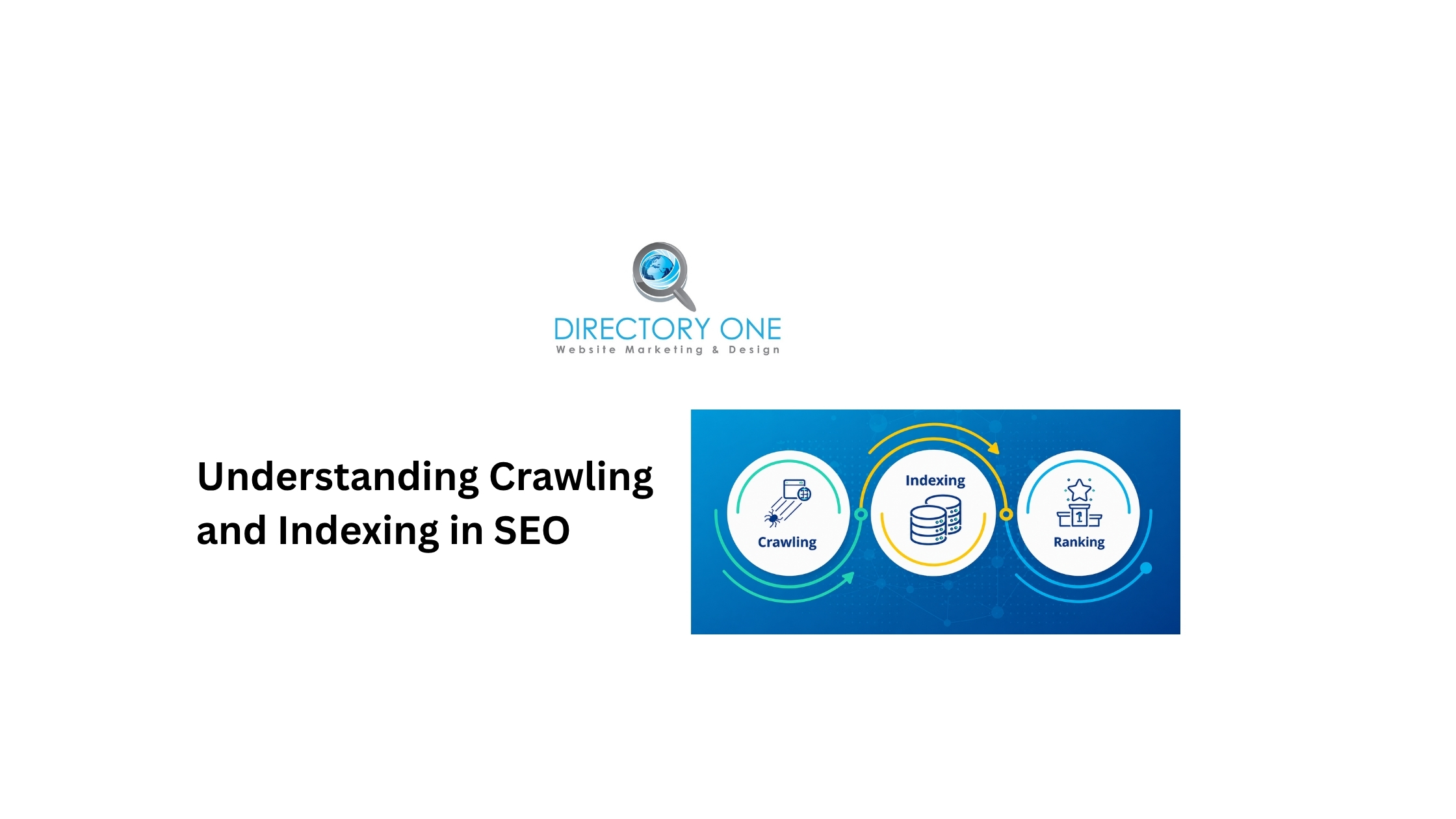
Crawling and indexing in SEO are the first two stages of how search engines discover and store web pages before ranking them.
Think of it as a library system. Crawling is the process of a librarian walking through every shelf to find and read new books. Indexing is adding those books to the catalog so anyone can find them later. Without both steps, the book exists — but nobody can locate it.
In practical terms, “what is crawling and indexing” means this: Google sends automated programs across the internet to find web pages, read their content, and store that information in a massive database called the Google index. When you search for something, Google searches its index — not the live internet.
As of 2025, Google’s search index is estimated to contain approximately 400 billion documents, consuming over 100 million gigabytes of storage, according to an analysis of Google antitrust trial testimony. Despite that scale, Google handles over 13.6 billion searches per day — all powered by data gathered through crawling and indexing.
What Does Crawl Mean in SEO?
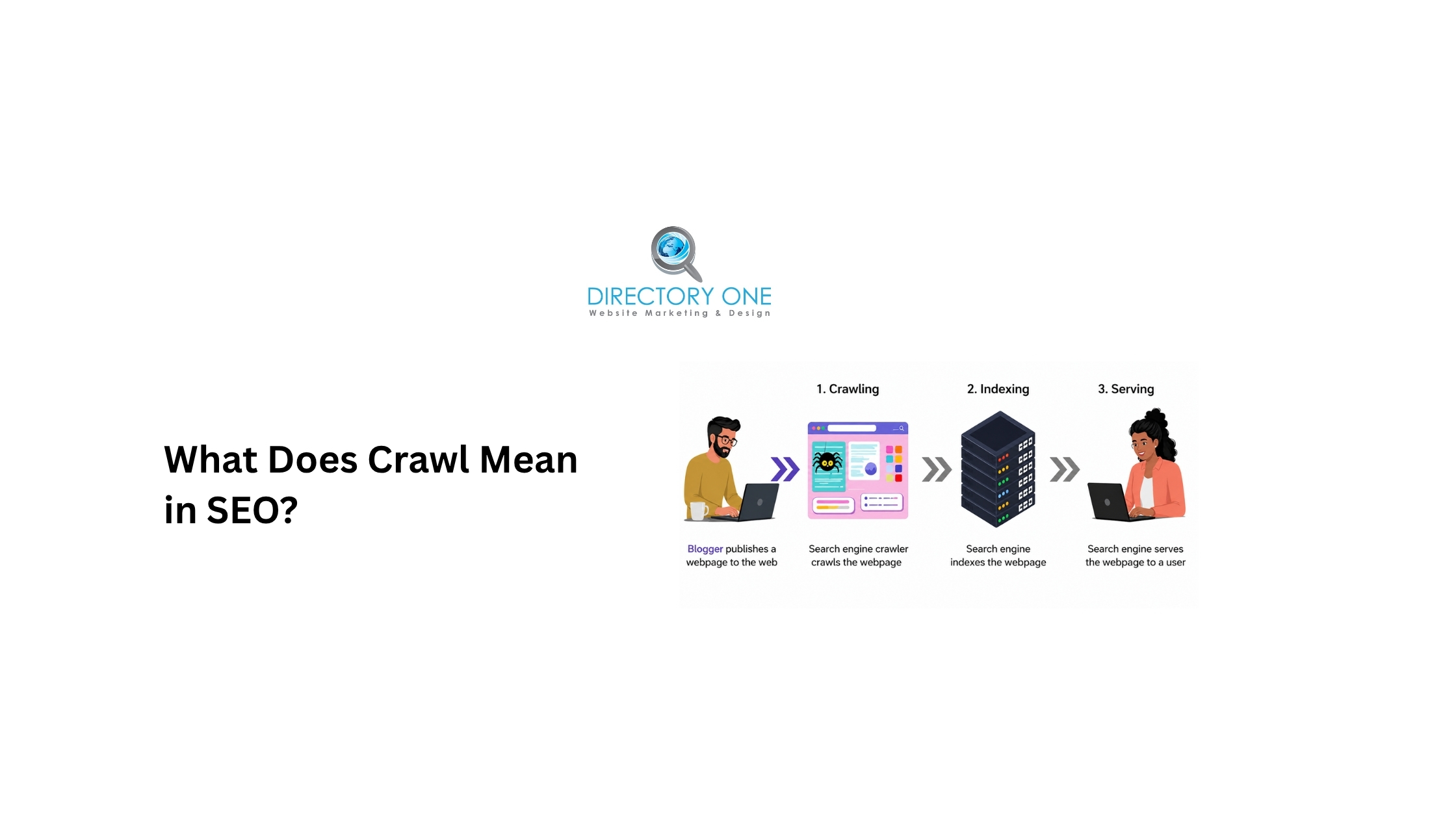
What does crawl mean in SEO? Crawling is the process by which search engine bots — primarily Googlebot — systematically visit web pages, follow links, and collect information about each page.
Search engine bots (also called web crawlers, spiders, or robots) are automated programs. They do not manually visit pages. Instead, they follow a queue of URLs to visit, starting from known pages and discovering new ones by following every link they find.
Google’s crawl process works like this:
- Googlebot starts with a list of known URLs — from previous crawls, sitemaps, and external links
- It fetches each page and reads the HTML content
- It follows every link found on that page, adding new URLs to its crawl queue
- The cycle continues continuously, revisiting pages as schedules and priorities allow
Crawl budget is a key concept here. According to Google Search Central’s crawl budget documentation, Google allocates a finite amount of crawling resources to each site. It prioritizes pages based on crawl demand (popularity, freshness, quality) and the site’s crawl capacity limit (server speed and response time).
For small and medium-sized websites with good technical health, crawl budget is rarely a concern. For large sites — thousands or millions of pages — managing it becomes critical.
What Is Indexing in SEO and How Does It Work?
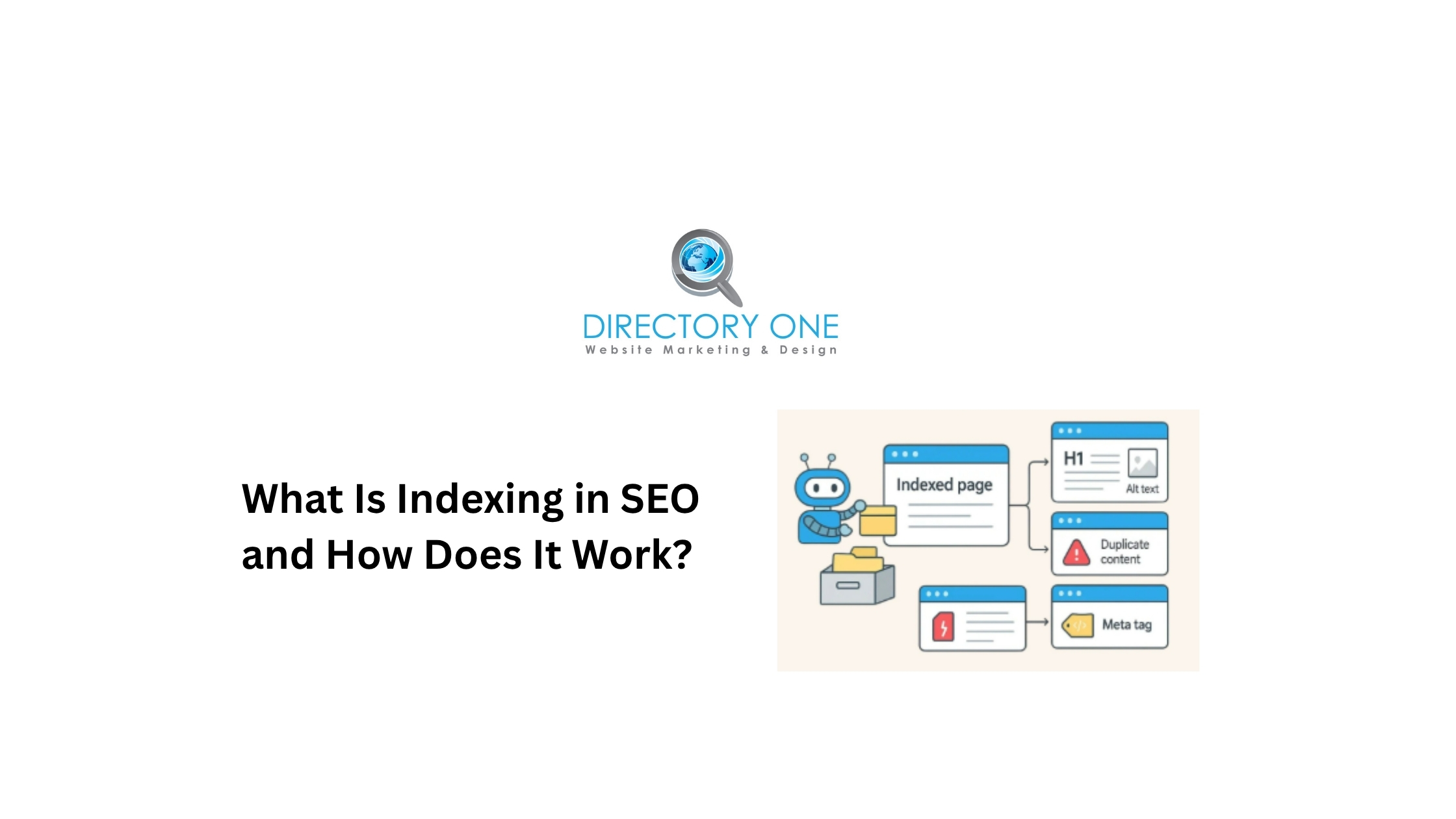
What is indexing in SEO?
Indexing is the process of storing and organizing the information collected during crawling into Google’s search index, making pages eligible to appear in search results.
Critically, not every crawled page gets indexed. According to Google’s own FAQ on crawling and indexing, indexing is not guaranteed — each page must be evaluated after crawling to determine if it offers enough value to be stored.
Research from IndexCheckr analyzing 16 million pages found that only 37.08% of tracked pages were fully indexed. The study also found that indexing rates have improved steadily from 2022 to 2025, and that 93.2% of pages that do get indexed are indexed within six months of publication.
What is Google index in SEO?
The Google index is Google’s massive database of all the web pages it has chosen to store. When someone performs a search, Google scans this index — not the live web — to find relevant results. If your page is not in the index, it will not appear in any search results, regardless of how good the content is.
What is page indexing?
Page indexing is the specific act of a single page being added to Google’s index after being crawled and evaluated. An indexed page is one that is eligible to appear in search results.
What Is the Difference Between Crawling and Indexing in SEO?
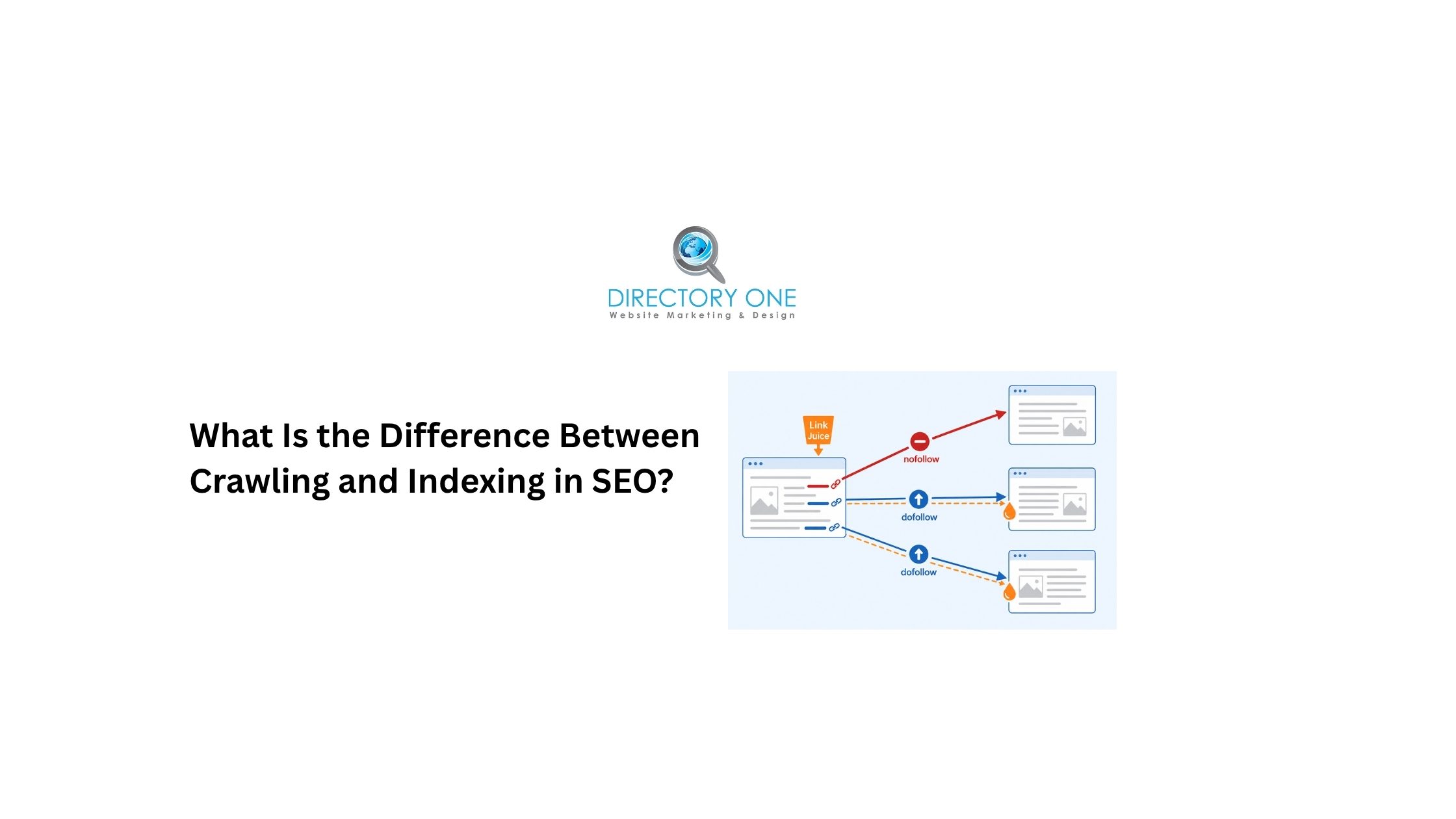
Understanding what is the difference between crawling and indexing in SEO matters because the two are related but separate, and they fail in different ways.
| Crawling | Indexing | |
| What it is | Discovery — bots find and read a page | Storage — the page is added to Google’s database |
| Who does it | Search engine bots (Googlebot) | Google’s indexing systems |
| What blocks it | robots.txt, server errors, slow speed | noindex tags, thin content, duplicate content |
| Tool to check | Search Console ? Crawl Stats | Search Console ? Page Indexing report |
| Can it happen without the other? | Yes — crawled pages can be excluded from index | No — a page must be crawled before it can be indexed |
The most important takeaway: a page can be crawled but not indexed. However, a page cannot be indexed without first being crawled. Both steps must succeed for a page to appear in search results.
Crawling, Indexing, and Ranking in SEO: How Search Engines Work
Crawling, indexing, and ranking in SEO are the three sequential stages that determine whether — and where — your page appears in search results.
Here is how search engines work (crawling, indexing, and ranking):
- Stage 1 — Crawling:
Googlebot discovers the page through a link, sitemap, or direct URL submission. It fetches the page, reads the content, and follows internal and external links.
- Stage 2 — Indexing:
Google evaluates the crawled page for quality, uniqueness, and relevance. If it passes, the page is stored in the Google index and becomes eligible to appear in search results.
- Stage 3 — Ranking:
When a user performs a search, Google scans its index and applies hundreds of ranking signals — content relevance, backlinks, page experience, E-E-A-T, and more — to determine which indexed pages to serve and in what order.
Ranking only happens after both crawling and indexing succeed. This is why technical SEO problems at the crawl or index stage can make great content completely invisible, even if it would otherwise rank.
Common Crawl Errors SEO, and Indexing Issues
Crawl errors SEO professionals encounter most frequently include:
- 404 Not Found errors.
The bot tried to visit a page that no longer exists. These are common after site restructures, deleted pages, or changed URLs. While a handful of 404s are normal, large numbers signal broken link architecture that wastes crawl budget.
- Server errors (5xx).
When your server fails to respond, Googlebot cannot read the page. Persistent 5xx errors tell Google your site is unreliable, which reduces crawl frequency over time.
- Blocked by robots.txt.
Accidentally blocking important pages in your robots.txt file prevents Googlebot from accessing them entirely. This is one of the most common causes of pages not being crawled — and it is completely self-inflicted.
- Soft 404s.
Pages that return a 200 OK status code but display “no results found” or minimal content. Google treats these as low-value pages and may exclude them from the index.
- Redirect chains and loops.
Multiple sequential redirects slow down Googlebot and consume crawl budget inefficiently. Redirect loops — where A redirects to B, which redirects back to A — prevent pages from being crawled at all.
- Noindex tags applied accidentally.
A single line of code (<meta name=”robots” content=”noindex”>) prevents a page from being indexed. Accidentally applying this during development or site migrations can take entire sections of a site out of the index overnight.
Signs of Index Bloat in SEO
Signs of index bloat in SEO appear when Google has indexed far more pages than your site actually needs or benefits from. This dilutes your crawl budget, confuses Google about your site’s topical focus, and can suppress the rankings of your best pages.
Key signs of index bloat:
- Google Search Console’s Page Indexing report shows significantly more indexed pages than you have published
- Many indexed URLs contain URL parameters, session IDs, or faceted navigation combinations
- Duplicate or near-duplicate pages appear for the same content in slightly different formats
- Thin pages — tag archives, empty category pages, paginated pages with little unique content — are appearing in the index
- Your crawl stats show Googlebot spending time on low-value pages instead of your key content
How to address index bloat?
Use canonical tags to point Google toward preferred versions of duplicate pages. Block unnecessary parameter-generated URLs via robots.txt or Google Search Console’s URL parameter settings. Apply noindex tags to pagination, tag, and archive pages that add no unique value. Then monitor the Page Indexing report as changes propagate.
How to Fix Page Indexing Issues and Improve Website Visibility?
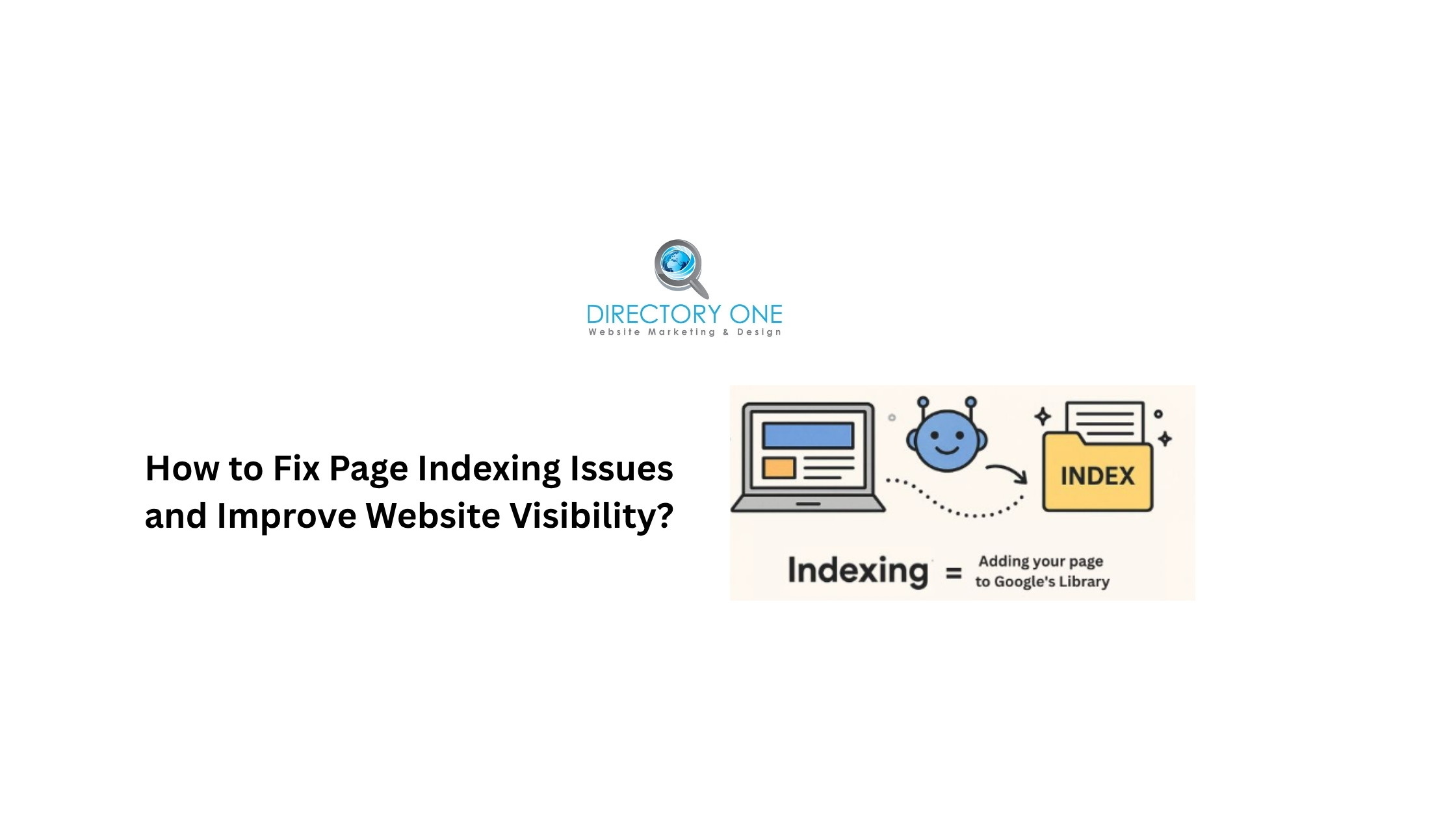
How to fix page indexing issues depends on the specific cause. Here is a prioritized approach to improving website visibility:
- Step 1: Audit your Page Indexing report.
Open Google Search Console and navigate to Indexing ? Pages. Review each reason for non-indexing. Common reasons include “Crawled — currently not indexed,” “Discovered — currently not indexed,” and “Page with redirect.” Each has a distinct fix.
- Step 2: Fix robots.txt blocks.
Visit yourdomain.com/robots.txt and verify no important pages or directories are accidentally disallowed. Use the robots.txt tester in Search Console to check specific URLs.
- Step 3: Submit an XML sitemap.
A sitemap tells Google which pages you consider most important. Submit it through Search Console under Indexing ? Sitemaps. Keep it updated — include only canonical, indexable pages.
- Step 4: Improve internal linking.
Pages with no internal links pointing to them — orphan pages — are difficult for Googlebot to discover and rarely get indexed. Add relevant internal links from strong, established pages to your new or underperforming pages.
- Step 5: Improve content quality.
Google explicitly filters out thin, duplicate, and low-value pages from the index. If a page keeps getting crawled but never indexed, the most likely cause is insufficient content quality. Expand, improve, and differentiate the content.
- Step 6: Request indexing via URL Inspection.
For priority pages that should be indexed, use the URL Inspection tool in Search Console to fetch and request indexing. This is not a guarantee, but it does prompt Google to re-evaluate the page sooner.
- Step 7: Fix server errors.
Monitor your server’s response time and resolve any persistent 5xx errors. A slow or unreliable server actively suppresses crawl frequency.
Crawling Tools for SEO
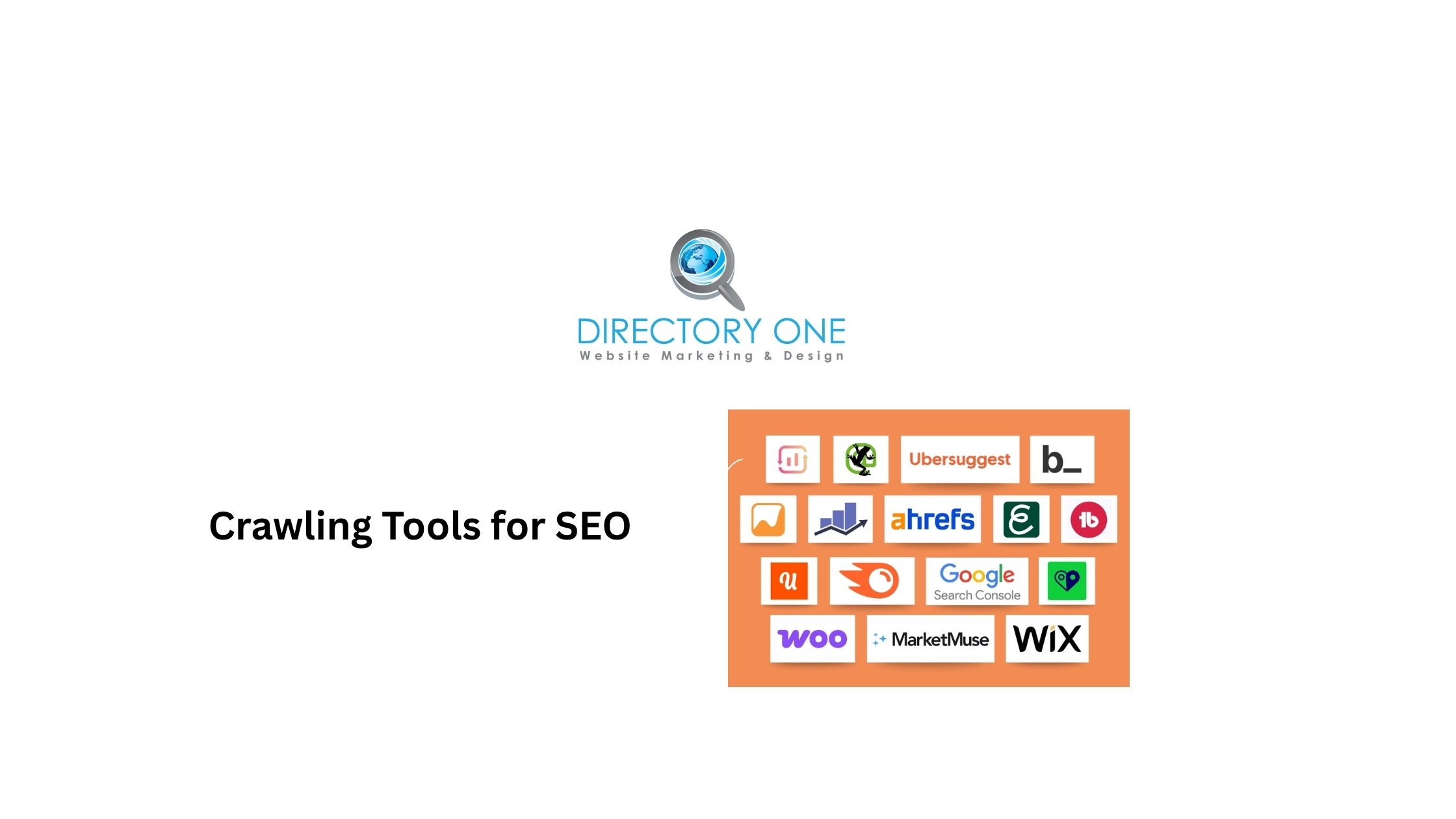
These crawling tools for SEO help you identify and fix issues before they affect rankings:
- Google Search Console (Free)
The essential starting point. The Crawl Stats report shows how often Googlebot visits your site, which pages it is spending time on, and which responses it is receiving. The Page Indexing report details why specific pages are or are not indexed. Every website should have a Search Console set up before anything else.
- Screaming Frog SEO Spider (Free up to 500 URLs / Paid)
A desktop technical SEO crawler that simulates how Googlebot crawls your site. It surfaces broken links, redirect chains, missing meta tags, duplicate content, blocked pages, and more. Indispensable for larger sites.
- Ahrefs Site Audit
A cloud-based SEO content crawler that runs scheduled audits and tracks crawl health over time. Strong for monitoring index coverage changes and catching new technical issues before they compound.
- Semrush Site Audit
Similar in scope to Ahrefs, with an intuitive dashboard for prioritizing crawl and indexing issues by severity.
- Sitebulb
A desktop crawler with excellent visualization features for site architecture and internal link analysis. Useful for understanding how crawl budget flows through a site.
For most websites, starting with Google Search Console and Screaming Frog covers the critical bases at low or no cost.
How to Check Indexed Pages and Indexing Status in Google?
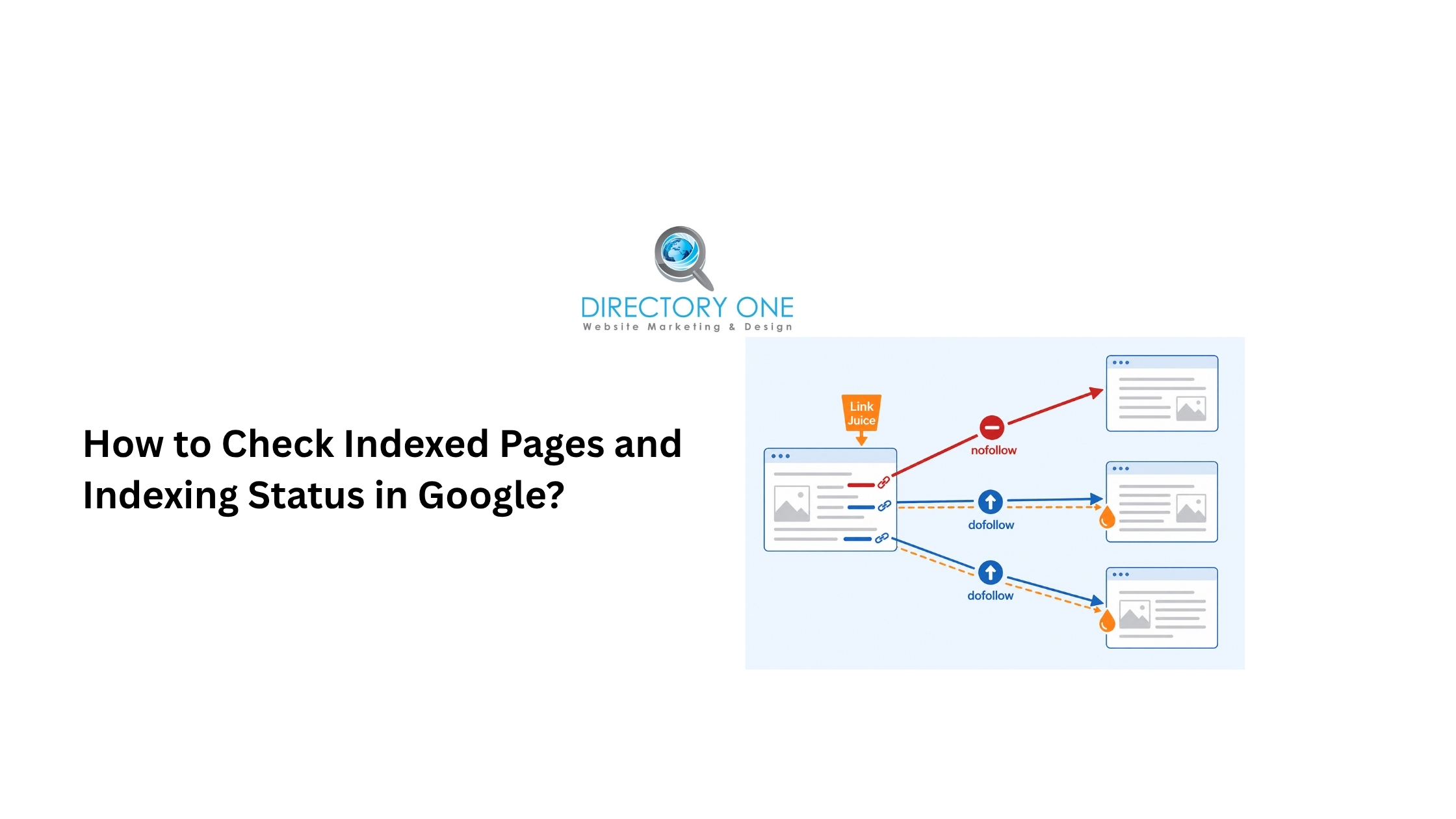
How to check when the page became indexed in Google and its current indexing status:
- Method 1: URL Inspection in Google Search Console.
Enter any URL into the URL Inspection tool. It shows the last crawl date, indexing status, coverage issues, and mobile usability data. This is the most accurate way to verify whether a specific page is indexed and when Google last visited it.
- Method 2: site: search operator.
Type site:yourdomain.com into Google. The results represent the pages Google currently has indexed from your domain. While not perfectly accurate, it gives a useful overview. For a specific page, use the site:yourdomain.com/specific-page-url.
- Method 3: Page Indexing report in Search Console.
Under Indexing ? Pages, you can see all indexed pages, all non-indexed pages with reasons, and trends over time. Filter by “Indexed” to see your total indexed page count. Filter by specific non-indexing reasons to build a prioritized fix list.
- Method 4: Crawl Stats report.
This shows Googlebot’s crawling activity over the past 90 days — total requests, response codes, and crawled file types. A sudden drop in crawl activity can signal a technical problem affecting your entire site.
Website visibility score reflects how much of your site is accessible and indexed correctly. Improving it requires addressing the crawl and indexing issues identified in the tools above.
Need Help With Crawling, Indexing, and Technical SEO?
If your pages are not showing up in Google — or you are not sure why traffic is declining — Directory One’s technical SEO team can identify and fix the issues holding your site back.
Our SEO services include:
- Search Engine Optimization — full-service organic growth for Houston and national businesses
- Content Marketing Solutions — content strategy built for indexing and ranking
- Blog Posting Services — consistent, crawlable, optimized content
- Website Design Houston — technically sound sites built to be crawled and indexed efficiently
- Pay Per Click Management — immediate visibility while SEO builds
Call us at 713.269.3094 or visit directoryone.com to schedule a consultation.
Summing Up
If you wonder “What is crawling and indexing?”, well, these are not just technical concepts — it is the gateway to all SEO performance.
If Googlebot cannot crawl your pages, they will never be indexed. If they are not indexed, they will never rank. Every ranking strategy — content quality, backlinks, on-page optimization — depends on this foundation being solid first.
Start with Google Search Console. Review your Page Indexing report. Fix what is blocking your most important pages. Then build from there.
About The Author
