





GitHub Copilot for Writing: Complete Guide to Documentation, Features, and Use Cases
Artificial intelligence is transforming how developers write code and maintain technical documentation. Tools like GitHub Copilot are no longer used only for coding suggestions; they are increasingly valuable for documentation and technical writing tasks. Many development teams now rely on GitHub Copilot for writing code comments, generating documentation, and explaining complex functions directly within their coding environment. By combining AI assistance with developer input, teams can create clearer documentation while improving productivity.
This guide explains how Copilot works, how developers can use it for documentation writing, and the practical benefits it offers in real development environments.
What Is GitHub Copilot and How It Works
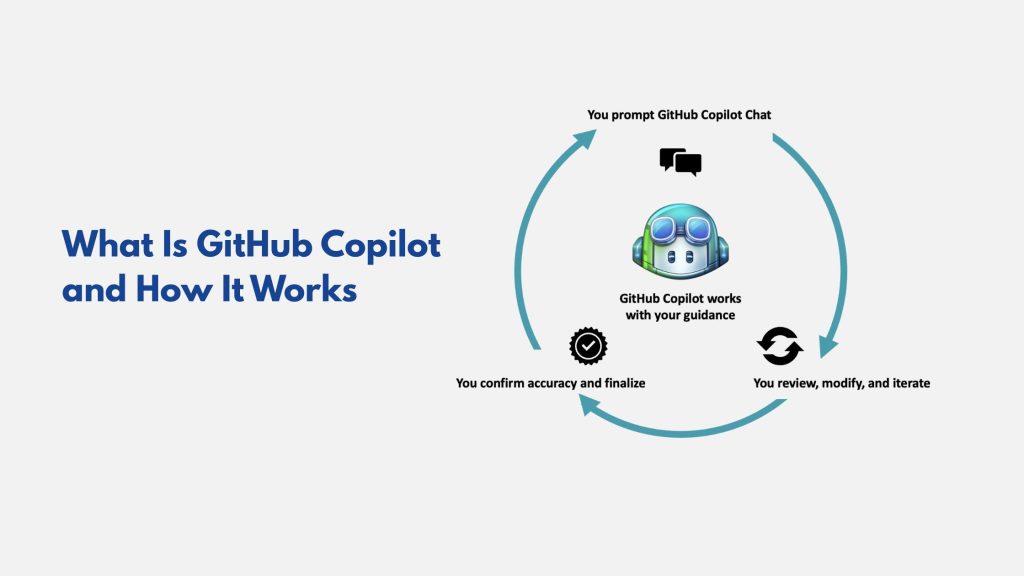
GitHub Copilot is an AI-powered development assistant that suggests code, explanations, and documentation while developers write software. It works by analyzing the context of the code being written and generating suggestions that align with the structure and logic of the project.
The tool integrates with development environments such as Visual Studio Code and other IDEs. Once installed, Copilot continuously analyzes the developer’s input and produces relevant suggestions for code blocks, comments, and explanations.
When used as GitHub Copilot for writing, the system can interpret code functions and generate documentation explaining how they work.
For example, a developer writing a function to process data might receive suggestions that automatically describe the function’s purpose, parameters, and expected output. This capability significantly improves documentation quality while reducing manual writing effort.
Key Features That Make Copilot Useful for Writing
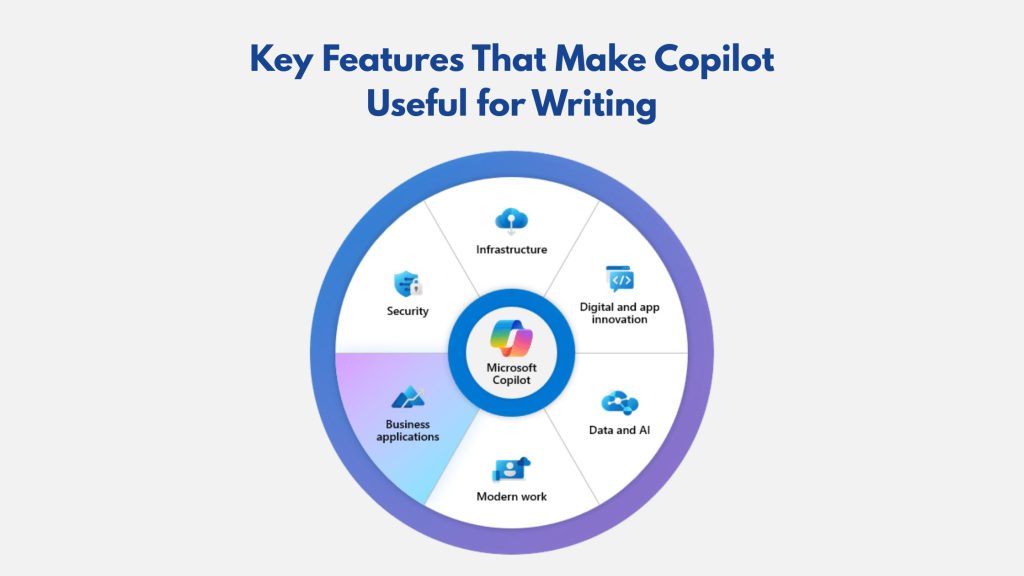
Several important capabilities make Copilot effective not only for coding but also for documentation writing. These GitHub Copilot advanced features support developers in creating structured explanations and maintaining consistent documentation across projects.
Contextual Code Understanding
Copilot analyzes the surrounding code to understand its purpose and structure. This context allows the AI to generate explanations that accurately describe how functions and modules operate.
Automated Comment Generation
Developers can begin a comment line and allow Copilot to generate a full description of the code section. This feature is particularly useful when documenting APIs or complex logic.
Function Explanation
Copilot can analyze a block of code and produce a natural language explanation summarizing what the function does. This capability makes GitHub Copilot for writing useful when documenting large projects with multiple modules.
Documentation Draft Creation
Developers can request summaries, explanations, or documentation sections based on the code context. These drafts can then be refined to match documentation standards used by the team.
These features collectively make Copilot one of the most efficient documentation writing tools available for developers.
GitHub Copilot vs Traditional Documentation Methods
The value of AI-assisted writing becomes clearer when comparing Copilot with traditional documentation approaches.
| Feature | Traditional Documentation | GitHub Copilot for Writing |
| Documentation creation | Written manually by developers | AI generates draft explanations |
| Time required | Often time-consuming | Faster initial documentation |
| Consistency | Depends on individual developers | More consistent suggestions |
| Integration with coding | Separate documentation tools | Works inside code editor |
| Updating documentation | Often delayed | Can be generated during coding |
This comparison shows how GitHub Copilot for writing improves productivity and encourages developers to maintain documentation as part of the coding workflow.
Copilot vs ChatGPT vs Other AI Coding Assistants
Developers today can choose from several AI-powered tools to assist with coding, documentation, and problem-solving. While GitHub Copilot is widely used inside development environments, other AI tools such as ChatGPT, Amazon CodeWhisperer, and Tabnine also support software development tasks.
| Feature | GitHub Copilot | ChatGPT | Amazon CodeWhisperer | Tabnine |
| Primary Purpose | AI coding assistant integrated in IDEs | Conversational AI for coding help and explanations | AI coding assistant focused on AWS development | Code completion assistant |
| Documentation Generation | Can generate code comments and explanations | Can generate full documentation and tutorials | Limited documentation assistance | Basic comment suggestions |
| IDE Integration | Strong integration with IDEs like VS Code | Mostly web-based or API-based | Works with several IDEs | Integrates with multiple IDEs |
| Real-time Code Suggestions | Yes | No real-time IDE suggestions | Yes | Yes |
| Best Use Case | Coding and GitHub Copilot documentation generation | Problem solving and learning concepts | Cloud-focused development | Code completion |
| Learning Curve | Easy for developers already using GitHub | Simple conversational interface | Moderate | Easy |
Understanding this comparison can help developers choose the best solution for coding assistance and documentation workflows.
While GitHub Copilot for writing focuses on generating suggestions within the coding environment, other tools offer broader AI capabilities such as problem explanations, debugging assistance, and technical content generation.
Step-by-Step Tutorial Using GitHub Copilot for Writing Documentation
Understanding how to implement GitHub Copilot for writing becomes easier when following a clear tutorial workflow. The process below outlines how developers typically generate documentation and comments using Copilot within their development environment.
Step 1: Install GitHub Copilot in Your Code Editor
To begin using Copilot, install the extension inside a supported development environment such as Visual Studio Code.
Once installed, sign in with your GitHub account to activate the AI assistant.
Step 2: Open a Project and Start Writing Code
After installation, open a development project in the editor. Copilot will analyze the project files and code structure to understand context. At this stage, the AI begins generating suggestions based on the code you write.
Step 3: Prompt Copilot to Generate Documentation
To use GitHub Copilot for writing documentation, developers typically start by writing a comment prompt.
Example:
# explain what this function does

Copilot will then generate a suggested explanation describing the function. Developers can press “Tab” to accept the suggestion or edit it to improve accuracy.
Step 4: Generate Function Documentation
Developers can also ask Copilot to produce structured documentation, such as function descriptions or parameter explanations.
Example prompt:
# write documentation for this function

Copilot may generate content like:
- Function description
- Input parameters
- Expected output
This process helps teams generate documentation with GitHub Copilot quickly during development.
Step 5: Review and Refine the Generated Documentation
Although Copilot can generate useful documentation drafts, developers should always review the content to ensure it accurately describes the code.
This review step helps maintain quality and ensures that GitHub Copilot documentation generation produces reliable explanations.
Benefits of Using GitHub Copilot for Writing
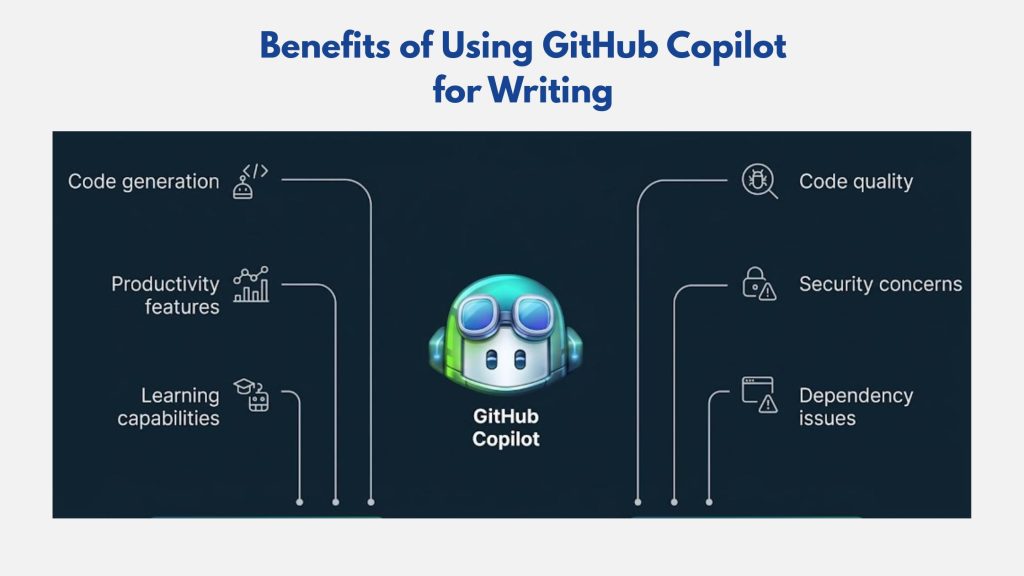
There are several important benefits of GitHub Copilot for developers and organizations managing complex codebases.
Improved Productivity
AI-generated suggestions reduce the time required to write both code and documentation.
Better Documentation Consistency
Copilot produces structured explanations that help maintain consistent documentation across projects.
Reduced Manual Work
Developers no longer need to write every documentation section from scratch.
Faster Knowledge Sharing
Clear documentation generated during development helps teams collaborate more effectively.
These advantages make GitHub Copilot for writing a valuable tool for modern development workflows.
Summing Up
Artificial intelligence is changing the way developers create both code and documentation. Tools like GitHub Copilot for writing enable developers to generate explanations, comments, and documentation drafts directly within their coding environments.
For organizations seeking to strengthen their technology content strategy and digital visibility, the team at Directory One provides SEO-driven content development and marketing solutions designed to attract targeted audiences and support business growth.
Call (713) 465-0955 to learn how our experts can support your digital marketing strategy.
About The Author
