





Best AI Powered Video Editing Tool for Beginners in 2026
Video content is everywhere. From social media to business marketing, video drives engagement. But for some, traditional editing tools can feel overwhelming for beginners. In that case, choosing the best AI powered video editing tool is important.
AI has changed everything. You do not need to be a professional editor to create great video content anymore. What used to take hours — cutting clips, adding captions, syncing audio, exporting for different platforms — now takes minutes. And the tools doing this work are more beginner-friendly than ever.
But with dozens of options available, picking the right one is confusing. So this guide cuts through the noise. It covers the best AI powered video editing tools in 2026, what each one is best for, and exactly how to use them to create content that actually performs.
Let’s get into it.
Why AI Video Editing Tools Are Dominating in 2026
The global AI video generator market is projected to explode from $1.81 billion in 2026 to over $21 billion by 2034. That kind of growth does not happen by accident. It is happening because video demand is skyrocketing, too.
This is occurring because AI-powered video editing reduces post-production time by an average of 60%. In fact, 93% of marketers identified video as a key part of their overall strategy.
Modern tools no longer require hours of manual frame-by-frame adjustments. Instead, they use generative AI to automate complex tasks like rotoscoping, background removal, and color grading.
Besides, approximately 75% of video marketers now use AI to assist with their content creation. This technology allows beginners to produce professional-grade content that once required a full production team.
Then what is the problem? Most businesses still do not have the time, budget, or team to produce professional video consistently. That is exactly where AI video editing tools online step in.
AI tools now handle the tedious work automatically. They can:
- Auto-cut silences and filler words from raw footage
- Generate captions with 95%+ accuracy
- Resize video to fit every platform in one click
- Suggest and apply B-roll, transitions, and music
- Turn a long video into multiple short clips for social media
For beginners, this is a game-changer. You do not need editing experience. You need a good tool and a clear strategy.
Best AI-Powered Video Editing Tool for Beginners (Top Picks)
Are you wondering which AI video editing tool is best for beginners? When searching for the best ai powered video editing tool, beginners should prioritize ease of use and automated features.
1. CapCut — Best Free All-in-One Tool
Best for: Beginners who want fast social media videos with zero learning curve.
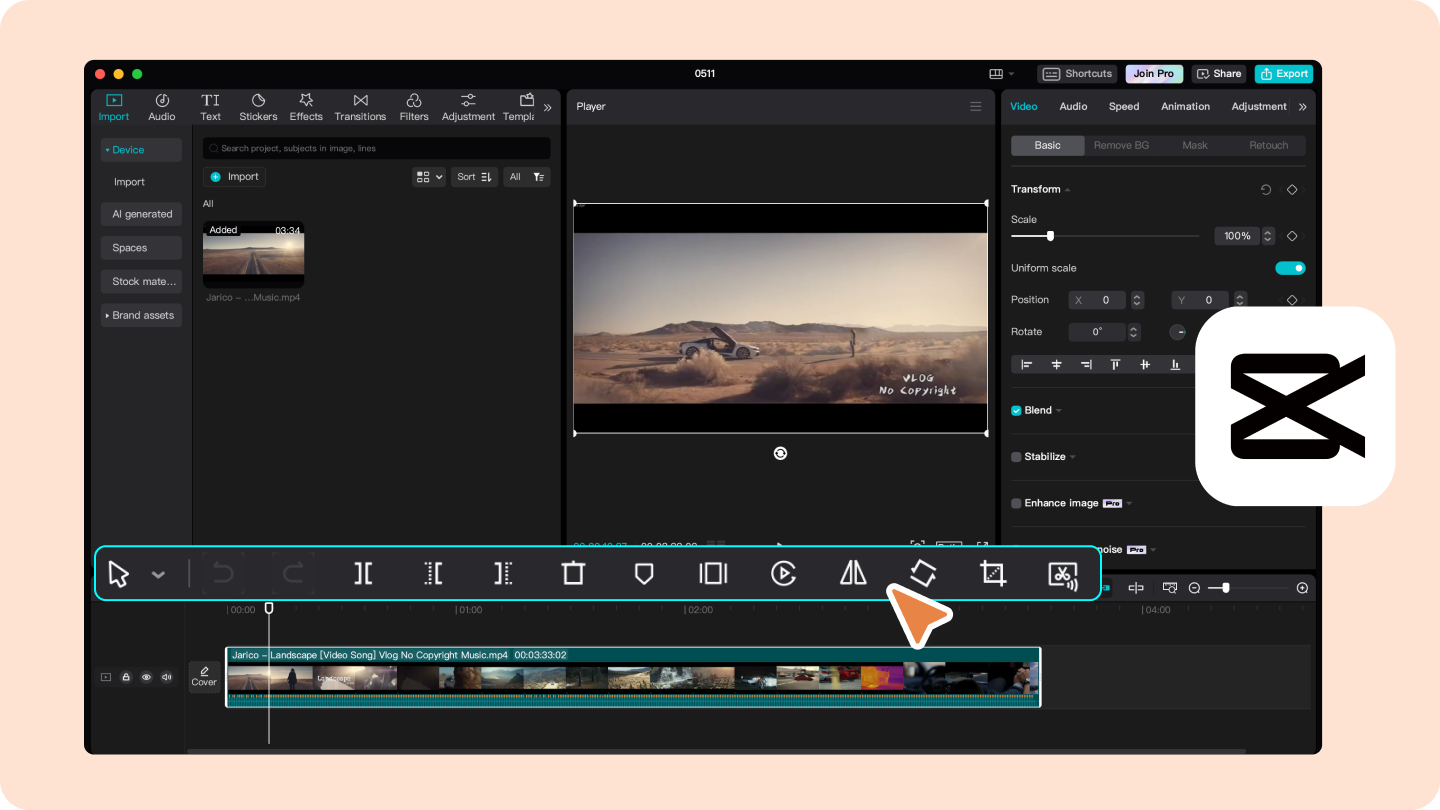
CapCut is arguably the most beginner-friendly free easy video editing tool available right now. Its AI features are deeply integrated and genuinely useful — not just gimmicks.
Key AI features:
- Auto-captions with speaker detection
- Smart cut (removes silences and filler words automatically)
- Background removal without a green screen
- AI-powered text-to-video generation
- Template library designed specifically for TikTok, Instagram Reels, and YouTube Shorts
Who it is for: Content creators, small business owners, and social media marketers who need fast, polished output without complex timelines.
Cost: Free with a Pro tier available.
2. Descript — Best for Podcast and Talking-Head Video
Best for: Beginners who want to edit video the way you edit a document.
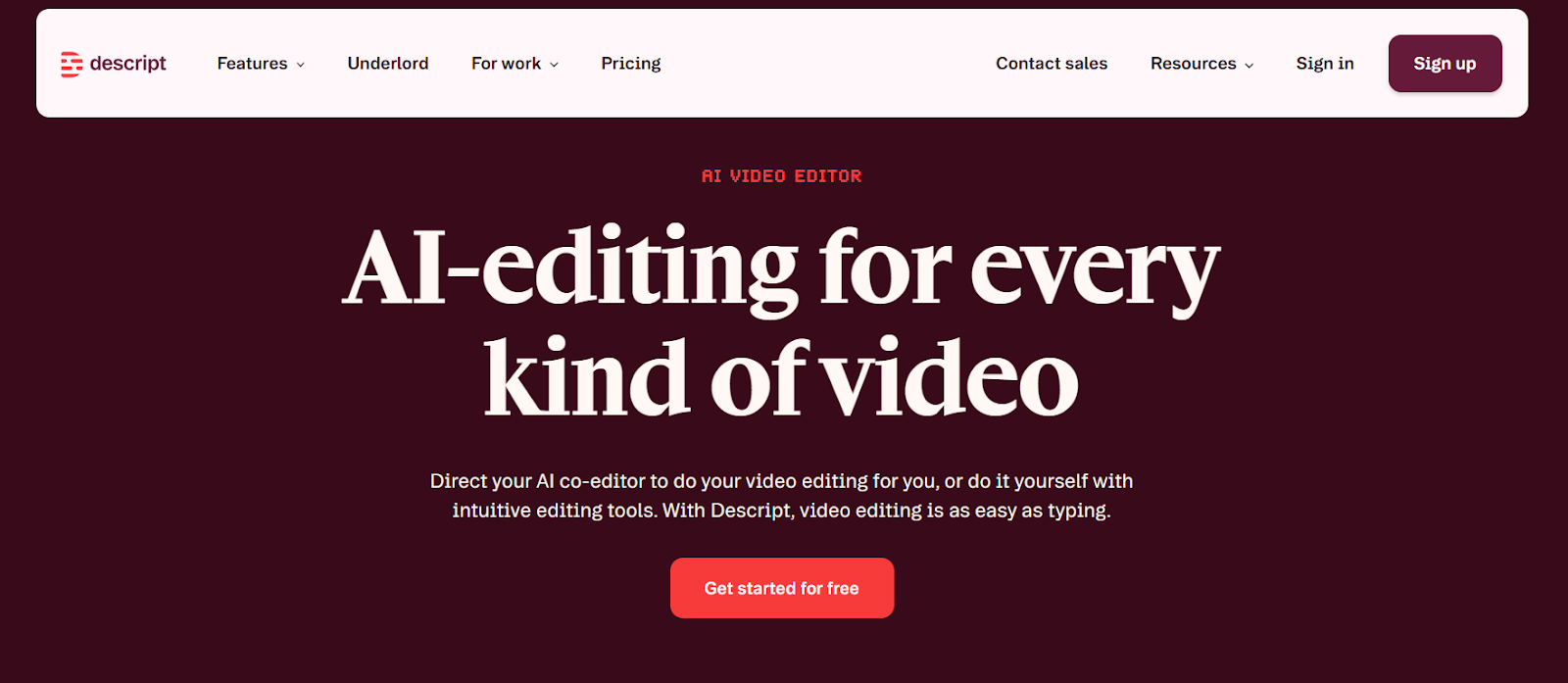
Descript is unique. Instead of a traditional video timeline, it converts your video to a transcript — and you edit by editing the text. Delete a word, and the corresponding video clip disappears. It is the most intuitive AI tools for video creation and editing for anyone intimidated by traditional editing software.
Key AI features:
- Automatic transcription and text-based video editing
- AI voice cloning to fix mispronounced words without re-recording
- Filler word removal (removes all “um,” “uh,” and “like” instances in one click)
- Screen recording with AI editing built in
Who it is for: Podcasters, marketers, educators, and anyone creating talking-head or interview-style video.
Cost: Free plan available. Paid plans start at $12/month.
3. Runway ML — Best for Cinematic and Creative Video
Best for: Creators who want professional-level AI video generation and effects.
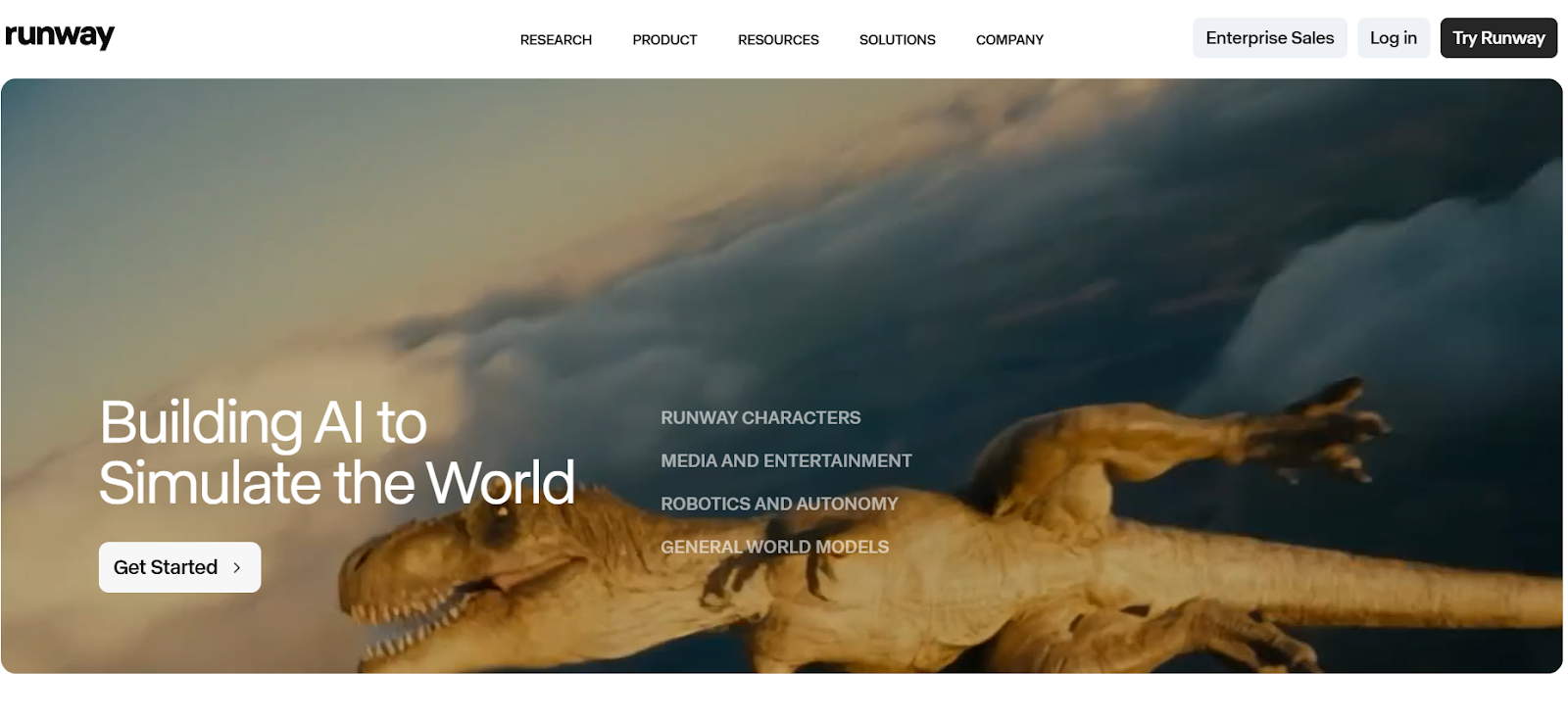
Runway is the Pro Tools video editing choice for creators who want more creative control. Its Gen-3 model sets the standard for AI-generated video quality. Runway has raised over $237 million in funding and is considered one of the most advanced platforms for professional creative AI video.
Key AI features:
- Text-to-video generation
- Video-to-video transformation (apply styles or modify existing footage)
- Background removal and scene editing
- Motion tracking and visual effects
Who it is for: Advanced beginners and creatives who want film-quality output without a full production team.
Cost: Free trial available. Paid plans from $15/month.
4. Pictory — Best for Turning Text Into Video
Best for: Marketers and bloggers who want to repurpose written content into video.
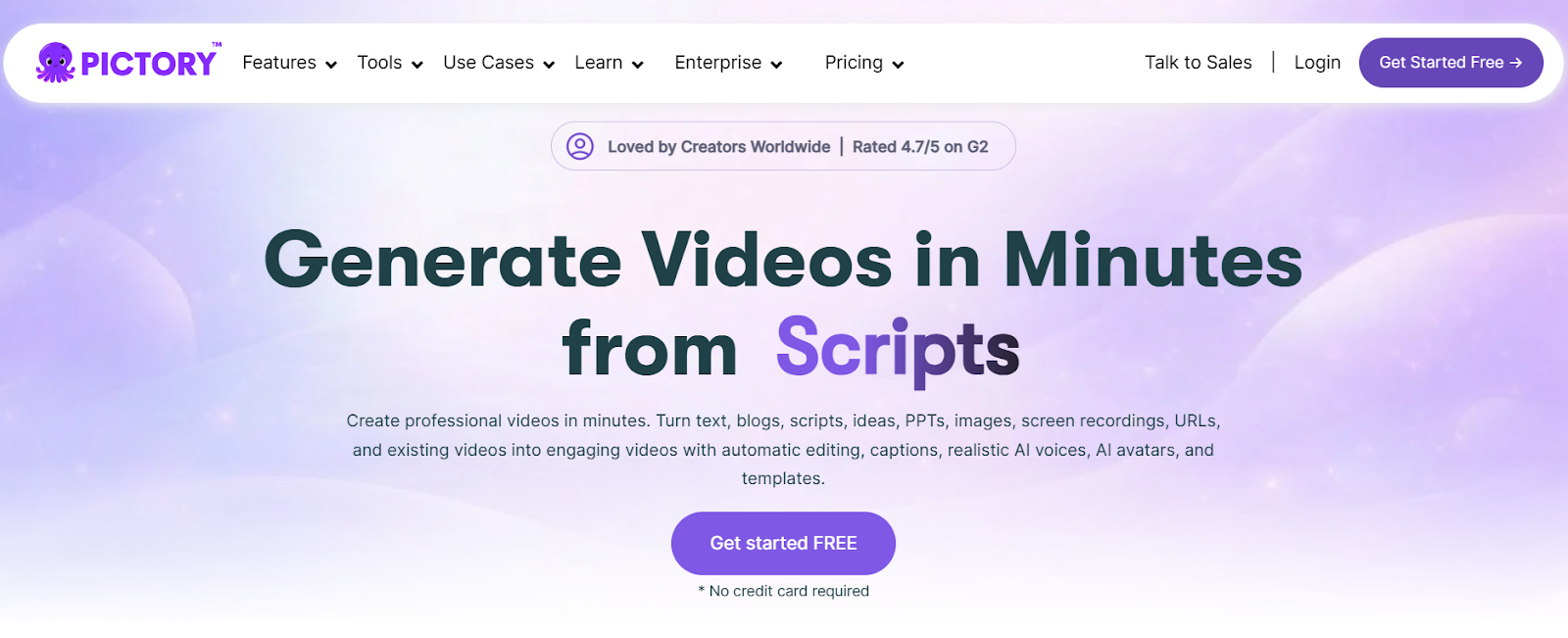
Pictory uses AI to convert blog posts, scripts, and articles into shareable video content automatically. It selects relevant stock footage, adds captions, and creates a finished video — all from a URL or pasted text.
Key AI features:
- Blog-to-video conversion
- Auto-captioning and highlight reel creation
- Brand kit integration (your colors, fonts, and logo)
- AI voiceover generation
Who it is for: Content marketers, bloggers, and businesses that want to turn existing content into video without filming anything.
Cost: Free trial available. Plans from $19/month.
5. Adobe Premiere Pro with Sensei AI — Best Pro-Level Editing
Best for: Beginners who want to grow into professional-grade video editing.
Adobe Premiere Pro is the industry standard for a reason. It is used by filmmakers, TV editors, YouTube creators, and marketing teams worldwide. It is not the simplest tool on this list — but thanks to Adobe’s built-in Sensei AI engine, it is far more beginner-accessible than it used to be.
The AI handles the repetitive, technical work automatically. That means you spend less time on the tedious parts and more time on the creative decisions that actually matter.
Key AI features:
- Auto Reframe — detects the main subject in your footage and automatically repositions it when you switch aspect ratios. No manual cropping needed.
- Speech to Text — generates accurate captions directly on your timeline in multiple languages. Edit them like text.
- Scene Edit Detection — analyzes imported footage and automatically places cut points at every scene change. Saves hours on long-form content.
- Enhance Speech — removes background noise, room echo, and audio artifacts with a single click. No audio engineering knowledge required.
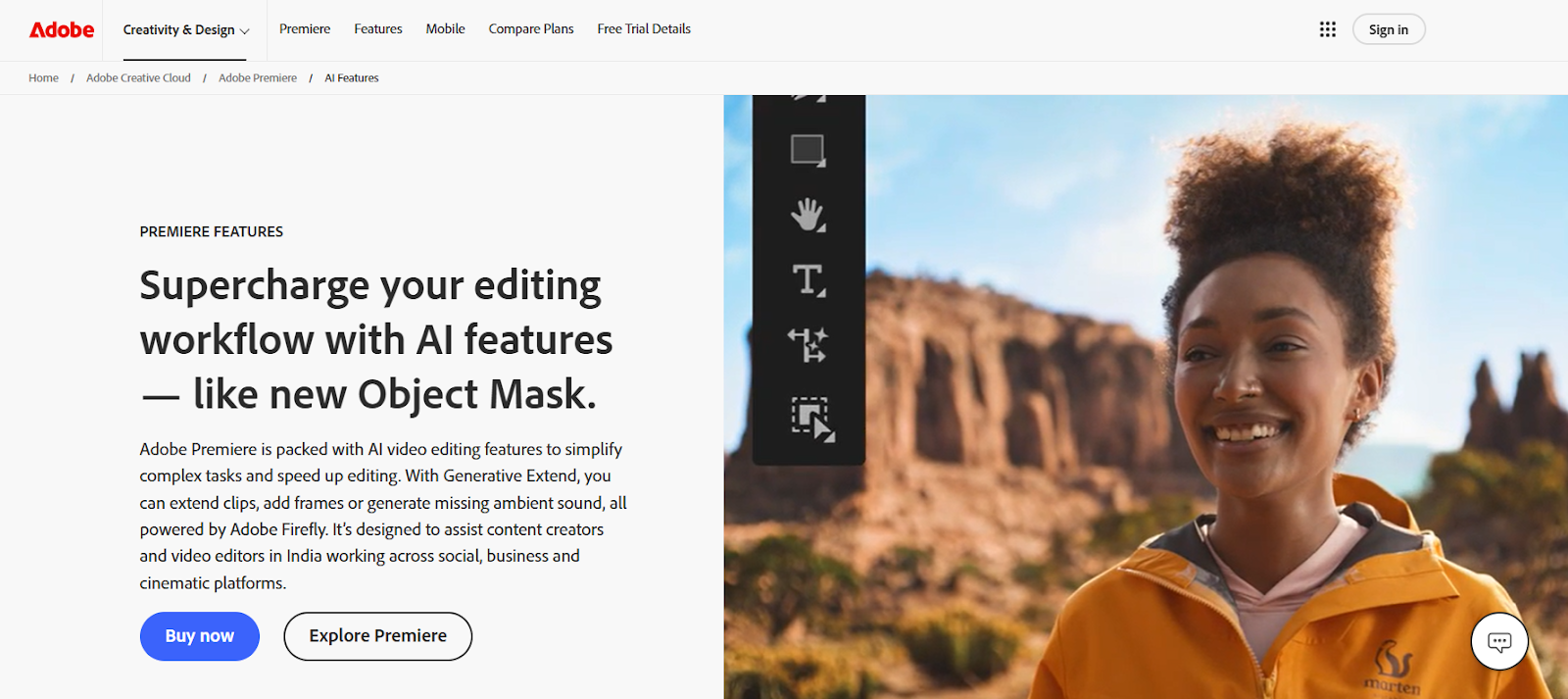
- Generative Extend — uses AI to extend a video clip by a few frames when you need to fill a small gap in the timeline. A small feature that solves a surprisingly common frustration.
What makes it worth learning: Premiere Pro integrates directly with After Effects, Audition, and Photoshop. As your skills grow, you have access to a full professional creative ecosystem without switching platforms.
6. InShot — Best Mobile-First Editor for Beginners
Best for: Creators who edit entirely on their phone and need fast, polished results.
InShot is one of the most downloaded video editing apps on both iOS and Android. It is built specifically for mobile-first creators — and it shows. The interface is clean, intuitive, and designed around the formats social media actually uses.
It is not the most powerful tool on this list. But for someone who films and edits entirely on a smartphone, InShot delivers professional-looking results faster than any desktop alternative.
Key AI features:
- AI background removal for photos and video clips
- Auto-captions with multi-language support
- AI-powered noise reduction for cleaner audio
- Smart speed ramping for cinematic slow-motion effects
Who it is for: Social media creators, small business owners, and content marketers who shoot on mobile and need to publish quickly. Especially useful for Instagram Reels, TikTok, and YouTube Shorts.
Cost: Free with ads. Pro plan at $3.99/month or $14.99/year — one of the most affordable paid tiers available.
What to Look for in the Best Tools for Social Media Video Editing?
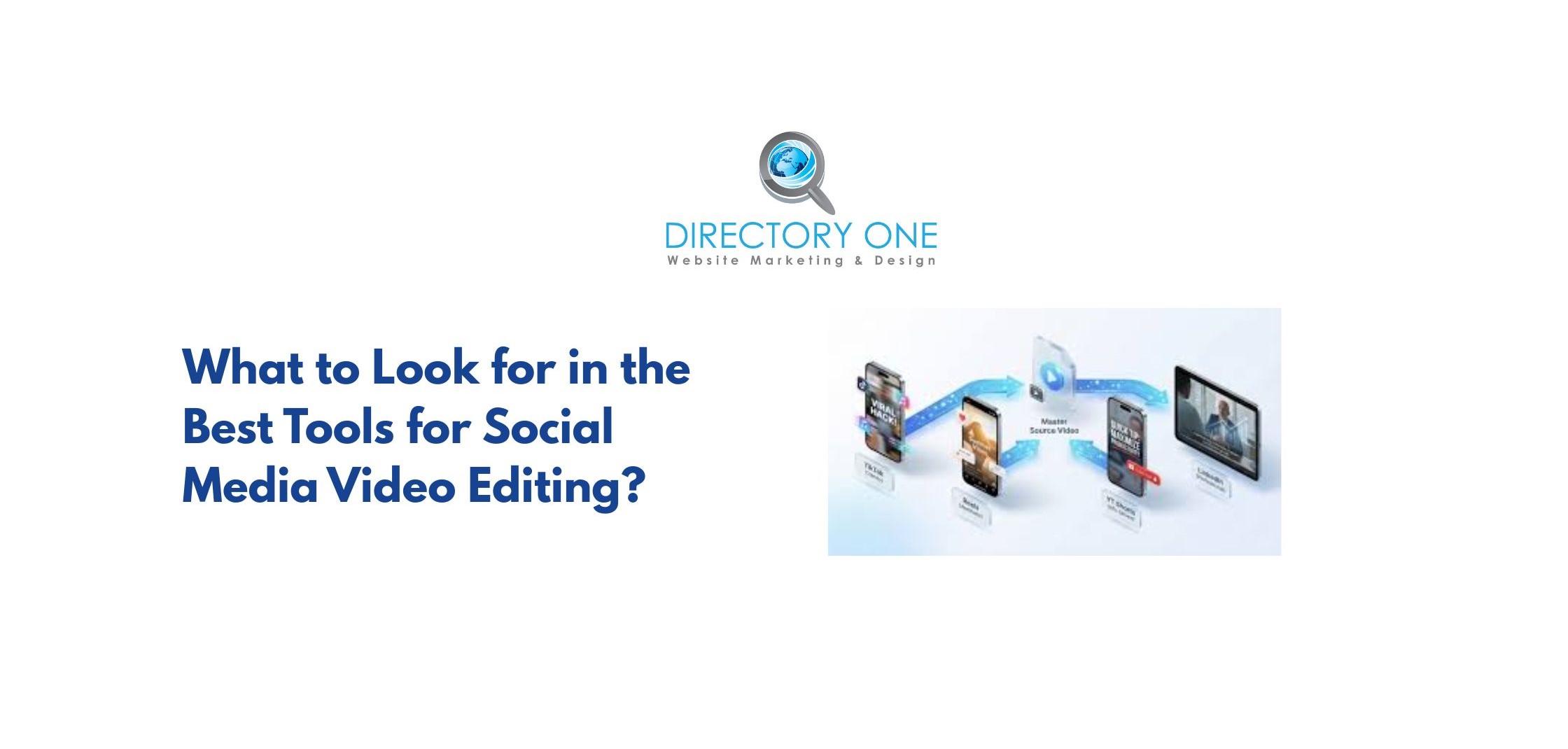
Social media video has its own demands. Each platform requires specific formats, lengths, and styles. The best tools for social media video editing account for these differences automatically.
Short-form video ads generated about $111 billion in global ad spending in 2025 — and short-form video is the most commonly used format among marketers. If you are creating for social, you cannot afford to use a tool that does not support platform-specific formats natively.
Here is what to look for in a social media video editor:
- Platform-specific resizing.
Your video needs to be 9:16 for TikTok and Reels, 1:1 for Instagram feed, and 16:9 for YouTube. A good tool resizes in one click without cropping important content.
- Auto-captions.
85% of mobile videos are watched without sound. If your video does not have captions, you are losing most of your audience. Look for AI captioning that is accurate and editable.
- Template libraries.
Pre-designed templates tuned for each platform dramatically speed up production. CapCut, InShot, and Canva Video all include platform-specific templates.
Best tools by platform:
| Platform | Best Tool | Key Reason |
| TikTok / Reels | CapCut | Native integration, trending templates |
| YouTube Shorts | Descript or CapCut | Auto-cut, captions, quick export |
| LinkedIn / Facebook | Canva Video | Brand consistency, static/video mix |
| YouTube Long-form | Adobe Premiere + Sensei | Full editing control with AI assist |
| Blog repurposing | Pictory | Text-to-video without filming |
Adobe Tools for Video Editing – Are They Beginner-Friendly?
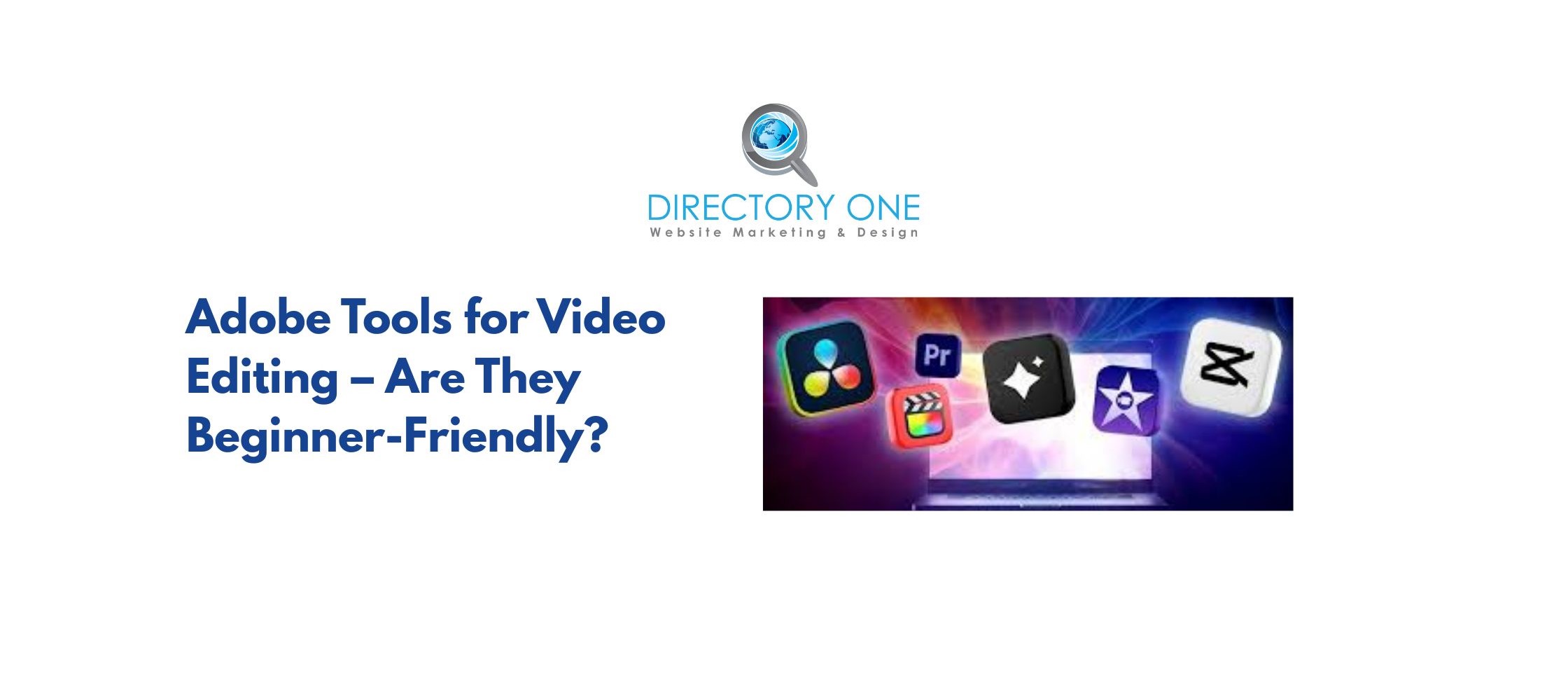
Adobe has historically been known for Pro Tools video editing. However, its 2026 updates have bridged the gap for novices.
- Adobe Premiere Elements
This is the most beginner-friendly entry in the Adobe tools for video editing lineup. It uses “Guided Edits” to walk you through tasks like adding music or fixing shaky footage. It’s a one-time purchase, making it accessible for those who dislike monthly subscriptions.
- Adobe Premiere Pro (AI Updates)
For those moving toward a professional path, Premiere Pro now includes AI-powered Object Masking. This allows you to click on a person or object, and the AI will track and mask it in seconds—a task that used to take hours.
Integrated directly into the Creative Cloud, this allows you to use text prompts to generate or extend video clips, ensuring your edits stay “commercially safe” and professional.
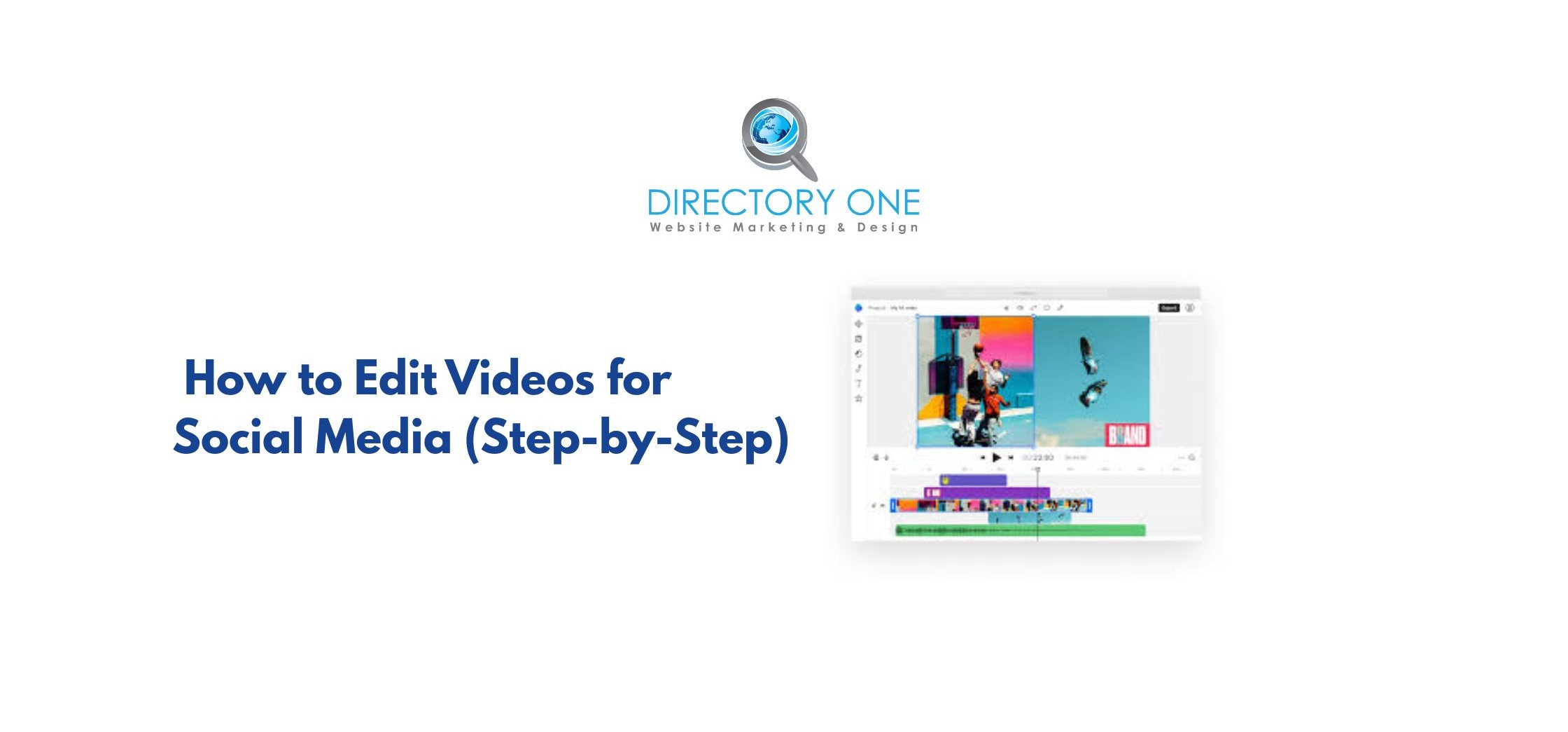
How to Edit Videos for Social Media (Step-by-Step)
1. Scripting and Ideation with AI
Start by using AI to brainstorm your hook and structure. A 2026 data shows that 54% of YouTube creators use AI specifically for script and idea generation. Tools like ChatGPT or Google Gemini can help you draft a 30-second script that is optimized for viewer retention and engagement.
2. Choosing the Right AI Video Creator
Select an AI tool for video creation and editing platform that fits your source material. If you have nothing but a script, use Invideo AI to generate visuals. If you have a long recording, use OpusClip to find the best moments. Choosing the right tool at the start saves you hours of manual work later.
3. Automated Trimming and Transcription
Upload your footage to a tool like Descript to automatically remove “umms,” “ahhs,” and long silences. Since 60% of viewers will stop watching if captions are inaccurate, use high-quality AI transcription to ensure your subtitles are 100% correct. This step ensures your video feels punchy and professional.
4. Adding AI-Generated B-Roll and Effects
Enhance your video by adding relevant B-roll clips. Tools like Gemini Veo 3.1 allow you to generate 4-8 second cinematic clips from simple text prompts, which are perfect for covering up cuts in your main footage. These visual layers keep the audience engaged and help illustrate complex points more effectively.
5. Final Polish and Optimization
Before exporting, use AI to upscale your video to 4K or apply a consistent color grade. You should also ensure your primary keyword is mentioned in the first 10 seconds. Finally, add a clear Call to Action (CTA), as videos with CTAs drive 380% more clicks than those without.
Free Easy Video Editing Tools You Can Start With Today
If you aren’t ready to invest in a paid subscription, there are several powerful, easy video editing tools free of charge.
- Kling AI 3.0: Known for its cinematic physics, it offers generous daily free credits that refresh every 24 hours, allowing you to create high-quality 4K clips for free.
- Luma Dream Machine: This is perfect for “brainstorming” and creating short, stylized viral clips with up to 30 free monthly renders.
- Canva AI: Most people know Canva for graphics, but its AI video suite allows beginners to use drag-and-drop templates to create polished social media posts in minutes.
Top AI Video Editing Tools Compared
Here is a side-by-side comparison of the top AI video editing tools discussed in this guide:
| Tool | Best For | AI Features | Free Plan | Starting Price |
| CapCut | Social media, beginners | Auto-captions, smart cut, templates | ? Yes | Free / Pro available |
| Descript | Podcast, talking-head video | Text-based editing, voice clone, filler removal | ? Yes | $12/month |
| Runway ML | Creative, cinematic video | Text-to-video, Gen-3 model, style transfer | ? Trial | $15/month |
| Pictory | Blog/content repurposing | Text-to-video, auto-captions, brand kit | ? Trial | $19/month |
| Adobe Premiere Rush | Beginner mobile editing | Auto-ducking, color correction | ? | Included in CC |
| Adobe Premiere Pro | Pro-level editing | Auto Reframe, Speech-to-Text, Enhance Speech | ? | $54.99/month |
| Canva Video | Brand-consistent social clips | Templates, resize, basic AI | ? Yes | Free / Pro $14.99/month |
| DaVinci Resolve | Traditional editing (free pro tool) | Color AI, audio AI | ? Yes | Free / Studio $295 one-time |
Conclusion
The best AI-powered video editing tool for you depends on what you are creating, where you are posting, and how much time you have.
But one thing is clear: video is no longer optional. 52% of content marketers plan to spend more on video or multimedia content in 2026. Businesses that do not adapt will fall behind the ones that do.
Start simple. Pick one tool. Create consistently. The skills compound fast.
Do you need help with professional video production and editing? Well, creating great video content takes more than a good tool. It takes strategy, experience, and consistency. At Directory One, we help businesses produce, edit, and distribute video content that actually drives results — from short social clips to full production campaigns.
For expert video editing service or full-service filming and production in Houston, call us at 713.269.3094 or visit our website https://www.directoryone.com/.
About The Author
