





Video Editing Tips to Make Engaging Social Media Videos
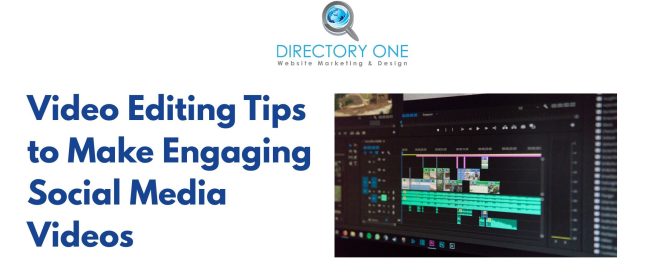
You spent hours filming. The footage looks decent. But the moment you post it, it disappears into the feed with barely a ripple. The problem usually isn’t the camera — it’s the cut. Knowing how to shape raw footage into something people actually watch until the end is the real competitive edge in 2026.
This guide covers the most effective social media video editing techniques used by professional creators, marketing teams, and leading agencies. Whether you’re handling edits yourself or evaluating affordable video editing services for small businesses, understanding these principles will transform your content strategy.
Why Social Media Video Editing Demands a Different Mindset
Traditional filmmaking gives you a theater, a dark room, and captive attention. Social media gives you 1.7 seconds before a thumb scrolls past your content. That’s not a metaphor — Facebook’s internal research found that mobile feed videos must grab attention within the first 1–3 seconds or they effectively don’t exist.
This shifts the entire editing philosophy. Where a documentary editor might build tension slowly, a social media editor front-loads the payoff and works backward. Every second must justify its existence.
Platform Pacing Is Not Universal
The right edit for TikTok will feel rushed on LinkedIn and sluggish on YouTube Shorts. Understanding native platform behavior is foundational:
| Platform | Optimal Length | Aspect Ratio | Pacing Style |
| TikTok | 15–60 sec | 9:16 | Fast cuts, trending audio |
| Instagram Reels | 15–30 sec | 9:16 | Punchy, aesthetic-forward |
| YouTube Shorts | 30–60 sec | 9:16 | Value-first, direct |
| 30–90 sec | 1:1 or 16:9 | Professional, measured | |
| YouTube (long-form) | 7–15 min | 16:9 | Story arc, chapter structure |
| Facebook Feed | 15–90 sec | 1:1 or 4:5 | Silent-friendly, caption-led |
The Hook: Social Media Video Editing Starts in the First 3 Seconds
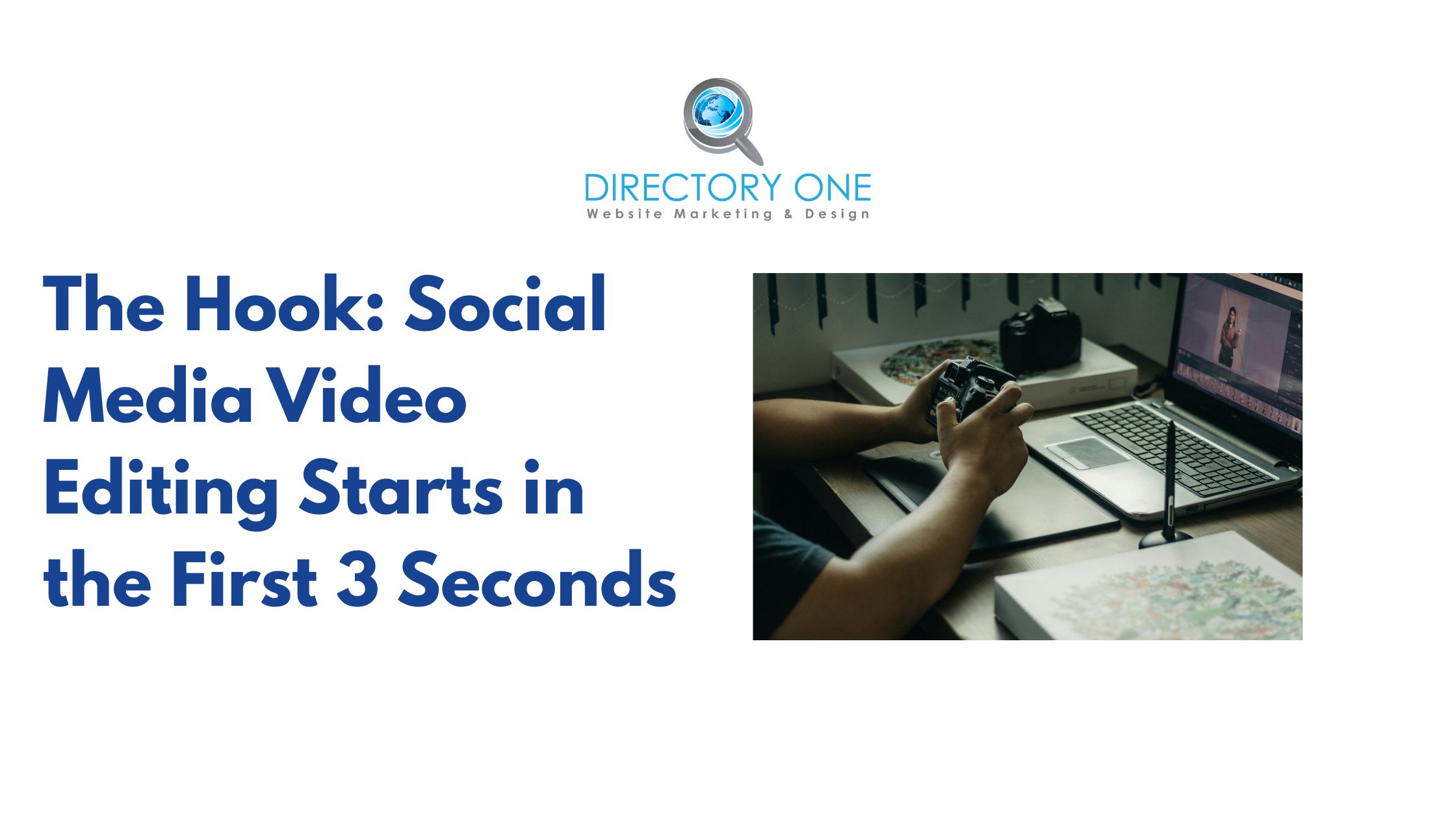
The hook is the single most important edit you’ll make. It determines whether the algorithm promotes your video or buries it. A strong hook does three things simultaneously: it disrupts pattern recognition, sparks curiosity, and promises a specific reward for continuing.
Proven hook formats that drive watch time:
- The Result-First Hook: Open with the most compelling outcome, then explain how. (“Here’s the $200K brand video we made for under $3,000.”)
- The Contradiction Hook: State something counterintuitive. (“Posting more often is killing your reach — here’s why.”)
- The Visual Disruption Hook: Lead with a striking visual cut, unexpected motion, or dramatic contrast that forces the eye to stop scrolling.
- The Question Hook: Pose a question your target audience genuinely wants answered. Make it specific, not vague.
According to video marketing research, viewers who watch the first 3 seconds of a video are 65% more likely to watch at least 10 seconds. Optimize obsessively for that window.
Pacing, Cuts, and the Rhythm of Engagement
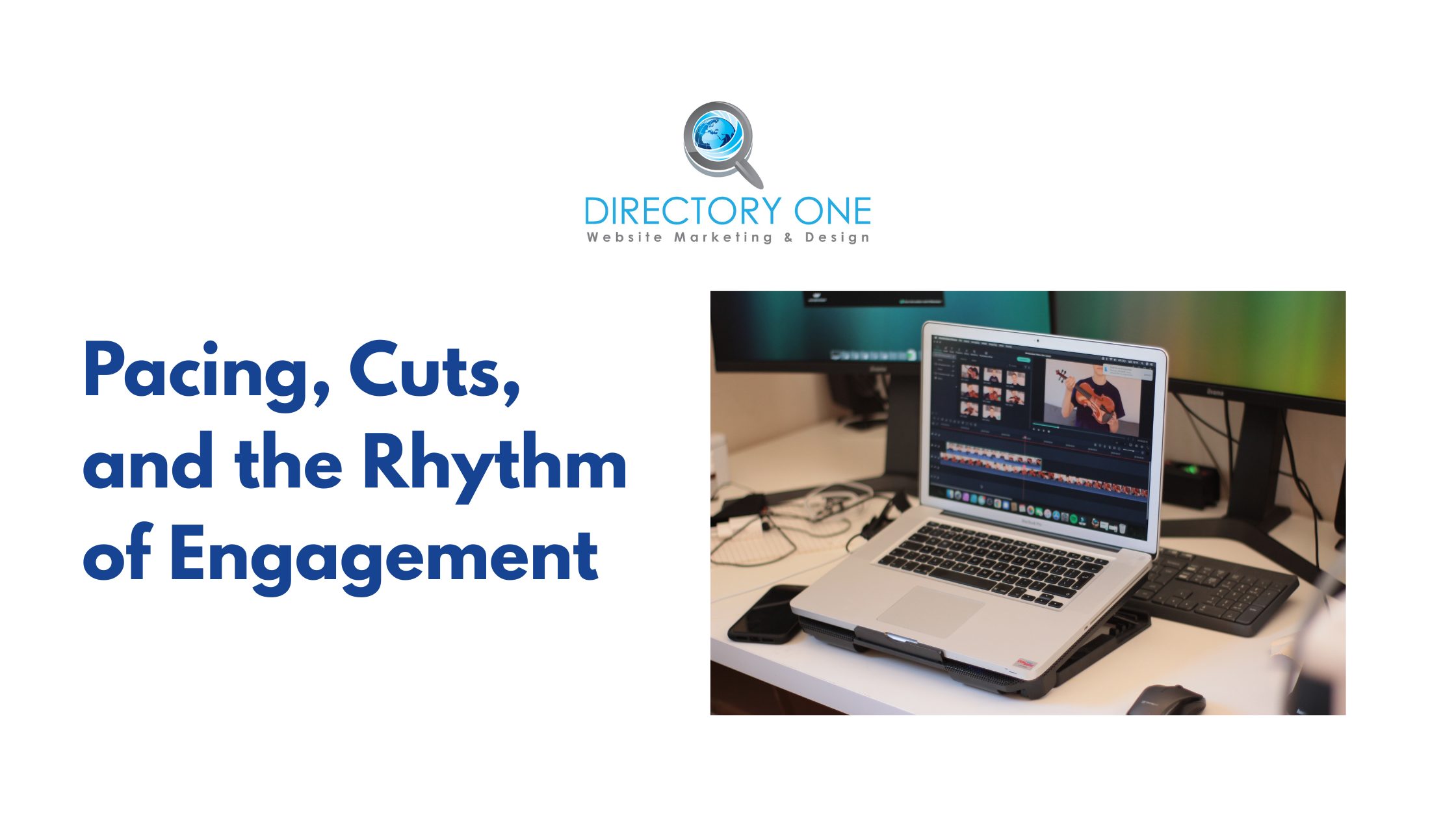
Pacing is the invisible architecture of video. Done well, the viewer never thinks about it. Done poorly, watch time tanks and re-watch rates stay flat.
Cut on Action, Not on Pause
Cutting while the subject is in motion — reaching for something, turning, gesturing — creates seamless transitions that feel natural to the eye. Cutting on a pause or static frame creates a jarring visual stutter.
Use Jump Cuts Strategically
Jump cuts — popularized by YouTube creators — remove dead air and filler words. They maintain energy without sacrificing substance. For talking-head content, remove every “um,” “uh,” and unneeded pause. HubSpot’s creator team notes that clean jump-cut editing can condense a 10-minute raw interview into a 4-minute, punchy video without losing a single key idea.
Match Your Cut Frequency to Platform Energy
TikTok audiences expect a cut roughly every 1–2 seconds. LinkedIn audiences tolerate 4–6 seconds between cuts. Mismatching this to the platform signals that your content wasn’t made natively, and algorithms penalize that signal.
At Directory One, our editing team uses beat-synced timelines — syncing cuts to the tempo of background music — as a baseline technique for all short-form social content. It’s a small discipline that compounds significantly across an entire content calendar.
Captions, Text Overlays, and Social Media Video Editing for Silent Viewers
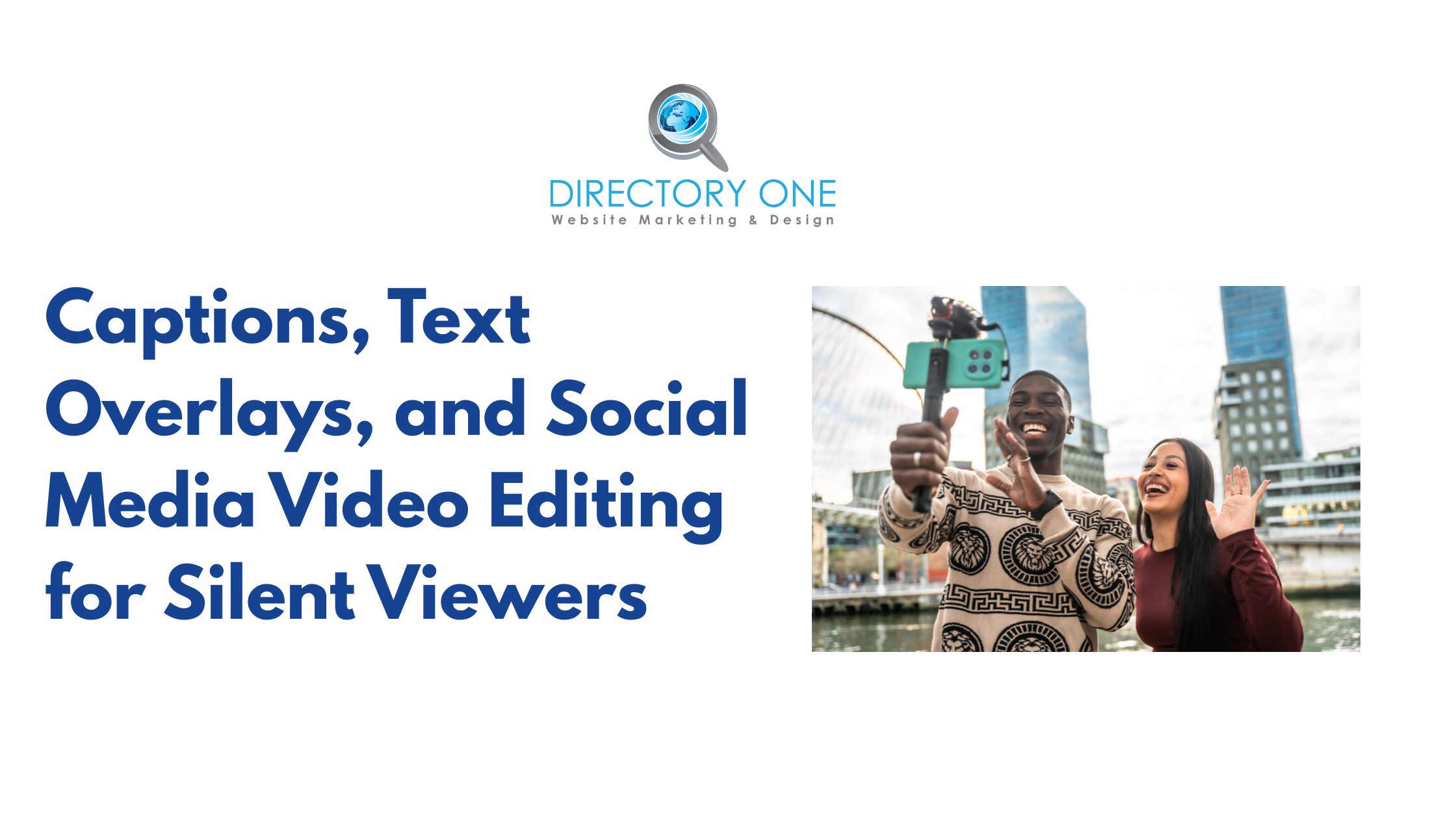
Facebook data shows that 85% of videos are watched without sound. If your content doesn’t work without sound, it doesn’t work.
Captions are no longer optional — they are a core editing element. Auto-generated captions from platforms are a starting point, not a finish line. Review and correct them. Style them to match your brand. Use animated kinetic text for emphasis where appropriate.
Here are some text overlay best practices:
- Keep text on screen for a minimum of 1.5 seconds per 5 words.
- Use high-contrast color combinations (white text with dark stroke, or dark text on light backgrounds).
- Avoid placing text in the lower 20% of a 9:16 frame — platform UI elements obscure it.
- Use motion on key words to draw the eye and reinforce the spoken message.
Color Grading and Visual Consistency Across Your Social Media Brand
Scroll your Instagram grid or TikTok profile. Instantly recognizable accounts share one quality: visual consistency. Color grading isn’t about making footage look “nice” — it’s about making it look like you.
A consistent LUT (Look-Up Table) or color preset applied across all your videos creates a brand fingerprint. Audiences begin to recognize your content before they even read the caption. This is a technique deployed by every major brand and is now standard practice in professional video production editing services.
Practical Color Grading Workflow
- Correct first: Fix exposure, white balance, and contrast before adding any creative grade.
- Grade second: Apply your brand’s signature look — warm, cool, desaturated, high-contrast, etc.
- Verify on mobile: Most social media content is consumed on phone screens. Your grade should look right on a phone, not just on a calibrated monitor.
- Save as a preset: Export your grade as a reusable preset to maintain consistency across all future edits.
Sound Design: The Underrated Element of Social Media Video Editing
Sound design is where most amateur edits fall apart. Video is 50% audio, and audiences feel bad audio before they consciously register it.
- Background music: Choose tracks that complement emotional tone, not compete with it. Music should sit under dialogue at -18 to -20 dB.
- Sound effects: Subtle whooshes, transitions, and UI sounds add production value that viewers notice subconsciously.
- Dialogue clarity: Use noise reduction tools (iZotope RX, DaVinci Fairlight, or Premiere’s Essential Sound panel) to eliminate room noise and background hum.
- Trending audio (short-form): Using platform-trending audio clips significantly increases organic reach on TikTok and Instagram Reels — this is an editing decision, not a filming one.
According to Google’s Think with Google research, ads with optimized audio generate 8.4× more brand recall than those without. The same principle applies to organic social video.
AI Video Editing Services and Tools Changing the Workflow in 2026
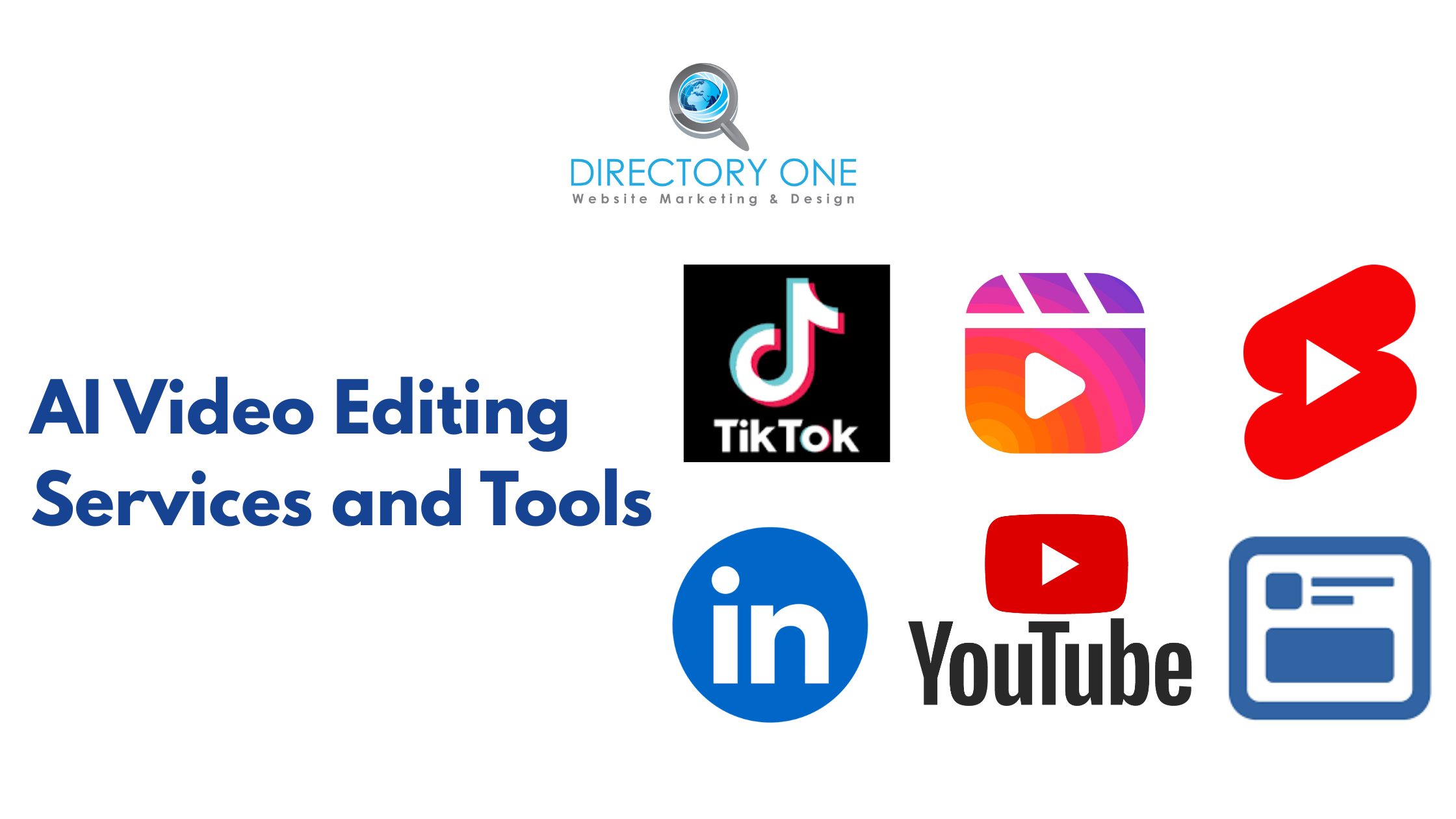
The emergence of AI video editing services has fundamentally changed what small teams can produce. Tools like Descript, Runway ML, and Adobe Firefly Video automate transcription-based editing, background removal, scene detection, and even generative B-roll creation.
Where AI Helps Most
- Auto-transcription and dialogue-based cutting (Descript)
- Removing silences and filler words at scale
- AI-generated captions with style customization
- Scene detection and rough cut assembly
- Automated color matching across clips
Where Human Editors Remain Essential
- Storytelling judgment — which moments create emotional resonance
- Brand alignment and tonal consistency
- Creative pacing decisions that AI tools can’t yet replicate reliably
- Strategic decisions around hooks, sequencing, and call-to-action placement
The most effective approach in 2026 is a hybrid model: use AI to accelerate repetitive technical tasks, while relying on skilled human editors for strategic and creative decisions. This is the workflow model used by leading agencies offering the best video editing and post-production services.
How to Choose the Right Social Media Video Editing Services for Your Brand
If you’re scaling content production, producing videos in-house becomes unsustainable. The decision between hiring a freelancer, building an in-house team, or partnering with a commercial video editing agency depends on volume, consistency requirements, and strategic complexity.
Here is what to look for in a video editing agency:
- Portfolio depth: Do they have demonstrated work in your industry and content format?
- Platform expertise: Do they understand the native differences between a video editing service for YouTube and one optimized for TikTok or Reels?
- Turnaround and workflow: Can they handle weekly or daily volume with consistent quality?
- Brand alignment process: Do they invest in understanding your brand guidelines before touching footage?
- Communication structure: Is revision feedback handled through clear systems, not back-and-forth email chains?
Directory One has served as a YouTube video editing agency and full-service production partner for clients across Houston and nationally since 1990. The team combines deep platform knowledge with structured post-production workflows to deliver content that performs — not just content that exists.
Summing Up
A great social media video isn’t produced in the camera — it’s produced in the timeline. The hook, the pacing, the captions, the color, the sound: each is an editorial decision with measurable impact on watch time, engagement, and conversion.
Ready to elevate your video content? Whether you need a YouTube video editing agency or scalable content support, visit https://www.directoryone.com/ or call 713.269.3094 to explore your options.
Directory One’s video production and editing team has helped brands across industries build social media content strategies that perform. From single-video projects to full-scale monthly content packages, we bring 30+ years of production expertise to every frame.
About The Author
