





Web Hosting Solutions for Small Business: How to Choose the Right Hosting

Most small business owners choose a hosting plan the same way — they Google it, click the first ad, and pick whatever is cheapest. Then six months later, their site is slow, their email bounces, and their developer is telling them the server went down over a holiday weekend.
Web hosting solutions for small business are not all built the same, and the wrong choice costs you more than money — it costs you rankings, leads, and customer trust. This guide breaks down every hosting type, what it actually means for your business, and exactly how to choose the right plan without getting oversold or underserved.
Why Your Hosting Choice Directly Affects Your Business Performance
Before we get into types and comparisons, here is why this decision matters more than most people realize. According to Google’s research on page speed and user behavior, 53% of mobile users abandon a site that takes longer than 3 seconds to load. Your hosting provider is the single biggest variable controlling that load time. It controls:
- Page speed
- Uptime reliability
- Security
- SEO performance
If your site loads slowly, even the fastest web hosting provider alternatives can outperform you — and Google will reward them with better rankings.
It goes deeper than user experience. Google Search Central officially confirms that Core Web Vitals — which are directly influenced by server response time — are ranking signals. A slow server does not just frustrate visitors. It suppresses your organic rankings.
And it is not a small effect. HubSpot’s 2024 Marketing Statistics report found that a 1-second delay in page response can result in a 7% reduction in conversions. For a small business generating $10,000 per month online, that is $700 in lost revenue per second of unnecessary delay.
The hosting decision is a revenue decision. Treat it that way. Because businesses relying on outdated or cheapest web hosting services often pay more later through lost conversions and poor performance. While cheapest web hosting services may seem appealing initially, they rarely scale with business growth.
Types of Web Hosting and Their Differences
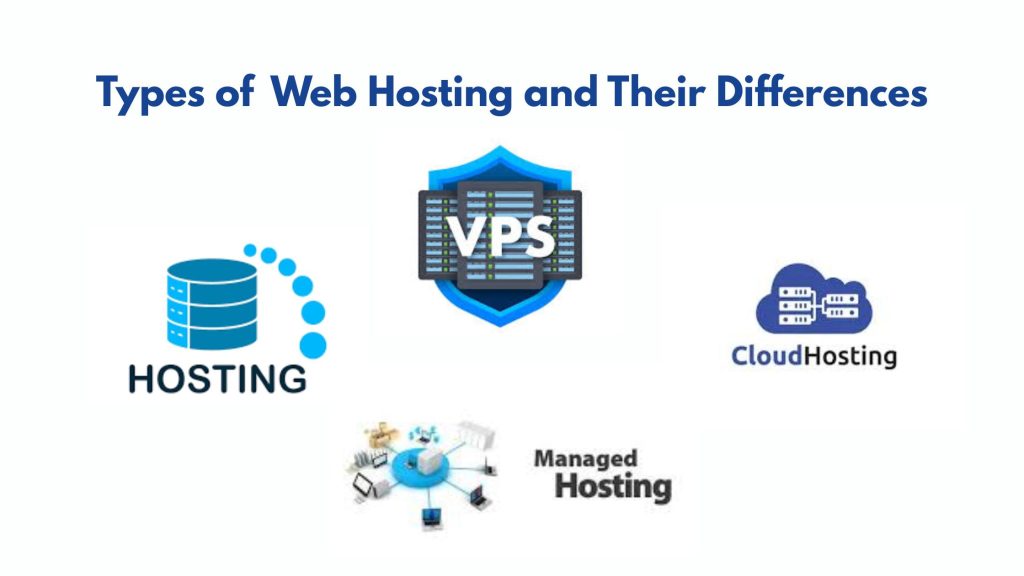
This is where most guides lose people. Understanding the types of web hosting and their differences is critical before making a decision. Here is a plain-language breakdown of every major hosting type and who each one actually suits:
Shared hosting
This is where almost everyone starts. Your website shares a physical server with dozens or hundreds of other sites. When those other sites get traffic spikes, your site slows down too — this is called the “noisy neighbor” problem, and it is the main reason growing businesses outgrow shared hosting faster than they expect.
VPS (Virtual Private Server) hosting
It gives you a dedicated slice of a shared server. You get guaranteed resources and much better performance, without the cost of a fully dedicated server. This is the sweet spot for most small businesses, generating consistent traffic.
Cloud hosting
Cloud hosting distributes your site across multiple servers, so if one fails, another picks up the load automatically. It is the most scalable option, and increasingly the default for businesses that have unpredictable traffic patterns — seasonal businesses, campaign-driven e-commerce, or B2B companies that run periodic lead generation pushes.
Managed hosting services
These services are worth the premium for businesses with no technical staff. Your hosting provider handles server maintenance, security patching, backups, and performance optimization on your behalf. You pay more, but you never have to think about the infrastructure.
Web Hosting Solutions for Small Business: How to Match Your Needs to the Right Plan
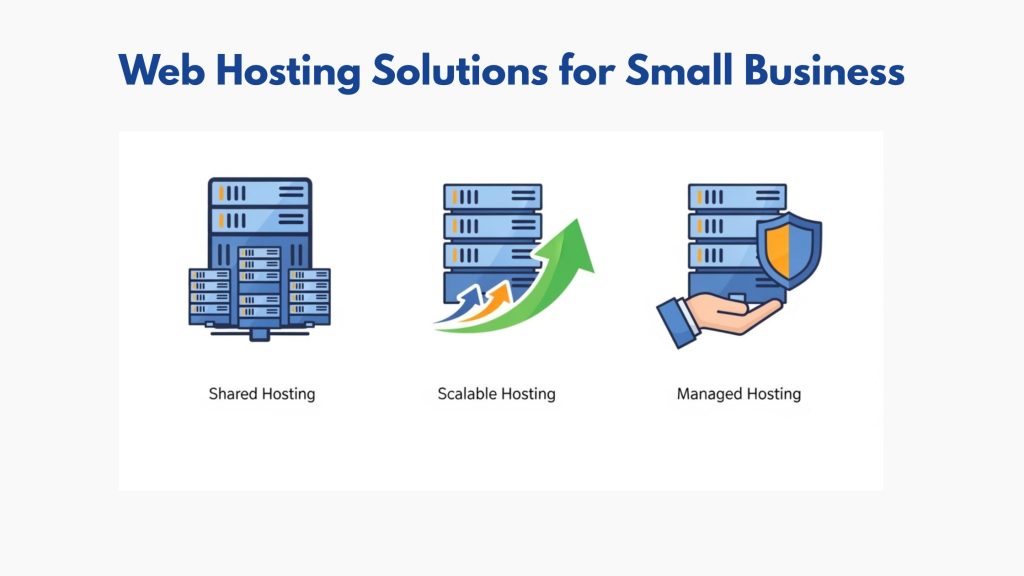
Here is a practical framework for making this decision without second-guessing yourself.
Step 1: Assess your current and 12-month projected traffic.
Under 5,000 monthly visitors? Shared or entry-level VPS is sufficient. Between 5,000 and 50,000? VPS or managed cloud hosting. Over 50,000? You need dedicated resources or enterprise cloud.
Step 2: Identify your technical capacity.
Do you or anyone on your team manage servers comfortably? If not, the cost of managed web hosting for small business pays for itself in time saved and problems avoided. Unmanaged hosting is cheaper on paper and expensive in practice.
Step 3: Consider your CMS.
Running WordPress? Managed WordPress hosting — from providers like WP Engine, Kinsta, or Flywheel — includes WordPress-specific server configurations, automatic core updates, and staging environments. The performance difference versus generic shared hosting is measurable.
Step 4: Check the uptime guarantee and what it actually covers.
The industry standard is 99.9% uptime — which sounds excellent until you do the math. According to research, 99.9% uptime still allows for over 8 hours of potential downtime per year. Look for providers guaranteeing 99.99% uptime with SLA-backed compensation if they miss it.
Step 5: Evaluate the support model.
24/7 live chat support is table stakes in 2026. What matters is response quality and whether the support team has actual technical expertise or just reads from a script. Before committing to any provider, test their support with a pre-sales technical question. The response tells you everything.
Managed Web Hosting for Small Business: Is It Worth the Extra Cost?
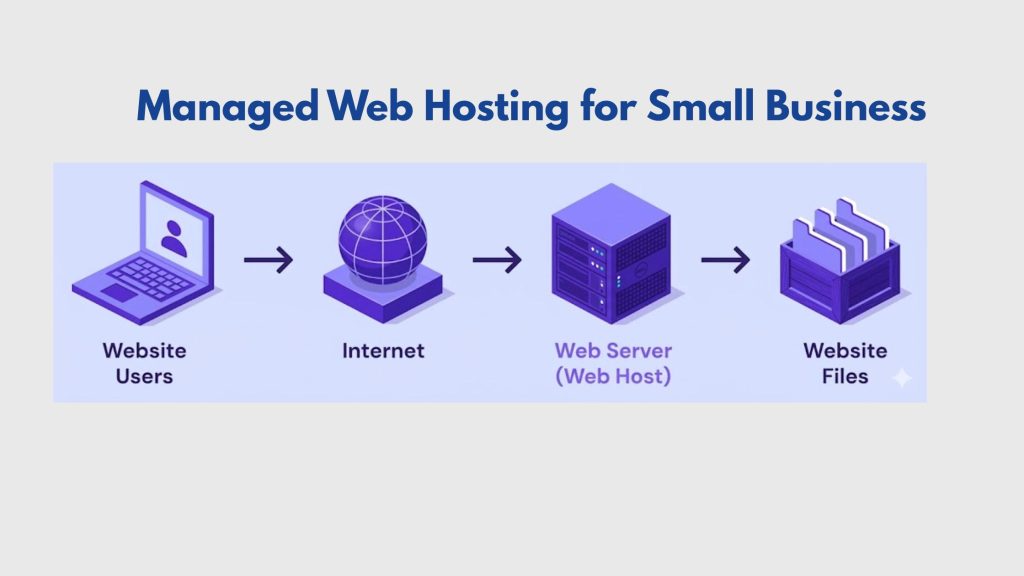
Let us address this directly because it comes up in every hosting conversation. Managed web hosting for small business typically costs 2–4x more than unmanaged alternatives. Here is what you are paying for:
- Automated daily backups with one-click restore
- Proactive security monitoring and malware scanning
- Server-level caching configured specifically for your site
- Automatic software updates are applied during low-traffic windows
- Expert support that can actually fix server-level problems, not just escalate tickets
According to IBM’s 2024 Cost of a Data Breach Report, the average cost of a small business data breach is $4.45 million — a figure that makes managed hosting’s premium look trivial by comparison.
For businesses without a dedicated IT resource, the question is not whether managed hosting is worth it. The question is whether you can afford to skip it.
Best Web Email Hosting for Small Business
Email hosting is the most commonly overlooked part of the hosting decision — and the one that causes the most visible damage when it goes wrong. The best web email hosting for small business in 2026 comes in two forms:
1. Bundled email hosting (included with your web host):
Convenient but often limited in storage, spam filtering, and reliability. Acceptable for very small teams with low email volume.
2. Dedicated business email platforms (Google Workspace, Microsoft 365):
More expensive but significantly more reliable, better spam protection, superior mobile apps, and seamless calendar and collaboration integration. Google Workspace starts at $6/user/month. For any business sending more than 50 emails per day or managing client communications, this is the correct choice.
One crucial note: regardless of which option you choose, ensure your hosting provider supports proper DNS records — SPF, DKIM, and DMARC — for email authentication. Without them, your business emails are far more likely to land in spam folders.
Benefits of AI-Powered Web Hosting for Small Businesses in 2026

This is worth its own section because the hosting landscape shifted meaningfully in 2025–2026. Several major hosting providers now incorporate AI-driven features into their infrastructure. The benefits of AI-powered web hosting for small businesses are real and measurable:
- Predictive traffic scaling.
AI systems monitor traffic patterns and automatically provision additional resources before traffic spikes occur — rather than reacting after your site slows down.
- Automated threat detection.
Rather than relying on signature-based malware scanning that only catches known threats, AI-powered security tools identify anomalous behavior patterns in real time.
- Performance optimization recommendations.
Providers like Cloudways and Kinsta now surface AI-generated recommendations for image compression, caching configuration, and CDN settings specific to your site’s traffic profile.
- Intelligent uptime monitoring.
AI monitoring tools flag performance degradation before it becomes downtime, enabling proactive intervention rather than reactive recovery.
How to Choose a Web Hosting Plan: A Decision Checklist

Use this before signing anything:
- What is my current monthly traffic, and where will it realistically be in 12 months?
- Do I have someone on staff who can manage server-level issues, or do I need managed hosting?
- Am I running WordPress, a custom CMS, or e-commerce software that has specific hosting requirements?
- What is the provider’s guaranteed uptime, and what is their SLA compensation if they miss it?
- Does the plan include SSL, automated backups, and a CDN — or are those add-ons?
- What does the support model actually look like? (Test it before you buy.)
- Does the plan include business email hosting, or do I need to budget separately for Google Workspace or Microsoft 365?
- What are the renewal rates? (Many providers advertise introductory pricing that doubles or triples at renewal.)
That last point deserves emphasis. Many providers advertise plans at $2.99/month that renew at $10.99/month. Read the renewal terms before committing.
Web Hosting Services Houston: What Local Businesses Should Know
For Houston-based businesses, hosting decisions carry a specific consideration that national guides often miss: local search performance.
Google’s local ranking algorithm factors in server geography as a minor but real signal for geo-targeted searches. Hosting your site on servers physically located in or near Texas marginally improves response times for Houston-area visitors, which in turn improves Core Web Vitals scores for the audience most likely to convert.
More practically, working with a digital partner who understands both web hosting and local SEO means your hosting infrastructure is aligned with your broader ranking strategy — not just provisioned in isolation.
Directory One has worked with Houston small businesses for over 20 years, advising on web hosting and maintenance services as part of integrated digital strategies that connect infrastructure decisions to ranking outcomes. Their team knows which hosting configurations support Houston-area local SEO and which create invisible technical drag on performance.
Summing Up
Web hosting solutions for small business are not a commodity decision. They are a strategic one. Take the checklist in this guide, apply it to your current setup, and honestly assess whether your hosting is helping or quietly limiting what your business can achieve online.
If you want a second opinion from people who have been making this assessment for Houston businesses for two decades, Directory One is a conversation worth having. To talk to a hosting and web strategy expert at Directory One, ring us at 713.269.3094.
About The Author
