





Technical SEO Checklist 2026
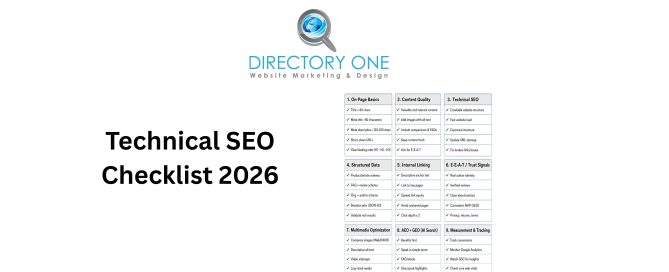
In 2026, mastering a comprehensive technical SEO checklist is the most effective way to ensure your website remains visible in an increasingly competitive digital landscape. While high-quality content and backlinks are vital, search engines cannot rank what they cannot properly crawl or understand.
By prioritizing your site’s backend health, you bridge the gap between human user experience and machine readability, allowing your brand to thrive in both traditional search and AI-driven discovery.
This guide gives you a complete technical SEO checklist 2026 — from audit steps to optimization techniques — so you can stop leaving rankings on the table.
What Is a Technical SEO Audit?

A technical SEO audit is a systematic review of your website’s infrastructure. It identifies issues that prevent search engines from crawling, indexing, and ranking your pages effectively.
Think of it as a health check for your website. It examines everything under the hood — site speed, mobile usability, crawl errors, structured data, and more. Most website owners focus on content and backlinks. But if Google can’t properly access or understand your site, those efforts won’t pay off.
So, what is a technical SEO audit in practice? It’s the process of uncovering and fixing the invisible barriers between your site and page one.
Complete Technical SEO Checklist 2026 for Better Rankings
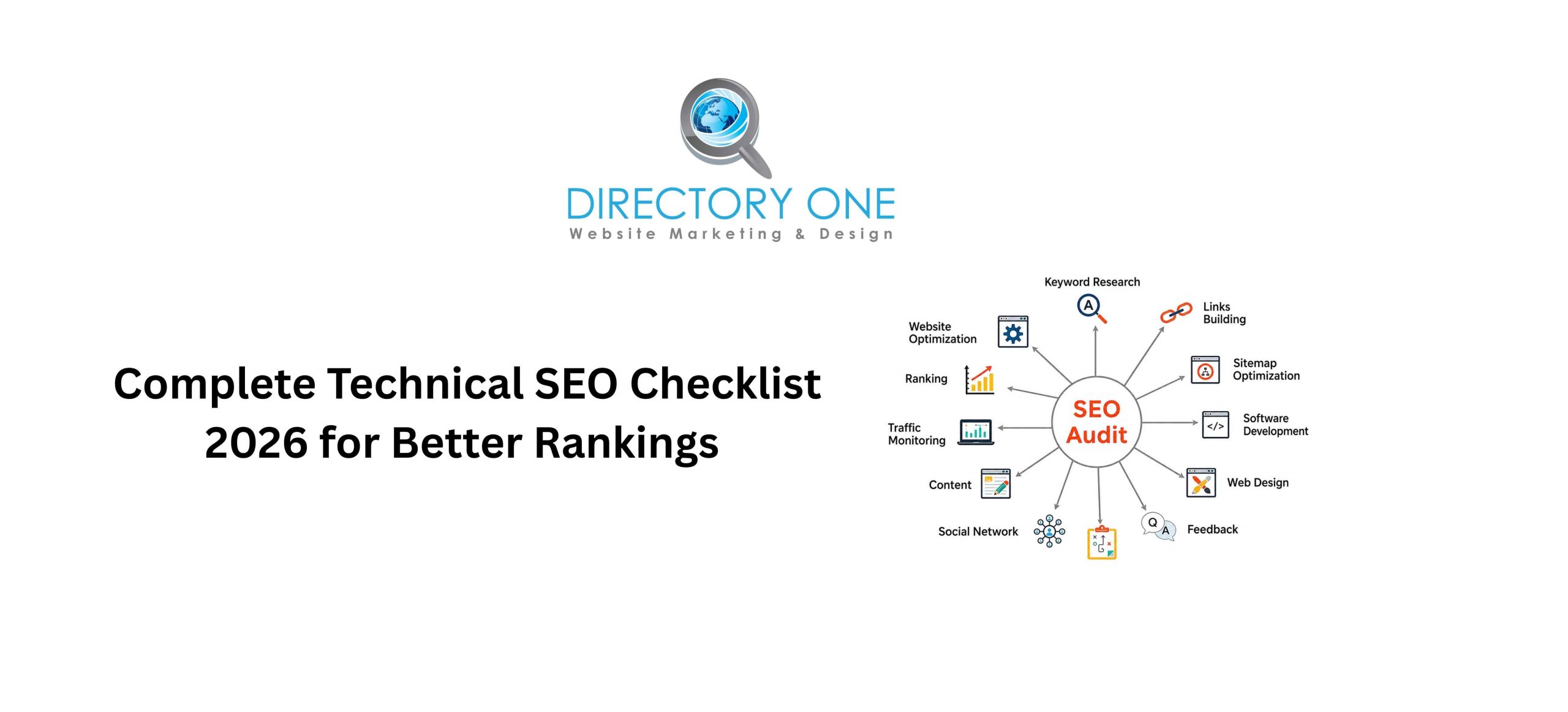
Here is your full technical SEO checklist 2026, broken into actionable categories.
Crawlability & Indexation
- Submit an updated XML sitemap to Google Search Console
- Check your robots.txt file — make sure you’re not accidentally blocking important pages
- Fix crawl errors and soft 404s flagged in Google Search Console
- Confirm all important pages are indexed using the site: search operator
- Remove or consolidate duplicate content with canonical tags
Site Architecture
- Maintain a logical URL structure (short, descriptive, keyword-friendly)
- Ensure no page is more than three clicks away from the homepage
- Avoid orphan pages — every page should have at least one internal link pointing to it
- Use breadcrumb navigation to strengthen site hierarchy
HTTPS & Security
- Confirm your entire site runs on HTTPS — not just the homepage
- Redirect all HTTP versions to HTTPS with 301 redirects
- Check for mixed content warnings (HTTP assets loading on HTTPS pages)
Core Web Vitals
- LCP (Largest Contentful Paint): should load in under 2.5 seconds
- INP (Interaction to Next Paint): replaced FID as the key responsiveness metric in 2026
- CLS (Cumulative Layout Shift): keep layout shifts minimal for visual stability
- Use Google PageSpeed Insights to test all three
Mobile Optimization
- Test every key page with Google’s Mobile-Friendly Test
- Ensure text is readable without zooming
- Confirm tap targets are appropriately sized
Structured Data & Schema
- Add schema markup for articles, products, FAQs, local businesses, and breadcrumbs
- Validate schema using Google’s Rich Results Test
This is a foundational technical SEO audit checklist for websites — but each item deserves a deeper look.
Technical SEO Audit Steps to Identify and Fix Website Issues
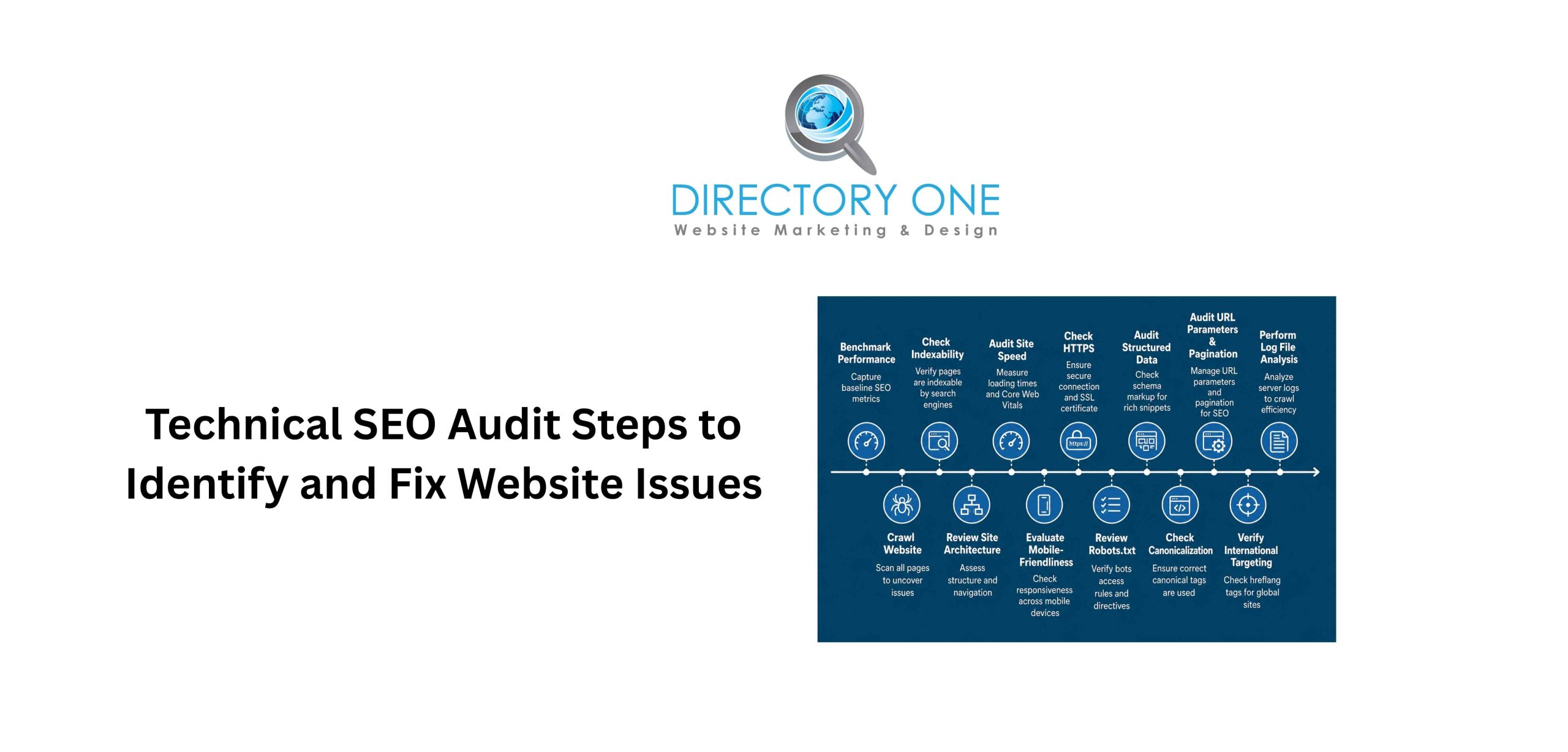
Running a structured audit doesn’t have to be overwhelming. Follow these technical SEO audit steps in order.
Step 1: Crawl Your Site
Start with a full site crawl using Semrush or Screaming Frog. This surfaces broken links, redirect chains, duplicate meta tags, and missing H1s all at once.
Step 2: Review Google Search Console
Check Coverage reports for indexing issues. Review Core Web Vitals data. Look at the Experience tab for mobile usability errors.
Step 3: Test Site Speed
Run your top pages through Google PageSpeed Insights. Studies show that a one-second delay in page load time can reduce conversions by 7%. Speed is revenue — not just a ranking signal.
Step 4: Audit Structured Data
Use Google’s Rich Results Test to verify that the schema is valid and eligible for rich snippets.
Step 5: Check Internal Linking
Map out your internal link structure. Identify pages with no incoming internal links and connect them to your content clusters.
Step 6: Review Backlink Profile
Even during a technical audit, check for toxic backlinks using Semrush’s Backlink Audit tool. Disavow where necessary.
Step 7: Prioritize and Fix
Not every issue carries the same weight. Fix crawl errors and Core Web Vitals failures first. Then move on to structured data and site architecture improvements.
For a professional technical SEO audit service, our team handles every step from crawl to remediation.
Technical SEO Page Audit Checklist for On-Site Optimization
Here is a technical SEO page audit checklist to apply to each individual page, especially high-priority ones.
- Title tag: 50–60 characters, includes the focus keyword
- Meta description: 150–160 characters, compelling and keyword-relevant
- H1 tag: Present, unique, and contains the primary keyword
- H2/H3 tags: Used to structure content and include secondary keywords
- Image alt text: Descriptive, includes relevant keywords naturally
- Canonical tag: Points to the correct version of the URL
- Page URL: Short, clean, and keyword-rich
- Internal links: At least 2–3 links pointing to relevant pages
- External links: Links to authoritative sources where relevant
- Structured data: Schema markup applied where applicable
- Mobile rendering: Page displays and functions correctly on all devices
- Load time: Page loads in under 3 seconds on mobile
Applying this checklist consistently is one of the most impactful technical SEO checklists you can use for improving page-level rankings.
Need help applying it at scale? In Directory One, Houston SEO company, our expert team runs page-level audits across entire websites.
Technical SEO Optimization Techniques to Improve Performance
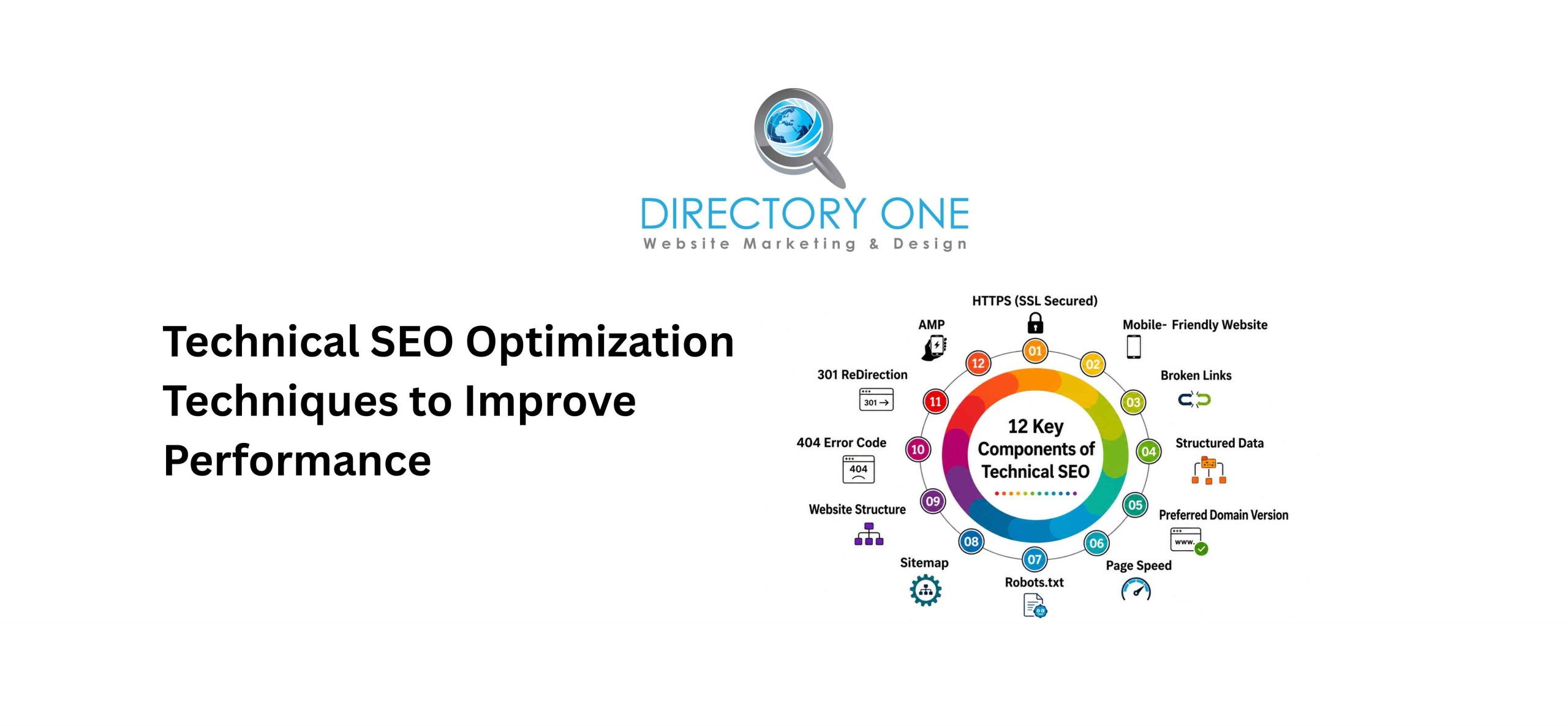
Once your audit is done, it’s time to fix and optimize. These technical SEO optimization techniques deliver the most impact.
- Compress and Lazy-Load Images
Large images are the number-one cause of slow LCP scores. Use WebP format, compress files, and implement lazy loading for below-the-fold images.
- Minify CSS, JavaScript, and HTML
Remove unnecessary characters, spaces, and comments from code files. Tools like WP Rocket or Google PageSpeed Insights flag these automatically.
- Enable Browser Caching
Caching stores static files on a visitor’s device. Returning users load your pages much faster, which improves Core Web Vitals field data — the data Google actually uses for rankings.
- Use a Content Delivery Network (CDN)
A CDN serves your website from servers closest to the user. This dramatically reduces server response time globally.
- Fix Redirect Chains
Each redirect adds latency. Chains of three or more redirects slow your site and dilute your crawl budget. Flatten them to single 301 redirects wherever possible.
- Implement Hreflang for Multi-Language Sites
If you serve multiple regions or languages, hreflang tags tell Google which version to show each user. Getting this wrong causes duplicate content penalties.
These technical SEO optimization techniques compound over time. Combined with strong content and our website speed optimization services, the results are measurable and lasting.
Essential Technical SEO Tools for Beginners and Experts
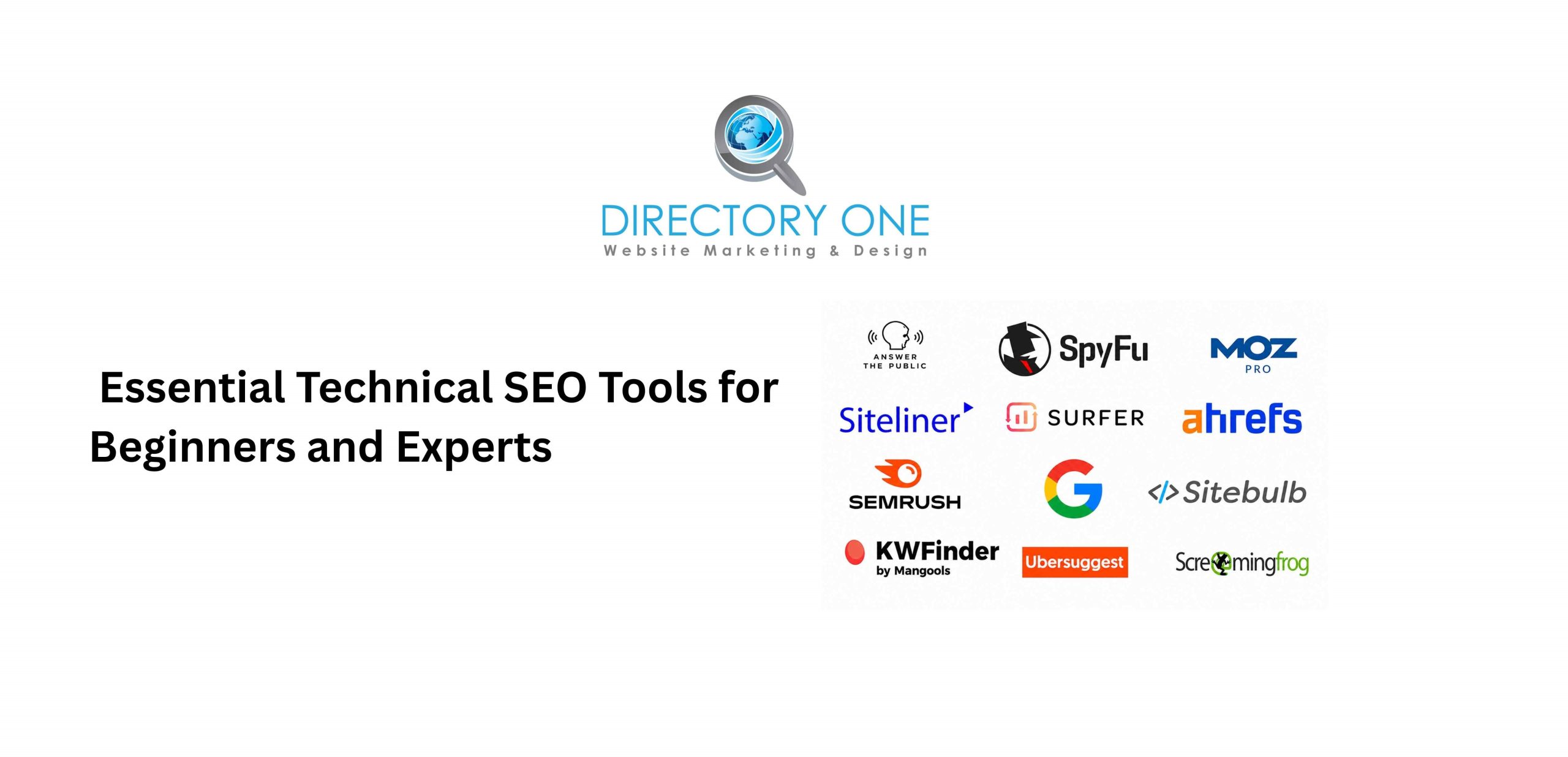
The right tools make audits faster and fixes more precise. Here are the most essential technical SEO tools for beginners and experienced SEOs alike.
- Google Search Console — Free. The first tool you should open. Shows indexing issues, Core Web Vitals, and manual penalties.
- Google PageSpeed Insights — Free. Measures Core Web Vitals using both lab and real-world field data.
- Semrush — Site audit, crawl analysis, and backlink tools in one platform. Industry standard.
- Screaming Frog SEO Spider — Desktop crawler for in-depth technical analysis of any site.
- Ubersuggest — Beginner-friendly keyword and site audit tool with a free tier.
- Ahrefs Webmaster Tools — Free option for crawl audits and backlink monitoring.
- Schema Markup Validator — Verify structured data is correct before submitting to Google.
- GTmetrix — Visual waterfall charts make it easy to diagnose speed bottlenecks.
Start with Google Search Console and PageSpeed Insights. They’re free, authoritative, and give you exactly the data Google uses to rank your site.
5 Unusual Technical SEO Best Practices That Actually Work

Most technical SEO advice covers the same ground. Here are 5 unusual technical SEO best practices that often get overlooked — but genuinely move the needle.
1. Audit Your Crawl Budget
Large sites can waste crawl budgets on low-value pages like tag archives, filtered URLs, and old pagination. Block these in robots.txt or via noindex tags to ensure Google spends its crawl on your best content.
2. Monitor Log Files
Server log files show exactly which pages Googlebot crawled — and how often. If important pages aren’t being crawled regularly, you have a crawl priority problem that no tool will automatically surface.
3. Eliminate Slow Server Response Time (TTFB)
Time to First Byte (TTFB) is often ignored. But if your server takes more than 600ms to respond, your LCP score will rarely pass — regardless of how well you optimize everything else.
4. Use Pagination Correctly
Infinite scroll and lazy-loading pagination can make it impossible for Googlebot to discover all your content. Use rel=”next” and rel=”prev” properly, or ensure paginated URLs are crawlable.
5. Check Rendered vs. Crawled HTML
Google renders JavaScript before indexing. Use Google Search Console’s URL Inspection tool to compare what Googlebot actually sees versus the raw source. JavaScript-dependent content that doesn’t render is invisible to Google.
These are the kinds of fixes our AI-driven SEO services in Houston for small businesses regularly uncover — issues that competitors overlook entirely.
Common Technical SEO Mistakes to Avoid

Even experienced teams make these errors. Here are the most common technical SEO mistakes to avoid in 2026.
- Blocking CSS and JavaScript in robots.txt — Google needs to render your pages. Blocking these files prevents proper indexing.
- Duplicate content without canonicals — Multiple URLs for the same content splits authority and confuses Google.
- Missing or duplicate title tags — About 7.4% of high-ranking pages have no title tag, and around 25% lack a meta description. Don’t let your site be in that group.
- Ignoring mobile performance — Only 47–48% of mobile websites currently pass Core Web Vitals. Mobile is Google’s primary ranking lens.
- Not updating the sitemap after publishing — A stale sitemap delays the indexing of new content.
- Using too many redirects — Every redirect slows page load. Keep them clean and direct.
- Forgetting internal link equity — Pages buried without internal links rarely rank, even with great content.
How Technical SEO Audits Improve Website Performance?
It’s worth asking directly: how technical SEO audits improve website performance — and why they pay off.
When you fix crawl errors, Google can discover and index more of your pages. When you improve Core Web Vitals, users stay on your site longer. When you add structured data, you qualify for rich snippets that drive higher click-through rates.
The evidence is clear. After comprehensive Core Web Vitals optimization, organic traffic increases of 12–20% are common. E-commerce sites optimizing to “Good” thresholds report 15–30% conversion rate improvements.
Technical SEO also protects you during algorithm updates. Sites with clean architecture, fast performance, and proper indexing tend to hold rankings when Google rolls out core updates — while poorly optimized sites often drop overnight.
Benefits of Technical SEO for Long-Term Growth

The benefits of technical SEO extend well beyond rankings. Here’s why it’s one of the smartest long-term investments a business can make.
- Faster pages = more revenue.
A one-second delay in load time reduces conversions by 7%. For an e-commerce site generating $100,000 per month, that’s $84,000 in lost revenue annually, from one second.
- Better crawlability = more content indexed.
When Google can easily crawl your entire site, more pages rank. This compounds over time as your content library grows.
- Stronger user experience = lower bounce rates.
Pages with LCP under 2.5 seconds keep visitors engaged rather than bouncing back to search results. Better engagement sends positive signals to Google.
- Structured data = more SERP real estate.
Schema markup makes your listings eligible for rich snippets — star ratings, FAQs, breadcrumbs — which increase CTR without requiring a higher ranking position.
- Algorithm resilience.
Well-structured, technically clean websites are more stable during Google core updates. They’re built to last.
When to Hire a Technical SEO Agency?
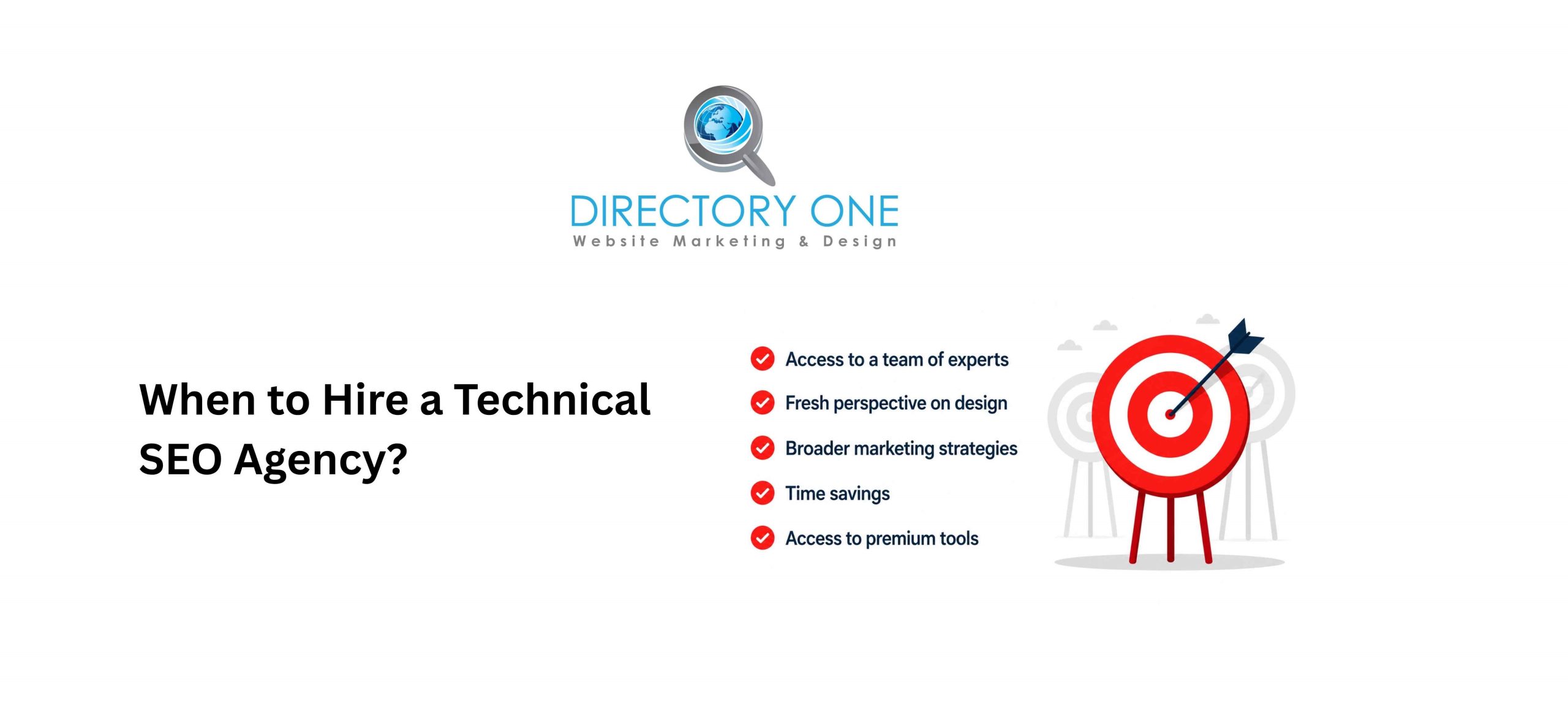
You can handle basic audits yourself. But some situations call for professional help. Consider hiring a technical SEO agency when:
- Your traffic dropped after a Google core update, and you can’t identify why.
- You’re migrating your website to a new platform or domain.
- Your Core Web Vitals are failing despite multiple attempts to fix them.
- You have a large site (500+ pages) with complex technical architecture.
- You’re expanding into new markets and need hreflang and international SEO.
As a trusted technical SEO agency serving businesses across Houston and beyond, Directory One has delivered measurable technical improvements for companies of all sizes. From 360-degree search engine optimization audit services to ongoing maintenance, our team handles the complexity so you can focus on growing your business.
Wrapping Up
A solid Technical SEO Checklist isn’t a one-time project. It’s an ongoing commitment to giving Google — and your visitors — exactly what they need.
Start with the basics: fix crawl errors, pass Core Web Vitals, clean up your site architecture. Then layer in structured data, mobile optimization, and page-level audits. Do this consistently, and the results compound. The gap between websites that rank and those that don’t often comes down to technical execution — not just content quality.
Ready to optimize your website? At Directory One, we provide specialized technical SEO audit services to help Houston businesses dominate search results. From website speed optimization to advanced schema markup, our team has the expertise to elevate your digital presence.
Call us today at 713.269.3094 for a comprehensive, free Technical SEO Audit!
About The Author
