





What Is Search Engine Indexing in Google Search? (Beginner’s Guide)
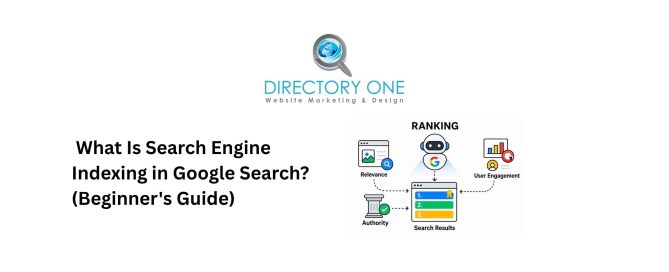
Publishing a page does not put it in Google. Indexing does. That is the single most important thing to understand about “what is search engine indexing” and why so many website owners are confused when their pages do not appear in search results, even weeks after publishing.
This guide explains exactly how Google search engine indexing works, why pages sometimes get skipped, and what you can do to fix it.
What Is Search Engine Indexing?
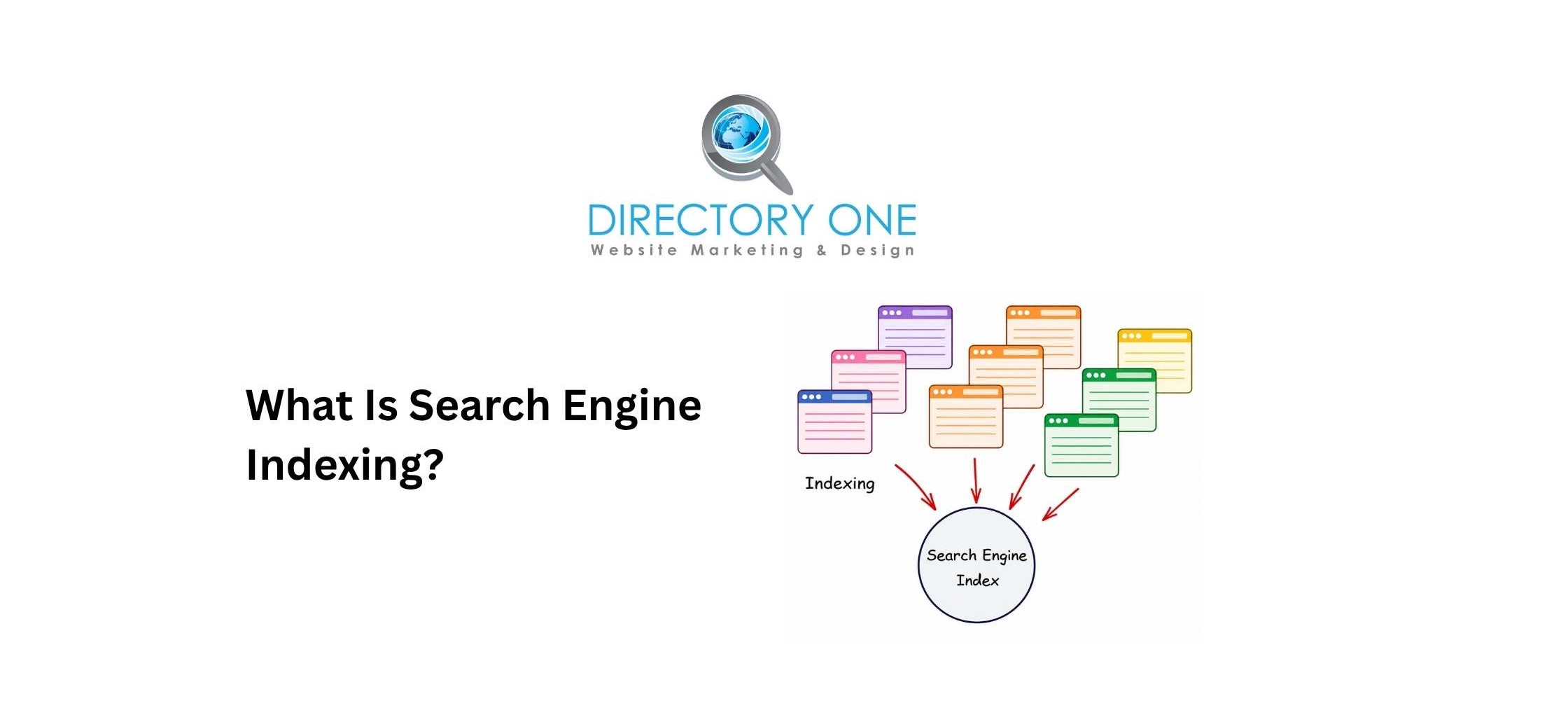
What is search engine indexing?
It is the process by which a search engine stores, organizes, and makes web page content retrievable in its database — known as the search index. Once a page is in that index, it becomes eligible to appear in search results.
Think of the index as a massive, constantly updated digital library. Every book in the library has been read, categorized, and filed. When you search for something, Google does not browse the internet live — it searches its own index and retrieves the most relevant results in milliseconds.
What is index in search engine terms?
The index is the database itself. Google’s index contains hundreds of billions of documents. During testimony in the U.S. vs. Google antitrust trial, Google’s VP of Search confirmed the index held approximately 400 billion documents as of 2020 — and that number has grown substantially since, with Ahrefs tracking 456.5 billion indexed pages in its own crawler data as of March 2025.
The critical point is that being discovered by Google is not enough. A page must be crawled and then indexed before it can rank for anything.
According to Ahrefs’ study of around 14 billion web pages, 96.55% of all pages get zero traffic from Google — most because they were never properly indexed, never targeted a topic people search for, or lacked the authority to rank after indexing.
How Does Google Search Engine Indexing Work?
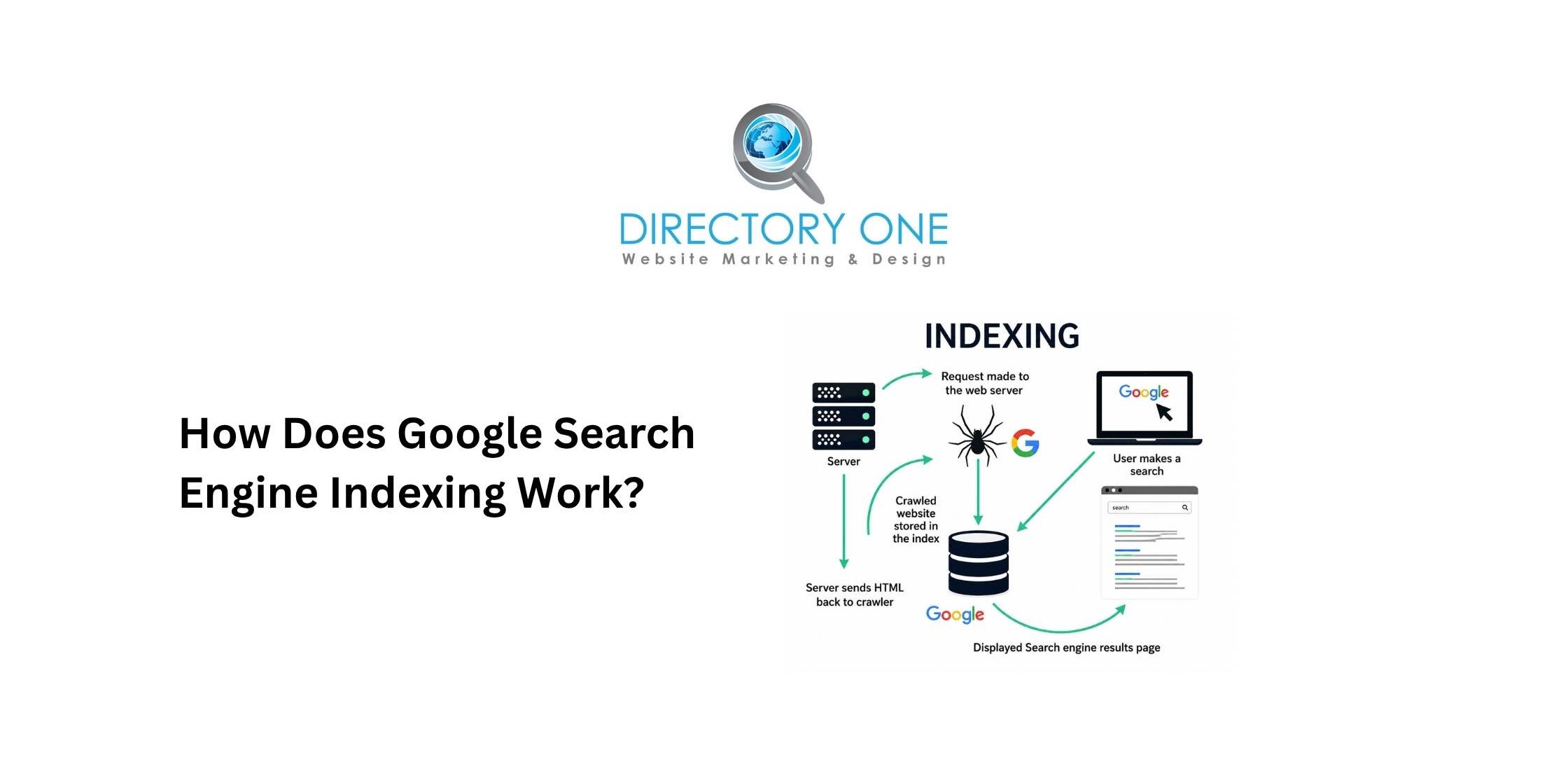
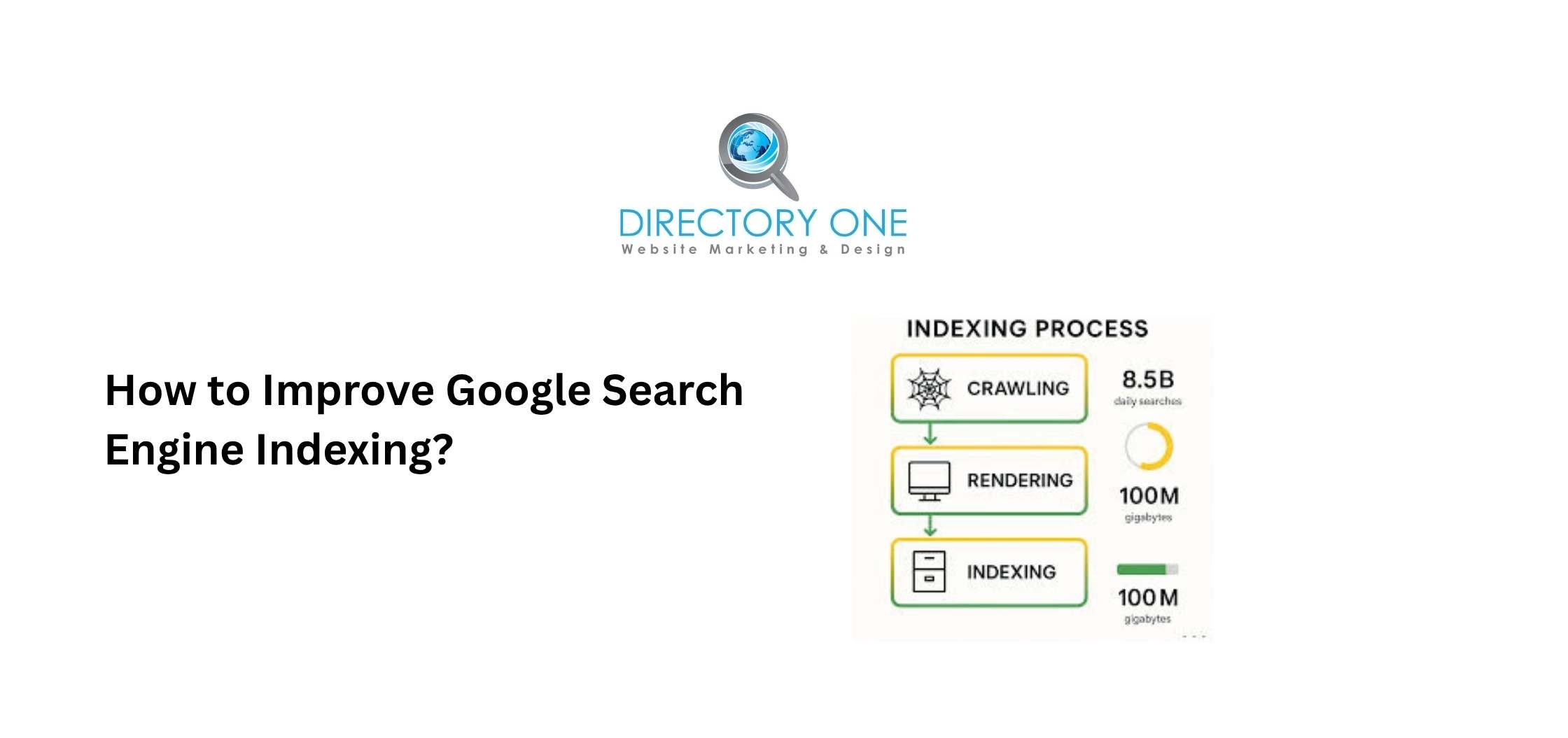
Google search engine indexing happens in three sequential stages, according to Google Search Central’s official documentation, last updated December 2025.
Stage 1 — Discovery
Google first needs to find a page. It does this through links from already-known pages, submitted XML sitemaps, and direct URL submissions via Google Search Console. A page that no one links to and that has not been submitted anywhere may never be discovered at all.
Stage 2 — Crawling
Googlebot — Google’s automated web crawler — fetches the page, downloads its content, renders any JavaScript, and follows internal and external links. This is where Google reads what the page actually contains.
Stage 3 — Indexing
After crawling, Google processes and analyzes the page. It evaluates the content quality, determines relevance signals, assigns canonical status (if multiple similar versions exist), and decides whether to store the page in its index.
Importantly, not every crawled page gets indexed. Google explicitly states that it evaluates each page after crawling and makes a judgment about its value. Pages with thin content, duplicate content, or low-quality signals are frequently crawled but never stored in the index.
The search engine indexing algorithms Google applies at this stage include BERT (for natural language understanding), MUM (for complex queries across topics and formats), RankBrain (for interpreting intent), and the Helpful Content System (which evaluates whether pages demonstrate real expertise and serve real users). These are detailed in Google’s Ranking Systems Guide.
What Happens After Google Crawls Your Website?
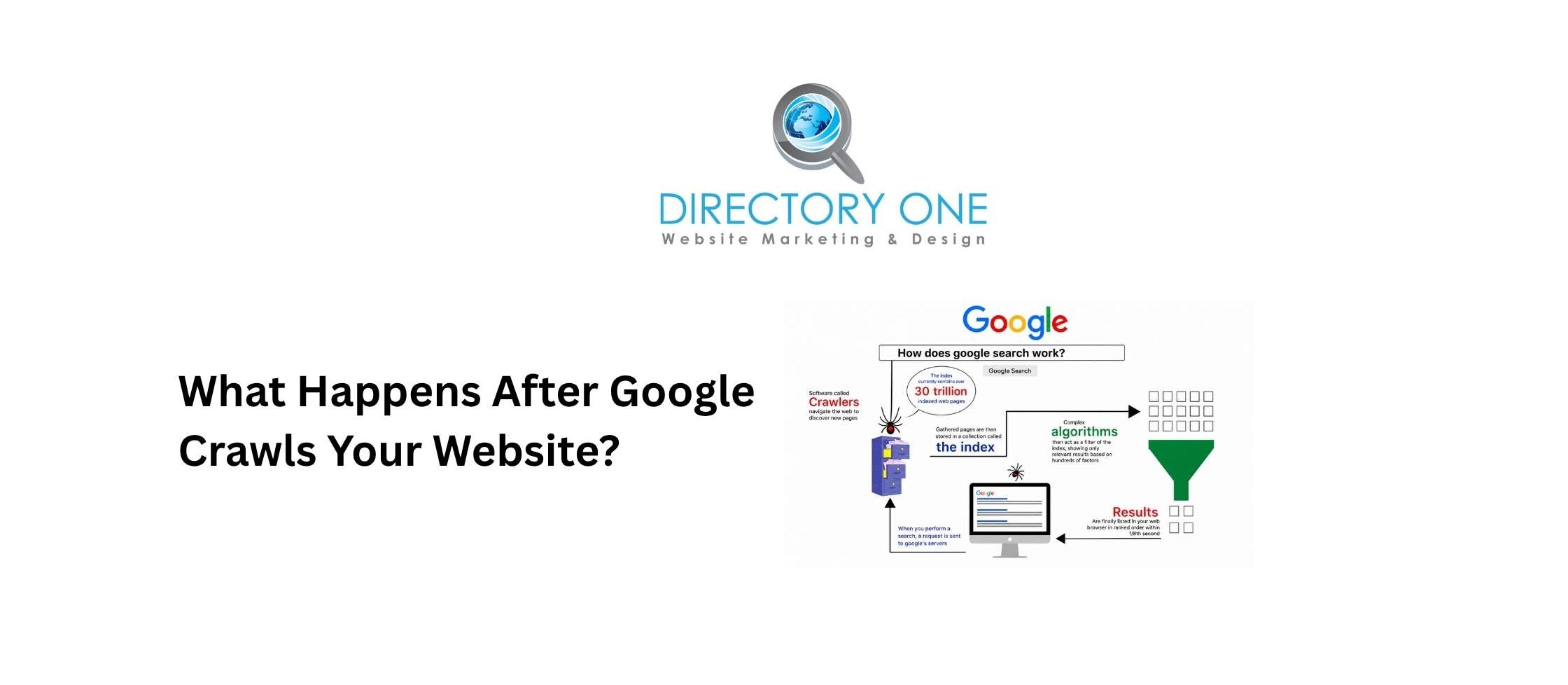
After crawling, Google evaluates the page against multiple criteria before deciding its indexing fate.
If the page is accepted into the Index: It becomes eligible to appear in search results. This does not mean it will rank well — ranking depends on additional factors. But it is now in the pool of possible results for relevant queries.
If the page is excluded from the Index: Google assigns a reason. Common exclusion reasons visible in Google Search Console’s Page Indexing report include:
- Crawled — currently not indexed — Google found the page but chose not to include it, usually due to thin or low-value content.
- Discovered — currently not indexed — Google knows the page exists, but has not gotten to it yet.
- Duplicate without user-selected canonical — Google found what it considers a duplicate and indexed a different version.
- Blocked by robots.txt — The page was blocked from crawling entirely.
- Page with redirect — The URL redirects elsewhere; the destination is what gets indexed.
Understanding which reason applies to your excluded pages is the starting point for any indexing fix.
How Google Decides Which Pages to Index
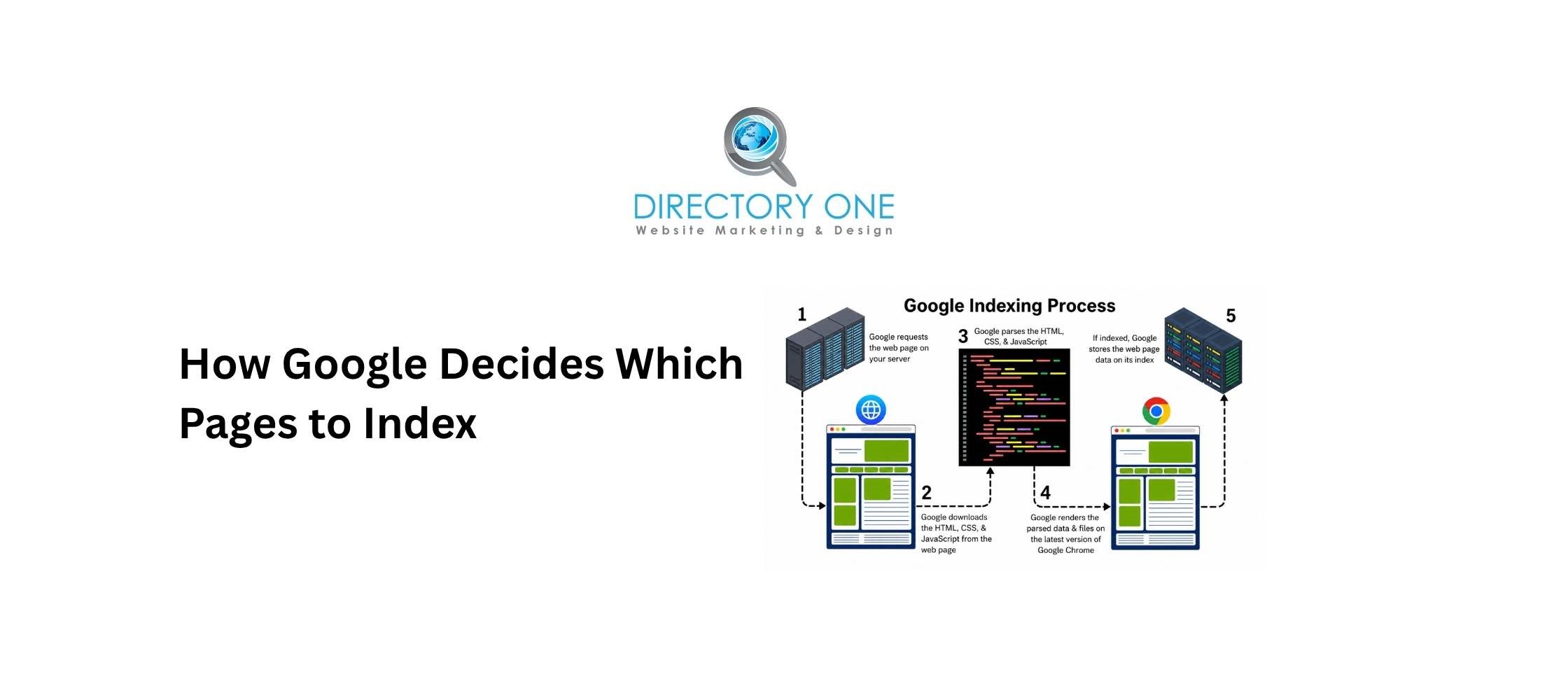
How to tell search engines the correct page to index and how Google makes that decision comes down to a combination of quality signals and technical directives.
Quality signals Google evaluates:
- Does the page offer original, helpful content that serves real user intent?
- Is the content comprehensive and accurate?
- Does the page demonstrate E-E-A-T (Experience, Expertise, Authoritativeness, Trustworthiness)?
- Does the page have internal links pointing to it from established pages on the site?
- Does the site hosting the page have a strong crawl history and reputation?
Technical directives Google respects:
- robots.txt — Tells Googlebot which pages it may or may not crawl. Note: Blocking a page in robots.txt does not prevent indexing if external sites link to it. To prevent indexing, use noindex.
- “noindex” meta tag — <meta name=”robots” content=”noindex”> explicitly instructs Google not to add the page to its index.
- Canonical tags — Tell Google which version of a duplicate page to treat as the primary, indexable version.
- XML sitemap — Signals which pages you consider important and want indexed.
The Google SEO Starter Guide confirms that sitemaps are useful, but do not guarantee indexing — quality remains the determining factor.
How to Check If Your Pages Are Indexed by Search Engines?
Google search engine indexing status can be checked in several ways:
- Method 1: site: search operator.
Type site:yourdomain.com directly into Google. The results show pages currently in Google’s index for your domain. This is a quick overview, but not perfectly precise for every page.
- Method 2: Google Search Console — Page Indexing Report.
Navigate to Indexing ? Pages. This shows your total indexed page count, all non-indexed pages with specific reasons, and indexing trends over time. This is the most accurate and actionable method.
- Method 3: URL Inspection Tool.
Enter any specific URL into the URL Inspection tool in Search Console. It shows the last crawl date, indexing status, the canonical URL Google chose, mobile usability issues, and any structured data found. If a page is not indexed, it shows the specific reason.
- Method 4: Google Search.
Search for a specific page by title or exact phrase. If it appears in results, it is indexed. This is the least precise method, but it is quick for spot-checking.
Common Indexing Issues That Hurt Rankings
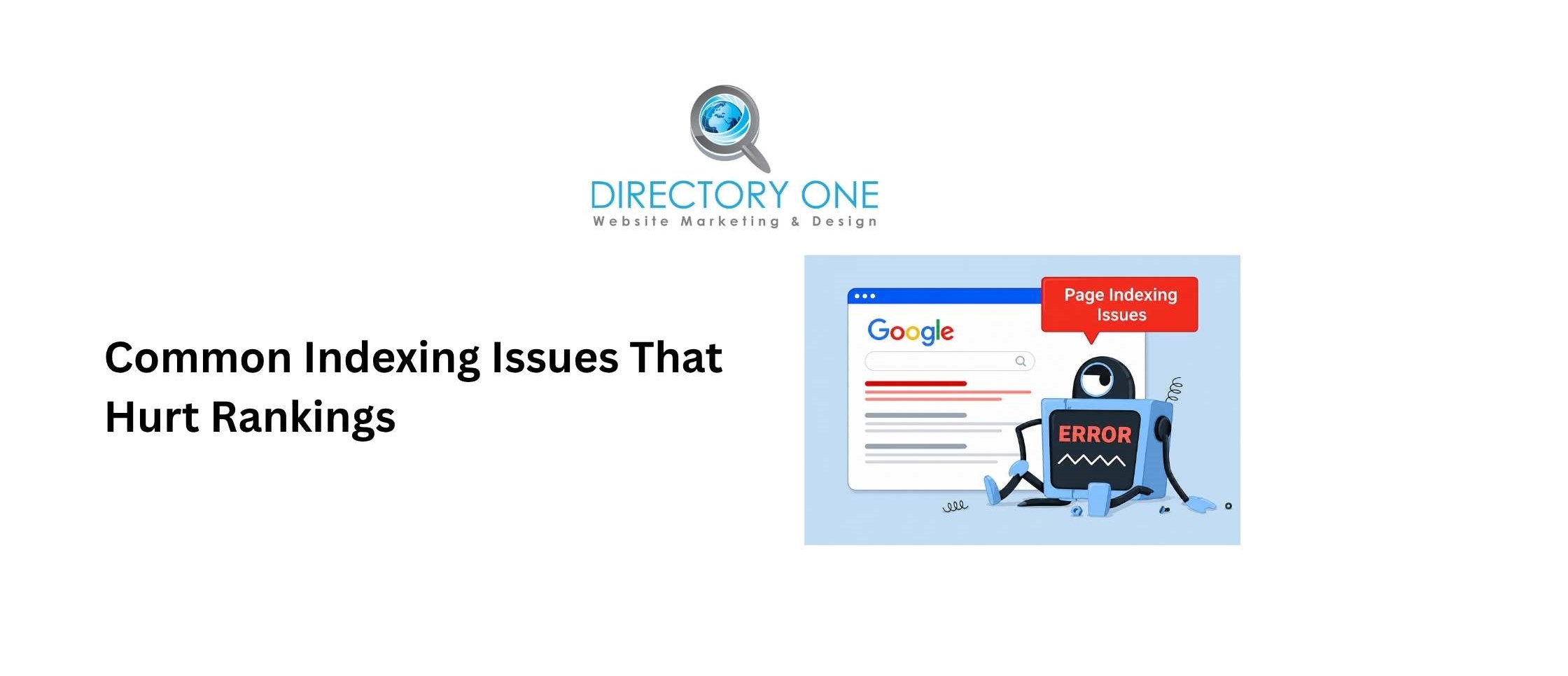
Indexed by search engines is not a given. These are the issues that most commonly prevent pages from entering the Google index:
- “noindex” tags left on after development.
Many websites use noindex tags on the entire site during development to avoid indexing a half-built site. If these are not removed at launch, the entire website stays invisible to Google. This is one of the most common and easily missed mistakes.
- Accidental robots.txt blocks.
A single disallow rule can block entire directories. The robots.txt Tester in Google Search Console lets you check whether specific URLs are blocked.
- Thin or duplicate content.
Google’s quality filtering is aggressive. Pages with minimal original content — under 300 words with no unique value, tag archive pages, parameter-generated URL variants — are frequently skipped. Duplicate pages that match content on other URLs are also excluded in favor of the canonical version.
- Slow server response times.
If your server responds slowly or returns errors during a crawl, Googlebot reduces its crawl rate. Fewer pages get crawled, and therefore fewer get indexed.
- Missing or broken internal links.
Pages with no internal links pointing to them — called orphan pages — are harder for Google to discover and index. Even if Google knows the URL exists, low-priority discovery can delay indexing for months.
- JavaScript-rendered content.
Google can render JavaScript, but it does so in a second crawl pass that may take significantly longer. Pages whose content relies entirely on JavaScript to load may experience indexing delays or incomplete indexing.
How to Fix Google Search Engine Indexing Problems Quickly
If your pages are missing from Google’s index, here is a prioritized fix sequence:
Step 1: Check the Page Indexing report in Search Console.
Identify the specific exclusion reason. Each reason requires a different fix — do not guess.
Step 2: Remove accidental blocks.
Verify your robots.txt is not blocking important pages or directories. Verify no pages carry an unintended noindex tag. Use the URL Inspection tool to check individual URLs.
Step 3: Submit an XML sitemap.
Go to Search Console ? Indexing ? Sitemaps. Submit an updated sitemap containing only canonical, indexable pages. Remove low-value URLs from your sitemap.
Step 4: Request indexing for priority pages.
Use the URL Inspection tool and click “Request Indexing” for pages you want Google to evaluate sooner. This is not a guarantee, but prompts a faster re-evaluation.
Step 5: Add internal links to orphan pages.
Identify pages with no internal links pointing to them using a crawler tool like Screaming Frog or Ahrefs. Add relevant internal links from established pages.
Step 6: Improve thin content.
If the exclusion reason is “Crawled — currently not indexed,” the most likely cause is insufficient content quality. Expand the page with original, helpful information that demonstrates expertise.
How to Improve Google Search Engine Indexing?
Beyond fixing problems, these proactive steps improve overall indexing health:
- Publish consistently.
Sites that publish fresh, high-quality content regularly are crawled more frequently. Google’s crawl rate for your site is partly determined by how often useful new content appears there.
- Build a strong internal link structure.
Every new page you publish should receive internal links from 2–3 relevant existing pages before or at launch. Internal links are how Googlebot navigates your site and discovers new content efficiently.
- Use canonical tags correctly.
Whenever you have multiple URLs that serve similar content — product pages with parameter variations, paginated content, mobile vs. desktop versions — canonical tags tell Google which version to index. This prevents crawl budget waste and index fragmentation.
- Earn quality backlinks.
Sites with stronger external backlink profiles are crawled more frequently and given more crawl budget. Websites with blogs tend to have 434% more indexed pages than those without blogs, partly because they attract more links and give Google more to crawl, according to data cited by Ahrefs. Building backlinks from authoritative, relevant sites accelerates both crawl frequency and indexing speed.
- Optimize page speed.
Faster server response times allow Googlebot to crawl more pages per visit. Google has confirmed that page speed affects crawl efficiency — a slow site gets fewer pages crawled per session, which slows indexing.
- Use Google Search Console proactively.
Monitor the Coverage report weekly for new indexing issues. Catch exclusion patterns early before they compound. The Crawl Stats report shows Googlebot activity trends and can reveal sudden drops that signal technical problems.
Summing Up
Understanding “what is search engine indexing” is vital for any business owner who wants to grow online. Without indexing, your beautiful website and expert blogs are invisible to the world. By monitoring your status in Google Search Console and fixing technical errors, you can ensure your site is always ready for the spotlight.
If your site has persistent indexing issues — or if you are not sure why Google is not showing your pages — Directory One’s SEO team can diagnose the problem and fix it. We have spent over two decades helping Houston businesses and national brands build technically sound, fully indexed websites that rank and generate real leads.
Contact Directory One today to boost your search presence at 713.269.3094.
About The Author
