





Facebook Marketing for Ecommerce: Complete Guide to Increase Sales
Facebook marketing for ecommerce remains one of the highest-ROI channels available to online stores in 2026. With over 3 billion monthly active users and a potential ad reach of 2.19 billion, Facebook gives ecommerce brands unmatched targeting precision. But reach alone doesn’t drive revenue — the right strategy does. This complete guide covers exactly how to build one.
What Is Facebook Marketing for Ecommerce
Facebook marketing for ecommerce refers to using Facebook’s platform—including ads, pages, and audience tools—to promote products and drive online sales. It includes:
- organic content marketing
- paid advertising campaigns
- conversion tracking Facebook tools
- Facebook Ads retargeting strategies
According to Statista, Facebook has over 3 billion monthly active users, making it one of the largest platforms for ecommerce marketing.
Businesses often partner with a Facebook Ads marketing company or Facebook ad marketing agency to build scalable campaigns and manage performance effectively.
Why Facebook Marketing for Ecommerce Still Dominates
A lot of people keep waiting for Facebook to die. It hasn’t. Despite the rise of TikTok and YouTube Shorts, Facebook still commands 68.31% of ecommerce ad spend among top-performing brands. More importantly, 51% of social media users report using Facebook to purchase goods online.
The reason is simple: Facebook has built the most sophisticated ad targeting machine in the history of digital advertising. No other platform lets you simultaneously reach cold audiences of tens of millions, retarget cart abandoners with the exact product they left behind, and automate audience discovery using AI — all within one campaign dashboard.
The Facebook Ads Funnel for Ecommerce
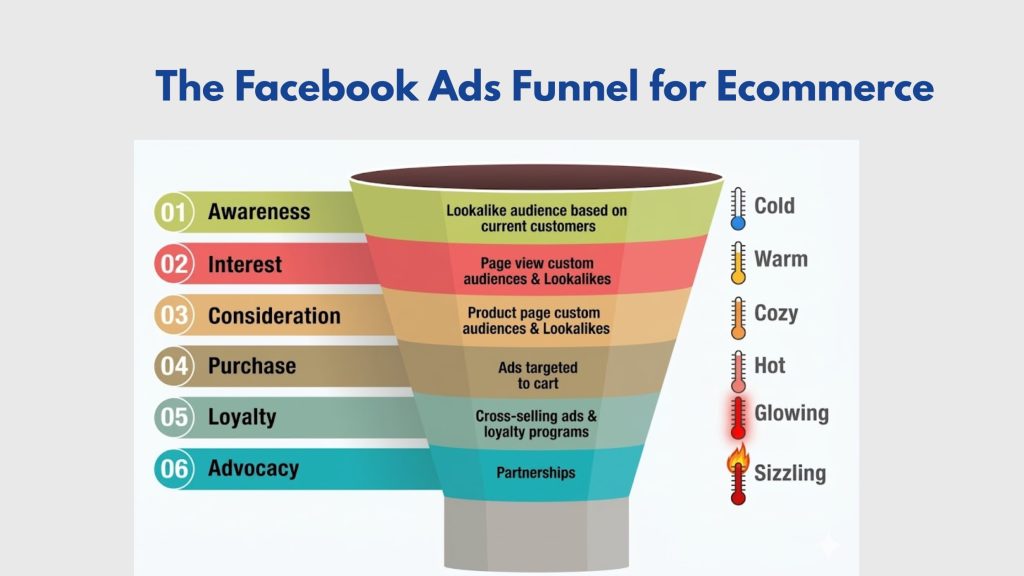
Here’s the biggest mistake most ecommerce stores make with Facebook: they launch one campaign, point it at a cold audience, and wonder why it doesn’t convert. Cold audiences need warming up first. The brands that scale profitably treat Facebook as a funnel, not a single touchpoint.
There are three stages, and each one needs a different type of ad and a different objective.
Top of Funnel — Awareness
This is where you introduce your brand to people who’ve never heard of you. Use short-form video (15–30 seconds), Reels, or carousel ads. Your objective here is Reach or Video Views — not purchases. Allocate roughly 40% of your total budget to this stage. You’re not trying to sell yet. You’re building recognition.
Middle of Funnel — Consideration
This is where you re-engage people who’ve already seen your brand or visited your site. Target page engagers, video viewers, and 30–90 day website visitors. Testimonials, product demos, and comparison ads perform well here. Optimize for Traffic or Engagement. Budget around 30% of total spend.
Bottom of Funnel — Conversion
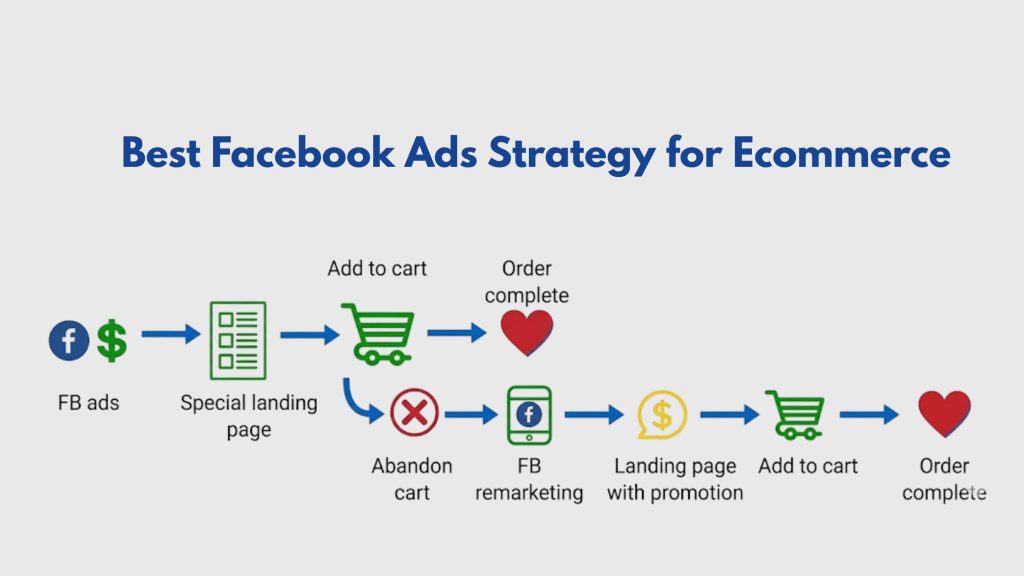
This is where the money is made. Target cart abandoners, product viewers, and checkout initiators — and show them the exact products they browsed. Dynamic Product Ads (DPA) are built precisely for this stage. Optimize for Purchases. The remaining 30% of your budget goes here and should deliver your highest ROAS by a wide margin.
Best Facebook Ads Strategy for Ecommerce: 3 Approaches That Actually Work
1. Dynamic Product Ads
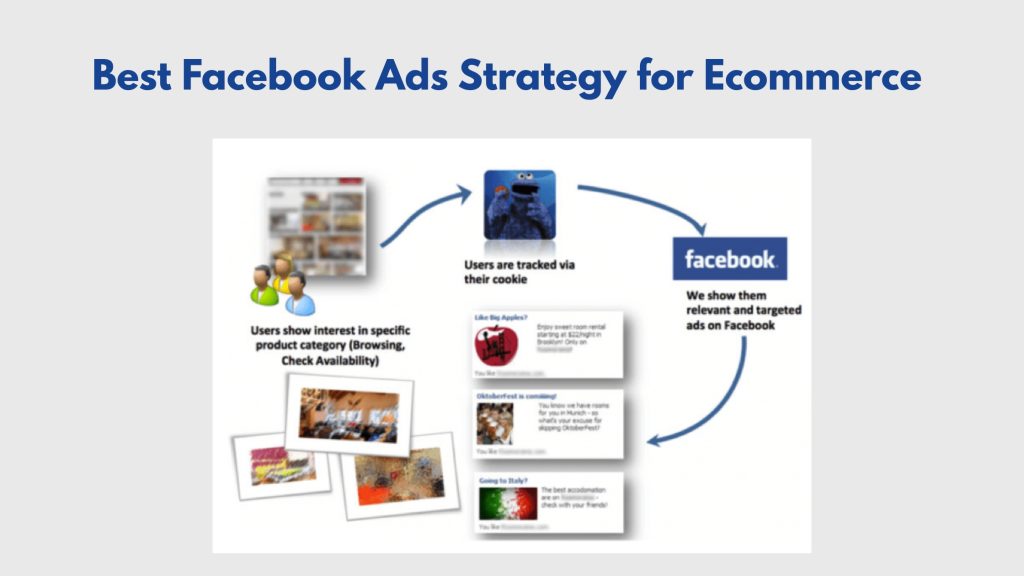
What it is: Dynamic Product Ads automatically generate personalized ads showing each user the exact products they viewed on your store — pulled live from your product catalog. You build the template once; Facebook handles the rest.
Why it works: Personalization at scale. Dynamic retargeting converts at 2.7x the rate of standard retargeting ads because the product shown is always relevant to the specific person seeing it. There’s no guessing involved.
How to implement it: Upload your product catalog to Meta Commerce Manager ? Install Meta Pixel on all product pages ? Create a Catalog Sales campaign ? Set your audience to “Retarget people who viewed products.” Use custom audience windows of 7 days for product viewers, 3 days for add-to-cart, and 1 day for checkout initiators. Always exclude recent purchasers.
2. Advantage+ Shopping Campaigns
What it is: Advantage+ Shopping is Meta’s automated campaign type that uses machine learning to find the best audience, placement, and creative combination — without manual targeting input from you.
Why it works: Advantage+ campaigns optimized for mobile deliver 19% better ROAS than manually targeted campaigns, according to Meta’s own performance data. At scale, the algorithm simply outperforms human audience segmentation.
How to implement it: In Ads Manager, select “Sales” as your objective ? Choose “Advantage+ Shopping” ? Upload 5–10 creative variations (mix of images, videos, and carousels) ? Set your daily budget and target ROAS ? Leave it running for 7–10 days before drawing any conclusions. Resist the urge to tinker. The learning phase needs time.
3. Lookalike Audiences
What it is: Facebook analyzes your existing customer list and finds new users who share the same behavioral and demographic profile as your buyers. Instead of guessing at interests, you’re telling the algorithm: find me more people who look exactly like the ones already buying from me.
Why it works: Meta’s lookalike modeling improved its match rate by 19.7% in 2025. It’s the warmest cold audience you can build — people who haven’t heard of you yet, but closely resemble those who already convert.
How to implement it: Upload your customer purchase list (minimum 1,000 records) to Ads Manager ? Create a Custom Audience ? Select “Create Lookalike” ? Start with 1% similarity (tightest match) and test 1–3% for higher volume. Build your source audience from your top 10% highest average order value customers — not just all buyers. The quality of the source list determines everything.
Audience Targeting Strategy: The Three Tiers Every Store Needs
A strong Facebook ecommerce strategy never relies on a single audience type. Here’s how the three tiers work together across the funnel.
| Audience Type | Who It Targets | Best Use Case | Funnel Stage |
| Custom Audiences | Your customers, email list, site visitors | Retargeting, upsell, win-back | Bottom |
| Lookalike Audiences | Users similar to your top buyers | Cold prospecting at scale | Top |
| Interest Targeting | Users based on stated interests | Early-stage testing, niche products | Top / Middle |
| Broad Targeting | Age + location only — Meta’s AI finds buyers | Advantage+ campaigns, larger budgets | Top |
| Retargeting Segments | Video viewers, page engagers, cart abandoners | Re-engaging warm traffic | Middle / Bottom |
How to Run Facebook Ads for Shopify Store
If you’re wondering how to run Facebook ads for Shopify store, follow this step-by-step process:
- Connect your Shopify store to Meta Business Suite
Install the Meta channel app ? Connect your Facebook Page, Ad Account, and Instagram ? Your product catalog syncs automatically.
- Install Meta Pixel and Conversions API
Enable both in Meta Business Suite settings. Confirm all four standard events fire correctly before moving on.
- Start with retargeting — not prospecting
Target 30-day website visitors with a Dynamic Product Ad first. This generates fast ROAS data and proves your Pixel is working before spending money on cold traffic.
- Launch a prospecting campaign
Once you have 50+ purchase events, create a 1% Lookalike from your buyer list or launch an Advantage+ Shopping campaign with 5–10 creative variations.
- Refresh creatives every 2–3 weeks
Ad sets with 3–10 creative variations lower CPA by 46%compared to single-creative ad sets, per Meta data. When frequency crosses 3.5, swap in new creative immediately.
Budget and Scaling Guide
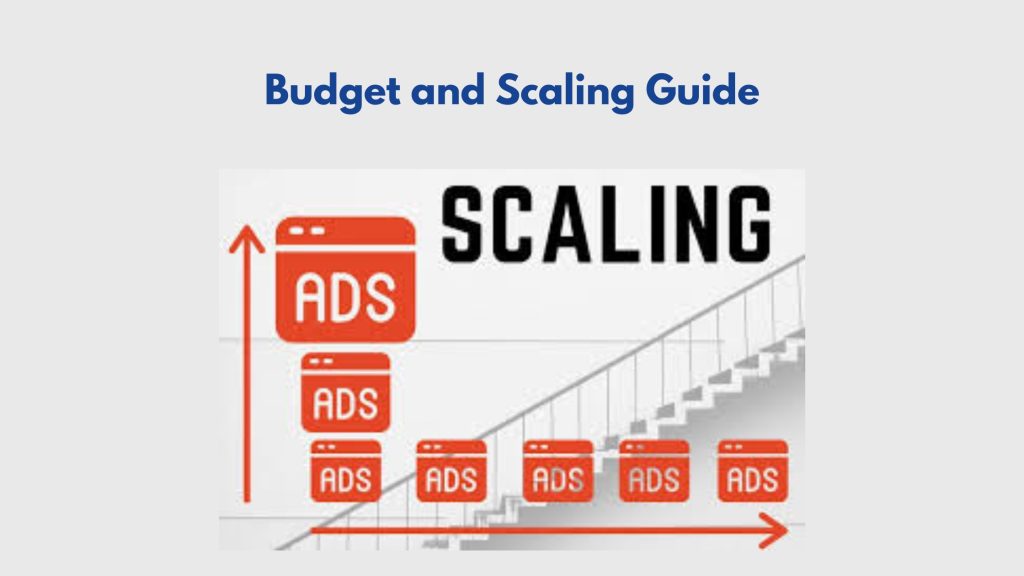
The most common mistake in Facebook marketing for ecommerce is scaling too aggressively. Increasing a budget by 50–100% overnight resets the learning phase and spikes CPMs. This is the framework that works instead.
| Stage | Monthly Budget | Focus | Expected ROAS |
| Testing | $500 – $1,000 | Audience and creative validation | 1.5x – 2.5x |
| Optimization | $1,000 – $3,000 | Scale winners, pause losers | 2.5x – 4x |
| Scaling | $3,000 – $10,000+ | Advantage+, broad targeting, lookalikes | 3x – 5x+ |
The rule of thumb: increase winning ad set budgets by 20–30% every 3–5 days. The average ecommerce Facebook ROAS is 2.87x. Consistently hitting 3.5x or above is your signal to scale with confidence.
Tools for Facebook Marketing for Ecommerce
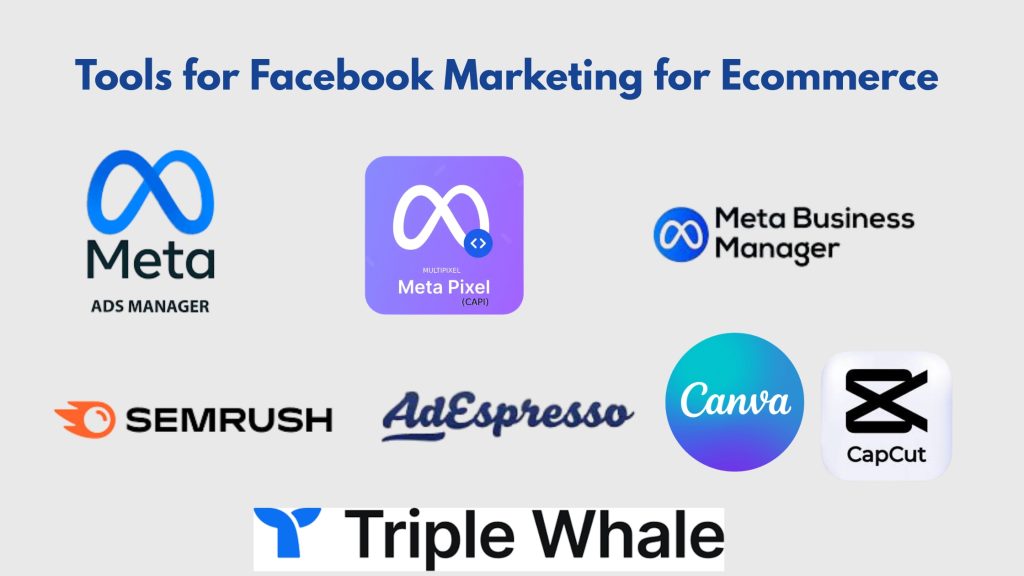
| Tool | What It Does | Cost |
| Meta Ads Manager | Campaign creation, audience building, reporting | Free |
| Meta Pixel + CAPI | Conversion tracking and attribution | Free |
| Meta Commerce Manager | Product catalog management | Free |
| Semrush Social | Competitor ad research, scheduling | Paid |
| Triple Whale | Cross-channel attribution and ROAS analytics | Paid |
| AdEspresso | A/B testing at scale | From $49/mo |
| Canva / CapCut | Mobile-first ad creative production | Free / Freemium |
Conclusion
Facebook marketing for ecommerce is a powerful strategy for driving traffic, increasing conversions, and scaling online stores. By implementing a strong Facebook marketing strategy for ecommerce supported by a Facebook ad marketing agency, using effective Facebook ads retargeting, and leveraging conversion tracking Facebook, businesses can build profitable ad campaigns. With the right tools, targeting, and optimization, ecommerce brands can maximize ROI and achieve sustainable growth in a competitive market.
Call Directory One at 713.269.3094 to start your journey. We are committed to helping e-commerce brands thrive. We can review your current strategy and show you exactly where the opportunities are hiding. Don’t let your competitors take your spot in the feed.
About The Author
