





Bing Places for Business Guidelines for Beginners
Do you want more local visibility? Then you cannot ignore Bing and Bing Places for business guidelines.
While most businesses focus entirely on Google My Business, Microsoft Bing still holds a significant share. Bing quietly serves over 100 million daily active users and processes roughly 450 million searches per day, with little to no competition from most local businesses. That is a significant opportunity sitting unclaimed.
Our Bing Places for Business guidelines cover everything beginners need to know about Bing Places — from setup and verification to optimization and multi-location management — so your business appears where your competitors do not.
What Is the Bing Places for Business Website?
The Bing place for business website is Microsoft’s free platform for managing how your business appears in Bing Search and Bing Maps. It is the Bing equivalent of Google Business Profile.
You access it at www.bingplaces.com, where you can create, claim, verify, and manage your local business listing. Once your listing is verified and live, it appears in Bing’s local search results, map pack, and on Microsoft products that use Bing data — including Cortana, Microsoft Edge, and Xbox.
A listing on the Bing Place for business website includes:
- Business name, address, and phone number (NAP)
- Business category and subcategories
- Website URL
- Business hours, including special holiday hours
- Photos and videos
- Customer reviews
- Business description and attributes (parking, accessibility, payment methods)
This information appears when users search for your business or businesses like yours on Bing. Getting it right — and keeping it accurate — is the foundation of everything else in these bing places for business guidelines.
Why Bing Places for Business Website Matters for Local SEO
Most businesses skip Bing entirely. That decision has a measurable cost.
Bing holds 8.5% of the US search market across all devices, according to Statista’s April 2025 data. On desktop specifically — where purchase intent is typically highest — Bing commands 17.07% of the US desktop search market. That means roughly one in six desktop searches in the US happens on Bing.
Moreover, Bing’s audience skews toward high-value demographics. According to Microsoft Advertising data, 55% of Bing users use the platform for product research, and 38% use it for brand discovery. Nearly half of Bing users have household incomes in the top 25%.
From a local search perspective, verified Bing Places listings get 21% more clicks than unverified ones, according to other data. And businesses with consistent NAP information rank 28% higher in Bing local results.
Additionally, because fewer businesses actively optimize their Bing listings, competition in Bing local results is significantly lower than in Google. That means a well-optimized listing can rank near the top with far less effort.
Getting Started with Bing Places for Business
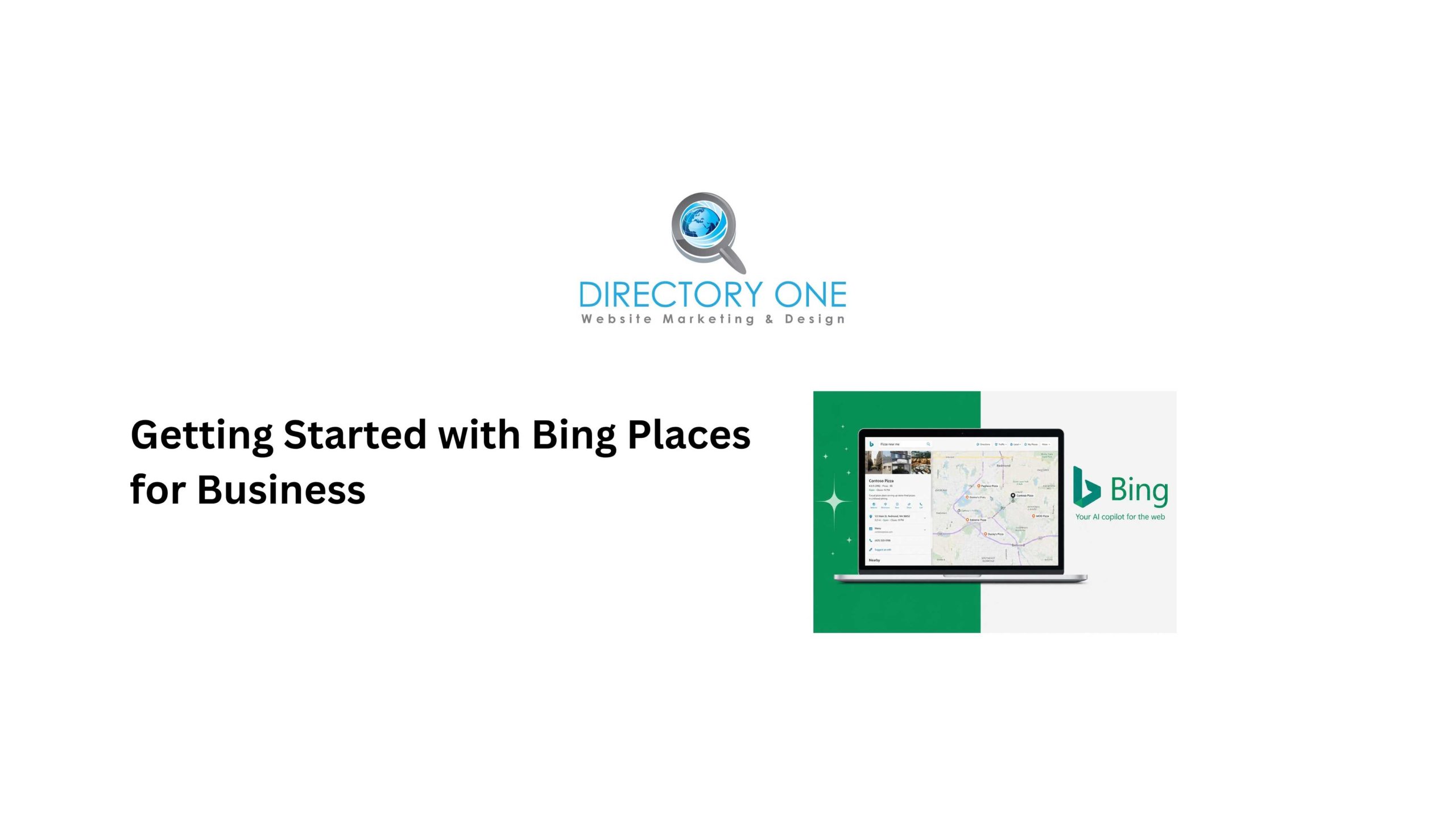
To get started, go to www.bingplaces.com and sign in with a Microsoft account. If you do not have one, create a free account first.
Step 1: Search for your existing listing.
Bing may already have a listing for your business pulled from public data sources. Search by business name and location. If a listing exists, click “Claim this business.” If nothing appears, select “Add a business.”
Step 2: Enter your business information.
Fill in your business name exactly as it appears on your signage and other online listings. Consistency is critical for local SEO. Add your address, phone number, website, business category, and hours.
Step 3: Check for Google Business Profile import.
Bing Places offers a time-saving feature: you can import your Google Business Profile data directly into Bing. Go to “Add a business” ? “Import from Google” and follow the prompts. This populates your Bing listing with all the information already verified and live on Google, including photos, descriptions, and categories.
Step 4: Complete all profile fields.
Do not leave fields blank. The more complete your listing, the higher Bing ranks it in local results. Add a business description, photos, payment methods, parking information, and any relevant attributes for your business type.
Step 5: Submit for verification.
After filling in your information, Bing requires verification before your listing goes live. More on this in the next section.
Bing Places for Business Verification Methods
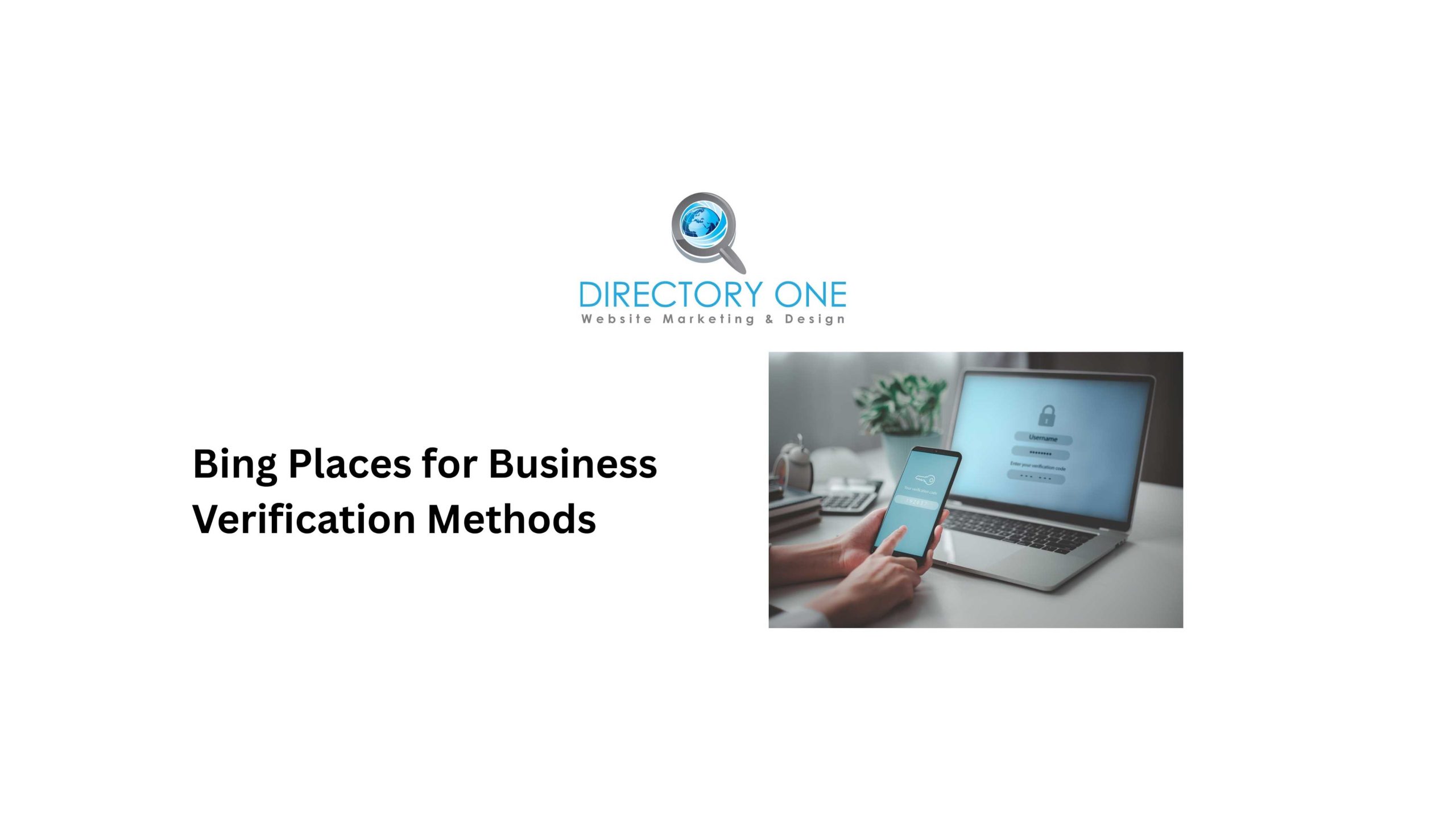
Bing places for business verification methods determine how Microsoft confirms that you are the legitimate owner or manager of the listed business.
Bing offers the following verification options, though availability varies by region and business type:
- Email verification.
Bing sends a PIN to the email address associated with your listing. This is the fastest method when available. Check your spam folder if the email does not arrive within a few minutes.
- Phone verification.
Bing sends a PIN via SMS to the phone number on the listing, or makes an automated call with the code. This is the second-fastest method and is available for most US-based businesses.
- Postcard verification.
Bing mails a physical postcard with a PIN to your business address. This typically takes 7–14 days. When you receive the postcard, log into your Bing Places for Business dashboard, navigate to your listing, and enter the PIN before it expires.
- Google Business Profile import verification.
If your business is already verified on Google, you can import and sync your listing to Bing. This is currently one of the smoothest paths for businesses already active on Google, as it bypasses some of the direct verification friction.
- Bulk verification for chains and multi-location businesses.
If you manage more than 10 locations, Bing offers a bulk verification option. You submit a file through your account and provide proof of ownership for your portfolio of locations. Microsoft reviews and verifies them collectively.
Important: The PIN code in the postcard verification expires. Enter it promptly after receiving the postcard. If it expires, you can request a new one from the Bing Places for Business dashboard. If you experience repeated verification failures, use the support form at bingplaces.com/DashBoard/Support and explain the issue — Microsoft will follow up via email.
Navigating the Bing Places for Business Dashboard
The Bing Places for business dashboard is your central management hub. After logging in at www.bingplaces.com, you land on the main dashboard, which shows:
- Your listings — all business locations under your account, with their verification status
- Listing health — completeness scores and any flagged issues
- Analytics — impressions, clicks, and user engagement data for each listing
- Help & Support — access to the contact form, FAQs, and verification assistance
Within each individual listing, you can edit all business information, upload photos and videos, manage hours, respond to reviews, and view listing-specific performance data.
The dashboard also surfaces alerts when your listing needs attention — such as when new reviews are posted, information conflicts are detected, or verification is pending.
Bookmark the dashboard and check it monthly. Stale listings — those with outdated hours, old photos, or no recent activity — tend to rank lower over time.
How to Optimize Your Bing Place for Business Website Listing
Following the Bing places for business guidelines for optimization gives your listing the best chance of appearing in Bing’s local pack results.
- Use an accurate, consistent NAP.
Your business Name, Address, and Phone number must match exactly across Bing, Google, Yelp, and every other directory. Even minor inconsistencies — abbreviating “Street” on one platform and spelling it out on another — can suppress local rankings. Businesses with strong NAP consistency rank 28% higher on Bing local, per 2025 Bing statistics.
- Choose the most specific business category.
Bing allows a primary category and secondary categories. Choose the most precise category that describes your main business activity. Avoid over-selecting categories that do not apply — it dilutes your relevance signals.
- Write a keyword-rich business description.
Bing uses your description to understand what your business does and where it operates. Write 150–250 words in natural language. Include your city, neighborhood, primary service, and key offerings without keyword stuffing.
- Upload high-quality photos.
Listings with photos receive significantly more engagement than those without. Include exterior photos, interior photos, staff photos, and images of your products or services. Aim for at least 5–10 photos at launch, and add new ones regularly.
- Add complete business hours.
Include regular hours, holiday hours, and any special service hours. Incomplete hours frustrate users and lower your listing’s completeness score.
- Actively request and respond to reviews.
Reviews influence local rankings on Bing by around 27%, per Marketing LTB analysis. Ask satisfied customers to leave reviews directly on your Bing listing. Respond professionally to all reviews — positive and negative.
Best Practices to Follow Bing Places for Business Guidelines
These are the core Bing places for business guidelines every business owner should follow:
- Keep all information accurate and identical across every directory and platform.
- Update your listing immediately when hours, location, or contact information change.
- Never create duplicate listings — if you find a duplicate, report it or merge it.
- Do not use keyword-stuffed business names (e.g., “Best Houston Plumber – Smith’s Services”) — Microsoft may suppress or penalize listings for this.
- Do not use a P.O. box as your business address for a service-area business.
- For service-area businesses without a storefront, hide the address and define your service area instead.
- Always use a real, monitored email address for your Microsoft account — you will receive verification codes, review alerts, and platform updates.
How to Keep Your Bing Places Listing Updated and Optimized
Local search rankings reward active, maintained listings. After the initial setup, build these habits:
Monthly
Log in to the Bing Places for Business dashboard. Review your analytics — impressions, clicks, and direction requests. Check for new reviews and respond. Verify that your hours and contact information are still accurate.
Quarterly
Add 2–3 new photos. Review your business description for accuracy. Check that your business category still reflects your primary services. Run a quick NAP consistency check across Bing, Google, Apple Maps, and Yelp.
Annually
Perform a full audit of your listing. Update your business description. Replace outdated photos. Review your category selection. Compare your listing performance to local competitors in your category.
Managing Listings with a Bing Places for Business Management Service
For busy business owners — particularly those with more than one location — a Bing Places for business management service removes the ongoing maintenance burden and ensures listings stay optimized consistently.
A professional Bing Places management provider handles:
- Initial listing setup and verification across all locations
- NAP consistency monitoring and correction
- Review monitoring and response management
- Photo and content updates on a scheduled basis
- Analytics review and performance reporting
- Coordination between Bing, Google, and other local directories
Working with a qualified Bing Places management agency is especially valuable when your business changes — new hours, new locations, rebranding, or moves — all of which require prompt updates to avoid misinformation appearing in local search results.
Bing Places Management Services for Multi-Location Businesses
Multi-location businesses face a specific challenge: maintaining accurate, consistent, and optimized listings across dozens or hundreds of locations simultaneously.
Bing places for business management agency support for multi-location businesses typically includes:
- Bulk listing management.
Rather than editing each location manually, a Bing Places management services provider uses bulk upload tools and the Bing Places API to update all locations simultaneously when system-wide changes occur.
- Centralized review management.
Reviews across all locations are monitored from a single dashboard, and responses follow brand-approved templates for consistency.
- Performance benchmarking.
Traffic and engagement data across all locations is consolidated into reporting that identifies top-performing and underperforming locations — allowing resources to be focused where they have the most impact.
- Ongoing compliance monitoring.
A dedicated Bing Places management provider flags and corrects listing inconsistencies, duplicate listings, and third-party data errors before they suppress rankings.
Benefits of Hiring a Bing Places for Business Management Agency
Hiring a Bing Places for business management agency delivers specific advantages over DIY management:
- Time savings.
Bing listing management — done correctly — requires regular attention. A professional Bing Places management services partner handles it without demanding hours from your internal team.
- Expertise.
Agencies understand Bing’s ranking factors, verification nuances, and guideline requirements. They avoid the common mistakes that trigger listing suspensions or suppress visibility.
- Consistency across platforms.
The strongest local SEO outcomes come from consistent NAP and optimized listings across all directories — not just Bing. A qualified Bing Places for business management provider manages Bing as part of a broader local presence strategy that includes Google, Apple Maps, Yelp, and industry directories.
- Faster results.
Agencies with established processes get listings verified, optimized, and performing faster than businesses learning the platform for the first time.
Directory One provides Bing Places management services for local businesses and multi-location brands in Houston and nationwide. Our team manages your Bing listing as part of a comprehensive local SEO strategy built to drive more calls, directions, and website traffic from local search.
Summing Up
Bing Places for Business guidelines exist for good reason. They ensure listings are accurate, trustworthy, and useful to searchers. Businesses that follow them earn better placement in Bing’s local results — and capture an audience that most competitors ignore entirely.
Need help managing your Bing Places listing? Directory One manages Bing Places listings for local businesses and multi-location brands across Houston and the US. We handle setup, verification, optimization, and ongoing management — so your business appears everywhere your customers are searching.
To explore our local SEO and listing management services, call us at 713.269.3094 or visit directoryone.com.
About The Author
