





Can Duplicate Yelp Listings Affect SEO? Here is How to Fix Them
Can duplicate Yelp listings affect SEO? The short answer is yes — and significantly. Yelp attracts over 178 million unique monthly visitors, making it one of the most powerful local listing platforms in the U.S. When your business appears more than once on Yelp, search engines receive conflicting signals about your business data, which directly weakens your local SEO ranking.
This guide explains the exact damage duplicate listings cause, how to find them, and the step-by-step process to remove or merge them.
What Are Duplicate Yelp Listings and Why Do They Happen?
A duplicate Yelp listing exists when your business location has more than one active page on Yelp. This is a surprisingly common issue. It typically happens for one of three reasons:
- A previous employee or agency created a second listing without checking if one already existed.
- Your business moved to a new location, but the old Yelp local listing was never closed or updated.
- Automated data aggregators pulled inconsistent NAP (Name, Address, Phone) data from different sources and generated multiple entries.
Even minor inconsistencies — a missing suite number, a slightly different business name — can cause data aggregators to treat your business as two separate entities, effectively creating a duplicate Yelp listing automatically.
Why Duplicate Yelp Listings Hurt SEO
If you’re wondering again, can duplicate Yelp listings affect SEO, the answer becomes clearer when you look at how search engines evaluate local businesses. Search engines like Google rely heavily on NAP consistency (Name, Address, Phone Number). When multiple Yelp listings exist for the same business:
- Your local citations become inconsistent
- Google struggles to verify the correct business details
- Trust signals weaken across directories
According to data from Moz Local SEO Ranking Factors shows citation consistency contributes significantly to local rankings.
How Duplicate Yelp Listings Directly Affect Your Local SEO Rankings
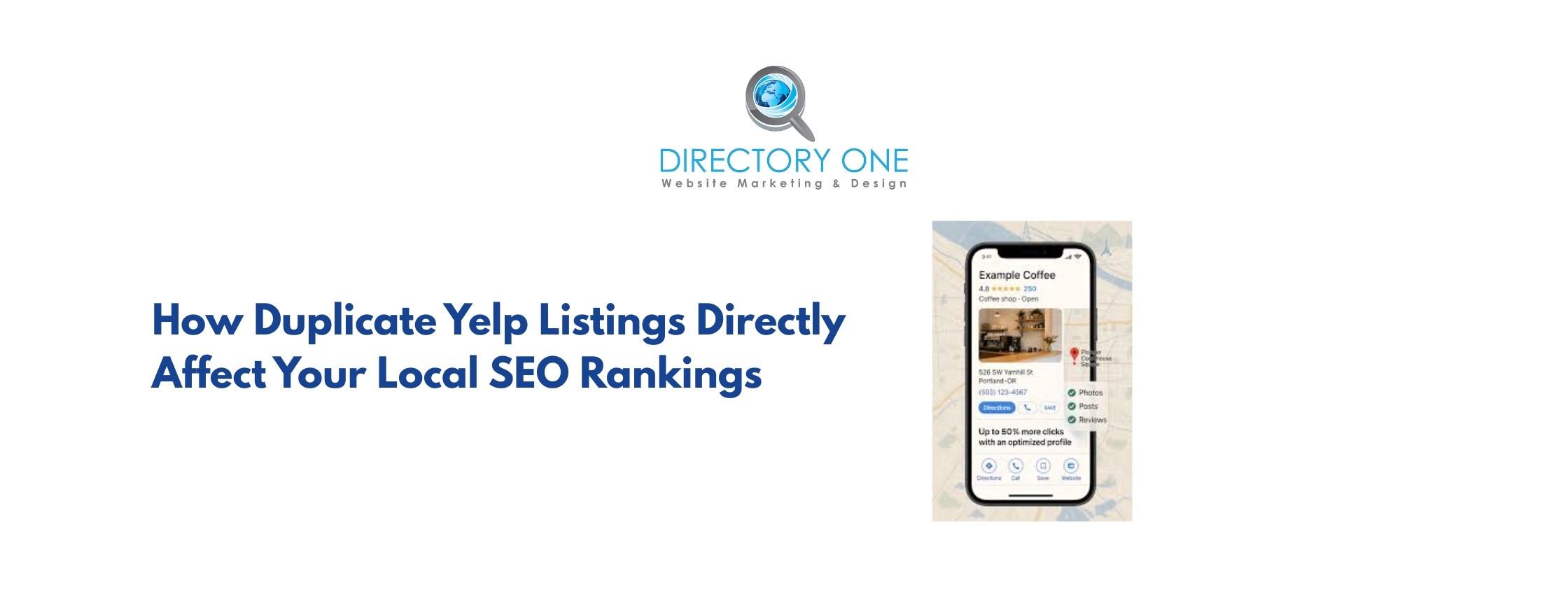
When you ask whether duplicate Yelp listings affect SEO, you need to understand what local search algorithms actually reward: accuracy, consistency, and authority. Duplicate listings undermine all three.
1. NAP Consistency Breaks Down
NAP consistency (Name, Address, Phone number) is a foundational local SEO ranking factor. Google and other search engines cross-reference your NAP data across hundreds of local citations and directories to verify your business. When duplicate listings carry different phone numbers, outdated addresses, or variant spellings, your NAP consistency score drops.
According to a survey cited by BrightLocal, 80% of consumers will stop trusting a brand if its contact information is incorrect online — meaning this issue damages both rankings and revenue simultaneously.
2. Review Signals Get Split and Diluted
Yelp has accumulated over 308 million cumulative in 2024, as per reports by Yelp. Reviews are a key local SEO ranking signal. When the same business has two Yelp listings, customer reviews get split between them. Instead of one listing with 60 reviews building authority, you might have two listings with 30 each, each appearing less credible than your competitor, who has a consolidated, optimized Yelp local listing.
3. Google and Yelp Listing Help Each Other — Until Duplicates Appear
Google and Yelp listing data are closely connected. Google pulls information from platforms like Yelp to enrich its own local search results. When Google encounters two Yelp pages with conflicting information for the same business, it cannot determine which is authoritative.
The result: your Google Business Profile duplicates problem compounds with your Yelp issue, reducing your visibility in both platforms’ local packs.
According to data, businesses that fill out over 86% of core listing fields receive 43% more impressions on search engines. Duplicate listings make complete, consistent field entry nearly impossible to maintain across both pages.
How to Audit Your Yelp Listing for Duplicates: Step-by-Step
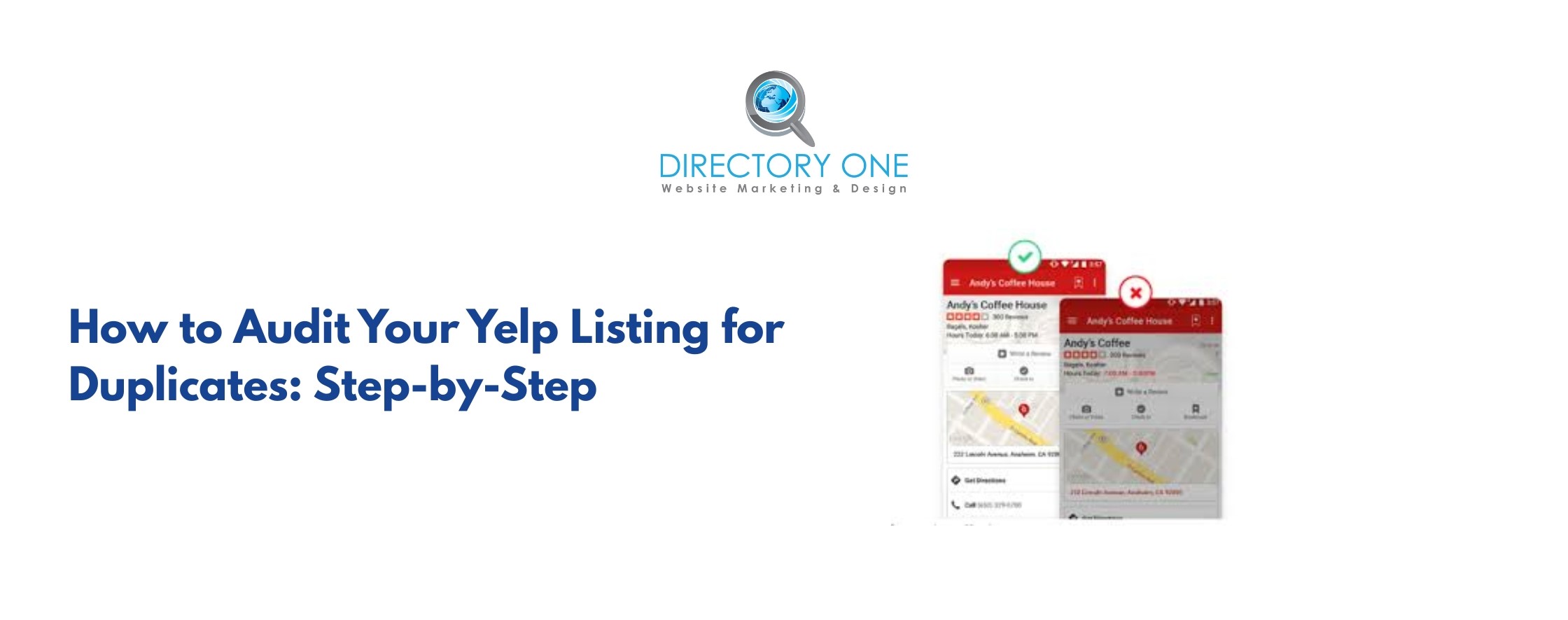
Before you can fix the problem, you need to find every duplicate Yelp listing that exists. Use this audit process:
- Manual Search on Yelp: Go to Yelp.com and search your exact business name. Also, try variations — common misspellings, shortened names, or old business names. Note every result URL that links to your business location.
- Search by Address: Search your street address on Yelp to catch listings that may use a different business name but the same location.
- Use Local SEO Audit Tools: Platforms such as Moz Local, BrightLocal, and Semrush’s Listing Management tool can crawl hundreds of citation directories at once and flag duplicate or inconsistent entries across Yelp, Google, Bing, Apple Maps, and more.
- Check Your biz.yelp.com Dashboard: Log in to your Yelp for Business account at biz.yelp.com. If you manage multiple claimed locations, look for any address or phone number overlaps. Unclaimed duplicates won’t appear here — use the manual search above to catch those.
- Set Up Google Alerts: Create a Google Alert for your business name and address. This monitors the web in real time and notifies you if new listings appear, allowing you to catch duplicates before they accumulate reviews or mislead customers.
How to Delete a Duplicate Yelp Business Listing?
Once you know how to delete a Yelp business listing duplicate, the process is straightforward — though it requires patience. Yelp rarely deletes pages outright. Instead, it merges duplicates or marks them as permanently closed. Here are your options:
Option 1: Report as Duplicate Using ‘Suggest an Edit’ (Desktop)
- Go to the duplicate Yelp listing page.
- Click the ‘Edit’ link below the business name.
- Scroll to the bottom and check ‘This is a duplicate of another business on Yelp.’
- Provide your email address (if not logged in) and the URL of the correct primary listing.
- Add any supporting details and click ‘Submit Changes.’
On mobile, tap the ‘More Options’ icon ? ‘Edit Business’ ? use the Notes field to notify moderators of the duplicate, including a link to the primary listing.
Option 2: Remove Business Listing from Yelp via Business Dashboard
If you own and have claimed both listings, this is the most direct way to remove a Yelp business listing duplicate:
- Log in to biz.yelp.com.
- Go to Dashboard ? Business Information.
- Select the duplicate listing.
- Set business status to ‘Permanently Closed’ — this removes active visibility while preserving the page for archival.
- Alternatively, go to Support ? Contact Yelp ? ‘Business listing issues’ ? ‘Remove my business’ and explain it is a duplicate.
- Include supporting evidence such as a business license, government registration, or lease agreement.
How to Merge Duplicate Yelp Listings: The Methodical Guide
Merging is the recommended long-term fix when both listings have reviews you want to preserve. When Yelp merges two listings, it consolidates them into one primary page — but it may not always merge the reviews. Contact Yelp Support to confirm this before proceeding.
- Identify your primary listing — this should be the verified page with the most accurate information, the correct NAP data, and ideally the most reviews.
- Copy the URL of both listings.
- Log in to biz.yelp.com and go to Support ? Contact Yelp Support.
- Submit a request titled ‘Duplicate listing merge request’ and provide both URLs with a clear explanation.
- Attach documentation proving ownership: business registration, utility bill with business address, or government-issued ID.
- Follow up within 5–7 business days if you receive no response. Yelp’s moderation process for merging listings can take anywhere from several days to a few weeks.
Important: Yelp’s official support page confirms that a business location should appear only once on Yelp. Submitting a duplicate report with links to both pages and supporting evidence significantly speeds up Yelp’s review process.
How to Optimize Your Yelp Business Listing After the Cleanup
Removing duplicate Yelp listings is only half the work. To maximize local SEO gains, you need to fully optimize your Yelp listing content. Here is how to optimize your Yelp business listing for maximum search visibility:
- Complete every profile field:
Business name, address, phone, hours, website, categories, and a keyword-rich description. Businesses that complete over 86% of core fields receive 43% more impressions.
- Use your exact NAP data everywhere:
Your business name, address, and phone number on your Yelp listing must match your Google Business Profile, your website, and every other citation exactly. This NAP consistency is a direct local SEO ranking factor.
- Add high-quality photos:
Yelp users opened the map 55 million times in 2023 to explore business locations. Photos are among the top three factors consumers use when choosing a business on Yelp.
- Actively request and respond to reviews:
Reviews are the single strongest trust signal on Yelp. With 96% of users comparing options before deciding, a consolidated listing with strong, recent reviews outperforms fragmented profiles.
- Select the right business categories:
Nearly 90% of Yelp searches are for a product or service, not a specific business name. Accurate categories ensure your listing shows up for the right searches.
How to List Your Business on Yelp Correctly (and Avoid Duplicates)
If you are new to Yelp or want to add a Yelp listing for a new location, follow these steps to avoid creating duplicate entries from the start:
- Before adding a Yelp listing, search for your business name and address on Yelp. If a page already exists, claim it — don’t create a new one.
- Go to biz.yelp.com and click ‘Manage my free listing.’
- Follow the verification steps (typically a phone call or postcard).
- Fill in all business fields accurately with the exact NAP data you use on your website and Google Business Profile.
- Once claimed, set up listing management alerts via Google Alerts to monitor for any future unauthorized duplicates.
Best Tools for Yelp and Local Listing Management
These platforms are the most trusted for identifying and managing duplicate listings across Yelp and other local citation sources:
- Moz Local: Scans 15+ top citation directories, flags inconsistencies and duplicates, and provides NAP consistency score.
- BrightLocal: Comprehensive citation audit, tracks listings across 50+ directories, including Yelp, flags duplicates and missing data.
- Semrush Listing Management: An integrated tool that monitors and pushes listing updates across multiple platforms simultaneously.
- Yext: Enterprise-level listing management with direct API connections to Yelp, Google, Bing, and Apple Maps.
- Google Alerts: A free tool for monitoring your business name and address online in real time.
Need Expert Help with Yelp Listing Management and Local SEO?
Managing duplicate Yelp listings, maintaining NAP consistency across dozens of directories, and optimizing your Yelp local listing are time-consuming tasks — but the local SEO impact is measurable and significant.
Directory One specializes in local listing management and local SEO for businesses of all sizes. Our team of local SEO experts can:
- Audit your Yelp listing and all other local citations for duplicates
- Remove or merge duplicate Yelp business listings on your behalf
- Optimize your Yelp listing for maximum search visibility
- Ensure NAP consistency across 50+ directories, including Google Business Profile
- Set up proactive listing management to prevent future duplicates
Final Thoughts
So, can duplicate Yelp listings affect SEO? Absolutely. They dilute your review authority, break NAP consistency, confuse Google and Yelp algorithms, and erode customer trust — all at once.
The solution is straightforward: audit your Yelp local listing today, identify any duplicates, and use the removal or merge process outlined above. Pair that with a fully optimized Yelp business listing and consistent NAP data across all local citations — and your local SEO ranking will reflect the effort.
Need expert help to fix duplicate Yelp listings? You can call Directory One today for a free local listing audit at 713.269.3094 or visit www.directoryone.com to schedule a free consultation with our local SEO specialist.
About The Author
