





Google Ad Campaign Tutorial for Beginners (2026 Guide)
Running ads online can feel complex at first. However, with the right Google Ad campaign tutorial, you can quickly learn how to run a PPC campaign that delivers real results.
Today, businesses rely on paid search to generate leads, traffic, and sales. It puts you in front of people who are already searching for what you offer without waiting months for results. According to Statista, global search advertising spending is projected to exceed $190 billion, underscoring the growing importance of PPC advertising.
However, knowing how to create a PPC campaign? correctly matters. A poorly built campaign wastes money fast. This Google Ad campaign tutorial walks you through everything — from setup to optimization — in plain, simple language. So, let’s get into it.
What Is a Google Ad Campaign?
A Google Ad campaign is a paid advertising effort you run inside Google Ads (formerly Google AdWords). You choose keywords, write ads, set a budget, and pay only when someone clicks your ad. Google Ads allows businesses to display ads on search results, websites, and apps. That’s the core of PPC — pay-per-click advertising.
Each campaign includes:
- keywords
- ad groups
- ad copy
- budget and bidding
In simple terms, it helps you reach people actively searching for your products or services.
According to Statista, Google generated over $234 billion in ad revenue in 2024 alone — proof that businesses worldwide trust Google Ads to drive results. Google Ads shows your ads across Google Search, YouTube, Gmail, and millions of partner websites. For most businesses, Search Ads are the starting point. They appear right at the top of Google’s results page, above organic listings.
Want to understand more about PPC campaign setup?? Read our related post: Google AdWords 101: Set Up Your First Campaign Step-by-Step.
How Google Ad Campaigns Work?
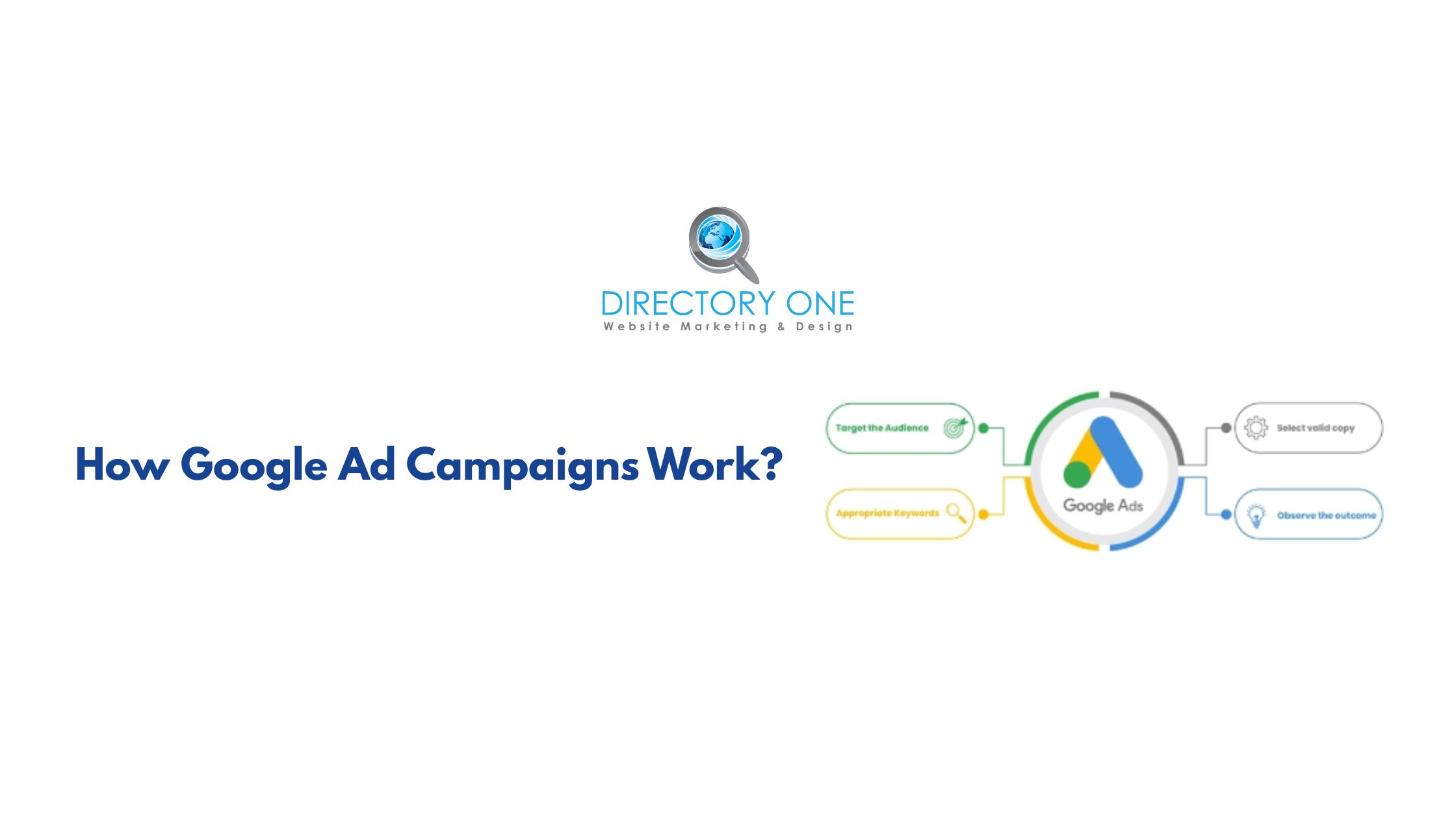
Google Ads runs on an auction system. Every time someone searches a keyword, Google holds a real-time auction to decide which ads appear and in what order.
Your position depends on two things: your bid (how much you’re willing to pay per click) and your Quality Score (how relevant your ad and landing page are to the search). Higher relevance = better placement, even with a lower bid.
The three main factors Google weighs:
- Bid amount — your maximum cost-per-click
- Quality Score — based on ad relevance, expected click-through rate, and landing page experience
- Ad Rank — the combined score that determines your position
This means a well-optimized campaign from a smaller business can outrank a big-budget competitor. That’s the beauty of how to run a Google PPC campaign correctly.
Google Ad Campaign Tutorial: Step-by-Step Setup Guide
Here’s the core of this Google Ads step-by-step guide. Follow these steps in order, and you’ll have a live campaign running properly.
Step 1 — Create Your Google Ads Account
Go to ads.google.com and sign in with your Google account. Choose your billing country and currency. Then, select your campaign goal: leads, website traffic, or sales.
Step 2 — Choose Your Campaign Type
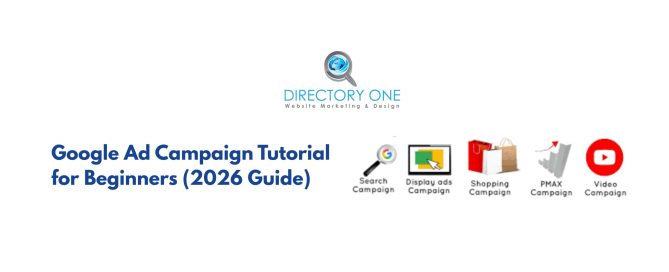
For beginners, start with a Search campaign. It targets people actively searching for your services. It’s the most straightforward type and gives you the clearest ROI data.
- Search Ads — Best for service businesses and lead generation
- Display Ads — Great for brand awareness and retargeting
- Local Service Ads — Ideal for local home service or professional businesses
- Performance Max — AI-powered, runs across all Google channels at once
Step 3 — Set Your Budget and Bidding Strategy
Start with a daily budget you’re comfortable testing with, even $10 to $30 a day. For bidding, beginners should use Maximize Clicks to start collecting data, then switch to Maximize Conversions once they have enough history.
Monthly Google Ads budgets typically range from $100 to $10,000, depending on industry and goals. The average cost-per-click falls between $1 and $2, but competitive industries can run much higher.
Step 4 — How to Choose Keywords
This is the most critical step in how to create a PPC campaign. Keywords are the bridge between your ad and your customer.
Use Google’s Keyword Planner (free inside your Ads account) to find terms your audience is searching. Focus on:
- High-intent keywords — terms like “hire a plumber Houston” vs. “what is plumbing.”
- Long-tail keywords — more specific phrases with lower competition and cost.
- Negative keywords — words to exclude so you don’t waste budget on irrelevant clicks.
On how to choose the correct keywords: always prioritize search intent over search volume. A keyword with 500 monthly searches from buyers beats one with 5,000 from people just browsing.
For a deeper keyword strategy, explore our Search Engine Marketing Services.
Step 5 — Write Your Ad Copy
Each Search Ad has three headlines and two descriptions. Use your primary keyword in the first headline. Be clear about what you offer and include a strong call to action — “Get a Free Quote,” “Call Now,” or “Book Online Today.”
Add ad extensions: sitelinks, callouts, and location extensions increase your ad’s size and click-through rate at no extra cost.
Step 6 — Build a Strong Landing Page
Your ad click sends someone to a landing page. That page must match your ad’s promise exactly. If your ad says “Free Roof Inspection,” the landing page must say that too, immediately, above the fold.
Remember, a mismatched landing page could kill your Quality Score and waste your budget.
Google Ads Beginner Tutorial: Best Practices
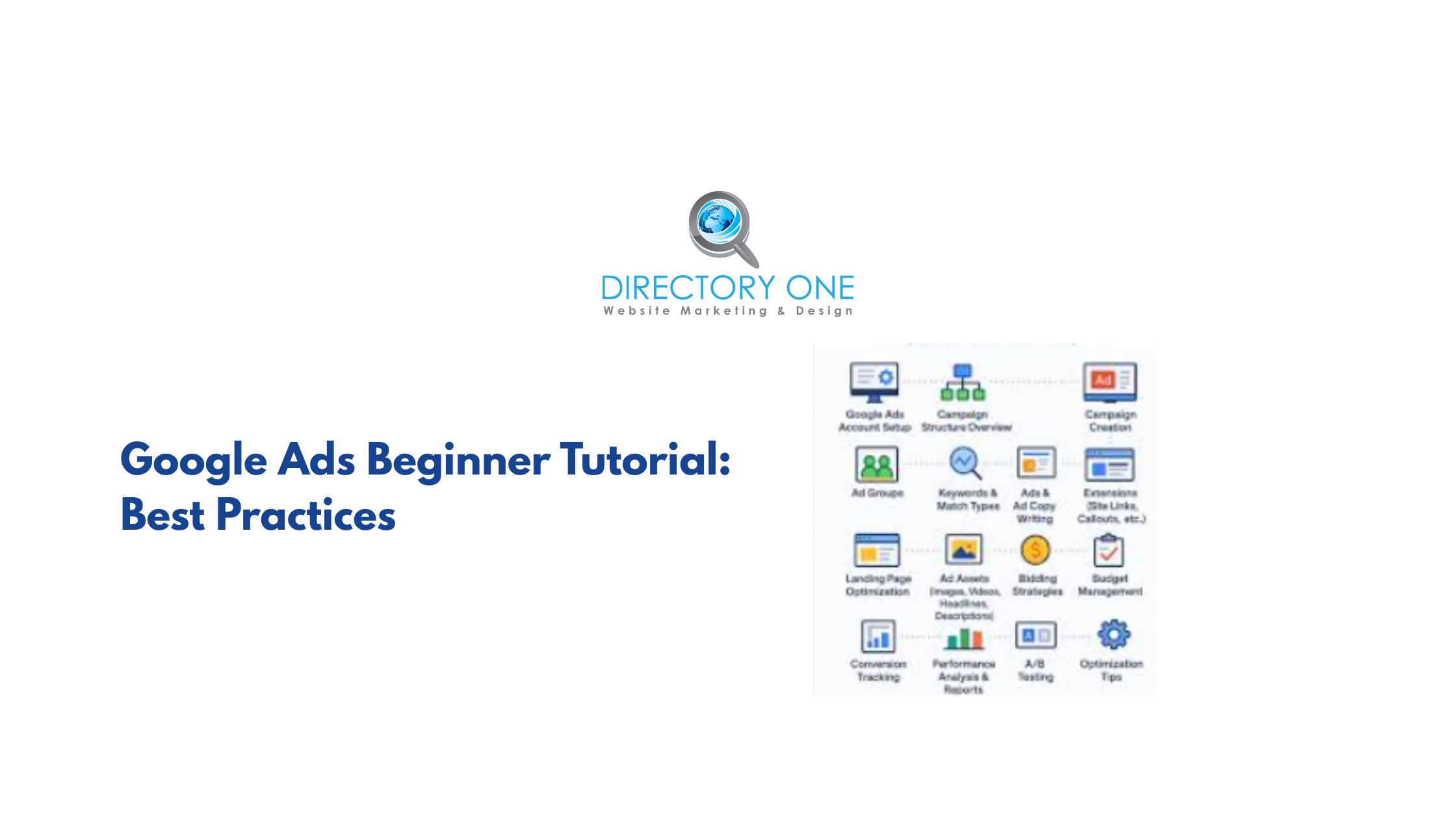
Now that you know the setup, here are the practices that separate campaigns that convert from ones that drain your budget.
Common Mistakes in PPC Campaign Setup
To succeed, you need to avoid the common mistakes in PPC campaign setup, such as:
- Ignoring negative keywords — you end up paying for irrelevant searches
- Using only broad match keywords — too much wasted spend early on
- Sending traffic to your homepage instead of a dedicated landing page
- Not installing conversion tracking — you can’t optimize what you can’t measure
- Setting a budget and never checking the account — campaigns need a weekly review
Avoiding these mistakes alone will put your campaign ahead of the majority of beginners.
Google Ads Dashboard Tutorial: What to Monitor
Check your Google Ads dashboard at least once a week. Focus on:
- Impressions and CTR — are people seeing and clicking your ad?
- Cost per click — is it within budget?
- Conversion rate — are clicks turning into leads or sales?
- Search terms report — which searches actually triggered your ad?
If you are new, follow these best practices:
- Be Specific: Don’t try to sell everything in one ad. Create specific ad groups for specific products.
- Use Ad Extensions: These add extra information like your phone number or links to specific pages, which can improve your click-through rate.
- Mobile Optimization: According to Google, over 50% of web traffic comes from mobile devices. Ensure your landing pages load fast on phones.
If you find this overwhelming, check out our related blog on how to improve your click-through rate for more tips.
Google Ad Campaign Cost and Budgeting
Many beginners ask, “How to run a google PPC campaign without breaking the bank?” or “How much does this actually cost?”
The answer lies in your daily budget. In fact, it depends on your industry, location, and competition. You can start with as little as $10 to $20 per day. However, here is a practical framework for how to run a PPC campaign on any budget.
- Small businesses: $500–$1,500/month is a reasonable starting range
- Service businesses (legal, medical, home services): expect higher CPCs — $5 to $20+ per click
- E-commerce: CPCs tend to be lower, but volume matters more
Start slow. Learn. Then scale what’s working. Don’t start with your full budget on day one.
Google allows you to set a cap, so you never spend more than your monthly limit. The average cost-per-click (CPC) varies by industry, but monitoring your spend through the Google Ads dashboard tutorial tools will keep you on track.
Our team offers PPC Campaign Setup and Ad Creation Services if you would rather have experts handle the heavy lifting.
Google Ads vs SEO: Which Is Better?
This is one of the most common debates in digital marketing. The truth? They’re better together. While this Google Ad campaign tutorial focuses on paid ads, you shouldn’t ignore Search Engine Optimization (SEO).
Google Ads gives you immense visibility and immediate traffic. The moment your campaign goes live, you can appear at the top of search results.
- Instant traffic
- Fast results
- Paid visibility
SEO is a long-term investment — it takes longer but builds “free” organic rankings over months, and delivers compounding returns over time.
- Long-term growth
- Organic traffic
- Cost-effective
For a balanced digital strategy, many businesses use both. You can read more about balancing these on our SEO services.
How to Optimize Your Google Ad Campaign for Better Results?
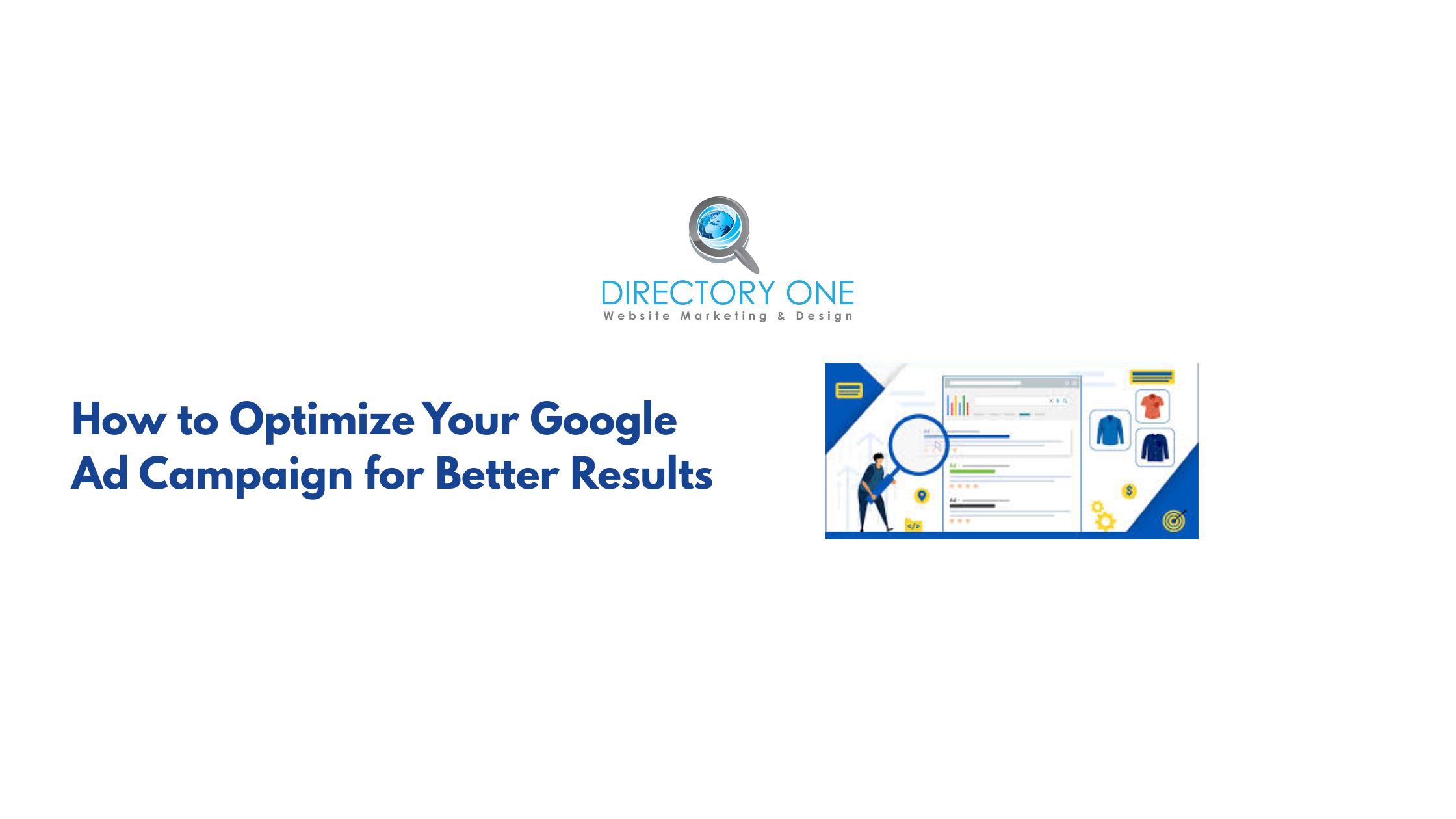
Setting up the campaign is only half the battle. You must refine it constantly.
- Analyze the Data: Look at which keywords are performing and which are just costing money.
- Refine Your Keywords: Knowing how to choose the correct keywords is an ongoing process. Use negative keywords to filter out irrelevant traffic.
- A/B Testing: Run two versions of the same ad to see which one performs better.
- Pause Low-Performing Keywords: After 30 days of data, identify and pause keywords that are not generating clicks or conversions.
- Optimize Landing Pages: Review and update landing pages regularly for relevance and speed.
Summing Up
Running a successful Google Ad campaign is about being strategic, intentional, and consistent with your optimization. This Google Ad campaign tutorial gave you the full picture — from what Google Ads is, to how the auction works, to step-by-step setup, budgeting, and ongoing optimization.
If you’re ready to skip the learning curve and get professional results from day one, we’re here to help.
At Directory One, we provide:
- Complete PPC campaign setup
- Advanced keyword targeting
- Conversion-focused ad creation
Call us today at 713.269.3094 or explore our PPC Management Services.
About The Author
