





How To Get More 5-Star Google Reviews: Google Review Strategy Explained

A well-executed Google review strategy is now one of the most powerful levers a local business can pull to outrank competitors, build credibility, and convert searchers into paying customers. Yet most businesses leave it entirely to chance.
This guide breaks down exactly how to get more 5-star Google reviews — with step-by-step tactics, proven templates, and data from the most trusted sources in search.
What Is a Google Review Strategy
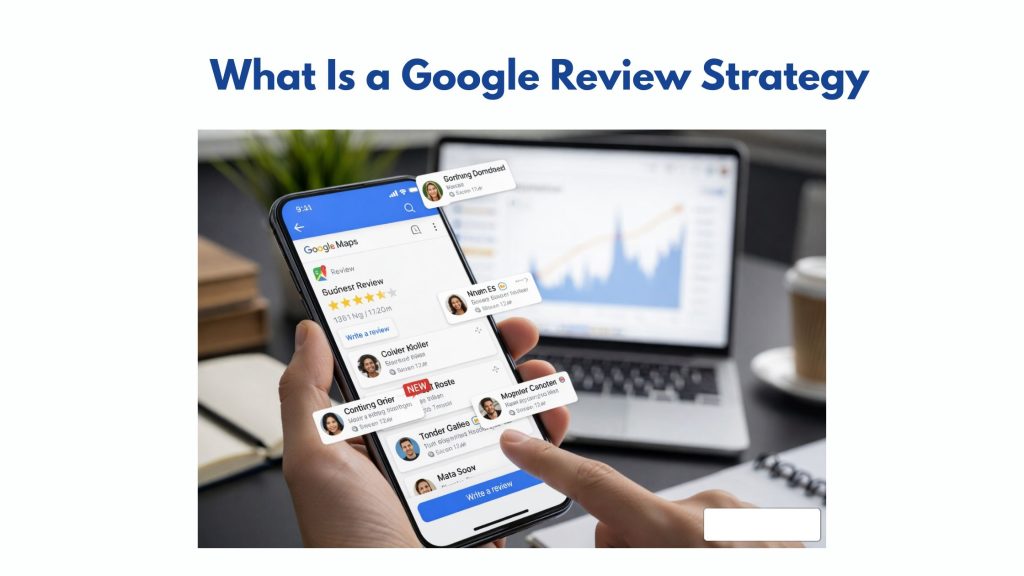
A Google Review Strategy is a structured approach to collecting, managing, and optimizing customer reviews to improve online visibility and trust. It includes:
- customer review generation techniques
- review request processes
- response and engagement strategies
- reputation management tips
Businesses that focus on leveraging customer reviews for online reputation management often see better engagement and higher conversion rates.
How Google Reviews Influence Local SEO Rankings
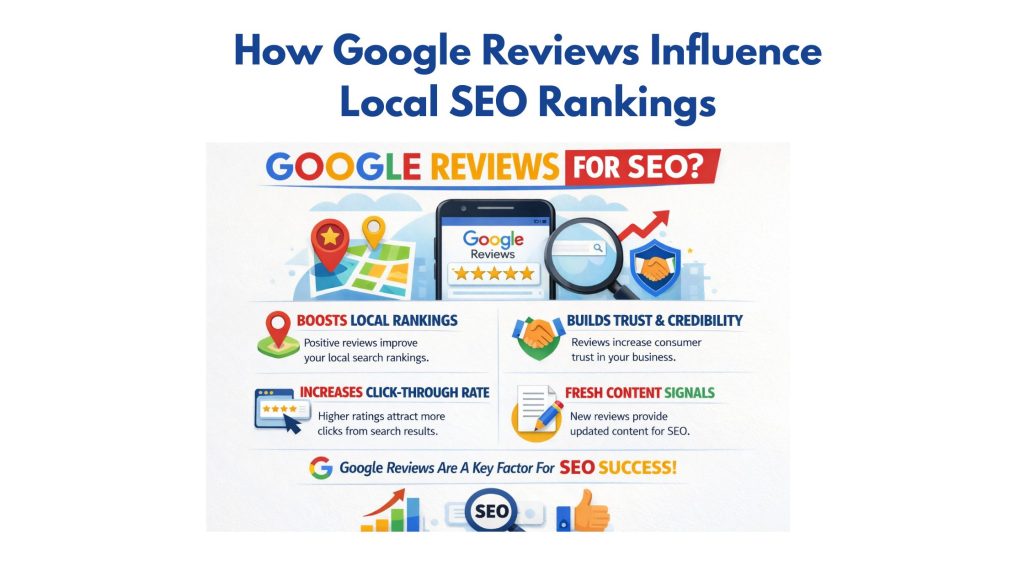
The importance of Google reviews for local SEO cannot be overstated. Google’s own documentation confirms that reviews are a direct ranking signal for local search, affecting where your business appears in the Map Pack (the top three local listings on any search results page).
According to a survey, the most comprehensive annual ranking study in the industry, Google Business Profile signals (which include reviews) account for approximately 17% of local pack ranking factors. Review signals specifically rank as one of the top 5 most influential factors.
Beyond rankings, the business case for customer review generation is compelling. Statista’s consumer research data shows that businesses with a 4-star rating or above earn up to 28% more revenue than those rated below 4 stars in comparable categories. Reviews don’t just drive traffic — they drive transactions.
Google Review Ranking Factors: What Google Actually Measures
Understanding the importance of Google reviews for local SEO means understanding exactly which signals the algorithm evaluates — not just the star rating.
| Ranking Signal | What Google Evaluates | Impact Level |
| Review Quantity | Total number of reviews on your Google Business Profile | High |
| Average Star Rating | Your overall rating (minimum 4.0 is threshold for trust) | High |
| Review Recency | How recently reviews were posted (last 90 days weighted heavily) | High |
| Review Velocity | Consistent, ongoing rate of new reviews (not bursts) | High |
| Keyword Relevance | Review text containing service/product keywords and location | Medium–High |
| Owner Response Rate | Whether and how quickly you respond to reviews | Medium |
| Review Diversity | Reviews from different users, devices, and times | Medium |
| Star Distribution | Ratio of 5-star to lower-star reviews | Medium |
Google’s official review policy states that reviews with more text — describing the specific experience, service, or product — carry more weight in their quality assessment than one-word or emoji-only reviews. Coaching customers (appropriately — without scripting) to leave detailed feedback is part of a sophisticated Google review strategy.
Step-by-Step Google Review Strategy for Local Businesses
Mastering Google reviews requires a repeatable, systematic approach — not a one-time push. Here is a complete framework for customer review generation that complies with Google’s guidelines and builds momentum over time.
- Claim and Fully Optimize Your Google Business Profile
Before requesting reviews, ensure your profile is 100% complete — accurate name, address, phone, hours, primary category, description, and photos. Google’s own research shows complete profiles receive 7× more clicks than incomplete ones. An optimized profile also increases the likelihood that reviews include keyword-rich location and service mentions.
- Generate Your Direct Google Review Link
Go to your Google Business Profile, click “Ask for reviews,” and copy the shortened link. Use this link — not a search URL — in every review request. Direct links remove friction. Each additional click a customer must make to leave a review reduces conversion by an estimated 15–20%.
- Identify and Time Your Review Request Moments
The best moment to ask is immediately after a customer expresses satisfaction — after service completion, a positive check-in call, or a resolved support case. BrightLocal’s 2024 survey found that76% of customers who are asked to leave a review do so— but only when the request is timely and personal.
- Build a Multi-Channel Review Request System
Don’t rely on one channel. Deploy review requests across: post-service email sequences, SMS follow-ups (highest open rate at ~98%), QR codes on receipts and invoices, and verbal asks by trained staff at the point of service. Each channel reaches a different segment of your customer base.
- Respond to Every Review — Positive and Negative
Responding signals engagement to Google’s algorithm and trust to prospective customers. For positive reviews, thank the customer specifically. For negative reviews, acknowledge the experience, apologize without admitting fault, and invite them to contact you offline. According to Statista (2023), 89% of consumers are more likely to choose a business that responds to reviews over one that does not.
- Monitor, Measure, and Maintain Velocity
Track your review count, average rating, and response time weekly. Set a baseline goal of at least 2–4 new reviews per month (adjust based on your competitors’ profiles). Consistent velocity — not volume spikes — is what Google’s algorithm rewards for sustainable local ranking improvement.
Review Request Templates That Convert
The single biggest reason businesses fail to get more 5-star Google reviews is not a lack of satisfied customers — it’s a lack of a clear, consistent ask. These templates are built for the three highest-converting channels.
1. Email Template (Post-Service Follow-Up)
Email · Subject: “Quick request, [First Name]”
Hi [First Name],
Thank you for choosing [Business Name] — it was genuinely great to work with you. If you had a positive experience, would you take 60 seconds to share it on Google? Your review helps other local customers find us and helps us keep doing what we do.
Leave a review here: [Your Direct Google Review Link]
Thank you — it means a lot.
[Your Name], [Business Name]2. SMS Template (Same-Day Follow-Up)
SMS · Send within 2–4 hours of service.
Hi [First Name] — thanks for visiting [Business Name] today! If we did a good job, a quick Google review would mean the world to us: [Short Review Link]. Takes under a minute. Thanks!
3. In-Person / Verbal Script
Verbal · Train every customer-facing staff member.
“Thank you for your business today — we really appreciate it. If you’re happy with the service, we’d love it if you left us a quick Google review. I can send you the link right now if that’s helpful?”
Common Google Review Mistakes That Hurt Your Rankings
Even businesses with strong reputation management tips awareness make these critical errors. Each one either suppresses review volume or triggers Google’s spam filters — both with serious ranking consequences.
| Mistake | Why It Harms You | The Fix |
| Buying reviews | Google filters fake reviews; profile suspension risk | Build organically with a structured ask system |
| Review gating | Violates Google policy; only asking happy customers is prohibited | Ask all customers equally, regardless of predicted sentiment |
| Asking employees to review | Conflicts of interest; Google detects device/IP patterns | Never ask staff, friends, or family to post reviews |
| Ignoring negative reviews | Damages trust and lowers conversion rate for searchers | Respond professionally within 24–48 hours |
| One-time review campaigns | Velocity drops signal stagnation; Google discounts old reviews | Build ongoing, evergreen review request workflows |
| Sending review requests to wrong channel | Low open rates reduce conversion | Use SMS for immediacy; email for considered customers |
| Generic, impersonal requests | Low response rate; customers ignore mass-blast messages | Personalize with the customer’s name and specific service |
Tools for Executing Your Google Review Strategy at Scale

Leveraging customer reviews for online reputation management at volume requires the right technology stack. These tools — validated by adoption across thousands of local businesses — make review generation, monitoring, and response management systematic rather than manual.
Google Business Profile
Free. The foundation. Manage your profile, generate review links, and respond to reviews directly.
BrightLocal
Track review count, ratings, and velocity across Google and other platforms. Benchmark against competitors.
Automate SMS and email review requests post-transaction. High-conversion workflows with CRM integrations.
Semrush Local
Monitor review sentiment, track profile visibility, and identify keyword gaps in your review content.
Multi-location review management with automation triggers, response templates, and reporting dashboards.
Hootsuite / Buffer
Schedule and track social posts that amplify positive reviews — extending their reach beyond Google search.
Pro tip: The most efficient setup for most small-to-medium local businesses is Google Business Profile + one SMS automation tool (Birdeye or Podium). This combination alone — when paired with a consistent verbal ask by staff — can generate 3–5× more reviews per month than an unstructured approach, based on typical implementation results across comparable businesses.
Conclusion
A well-executed Google Review Strategy is essential for improving local SEO rankings, building trust, and increasing conversions. By understanding how to get more customer reviews on Google, applying structured methods, and focusing on how to get 5 star Google reviews, businesses can create a strong online reputation.
The framework is straightforward: optimize your profile, generate your review link, identify the right request moments, build a multi-channel ask system, respond to every review, and monitor your velocity.
Need help building your Google review strategy? Directory One has helped local businesses across Houston and beyond build review systems, manage online reputations, and dominate local search. If you’re ready to turn your customer satisfaction into visible, rank-worthy credibility, our team can build the strategy and system for you.
Visit Directory One to explore our local SEO services or speak with our team at 713.269.3094.
About The Author
