





Apple Maps SEO: 7 Reasons Your Business Isn’t Showing Up and How to Fix It
If your business is not appearing in Apple Maps results, you are leaving a significant portion of your audience behind. Apple Maps SEO has become a critical component of any complete local search strategy — especially as iPhone users rely exclusively on Apple Maps for navigation and local discovery.
Apple Maps processes billions of searches every year across more than 1.5 billion active Apple devices worldwide. If your business is missing from those results, it is a visibility problem you cannot afford to ignore.
In this guide, we break down the seven most common reasons businesses fail to rank on the Apple Maps search engine — and exactly what you can do to fix each one.
1. Your Apple Maps and Local SEO Foundation Is Missing
Why This Happens
Many business owners assume that being listed on Google Business Profile is enough. It is not. Apple Maps pulls its data from Apple Business Connect, a separate platform. If you have never claimed or created your listing there, you simply will not appear on the Apple Maps search engine.
How to Fix It
• Visit businessconnect.apple.com and sign in with your Apple ID.
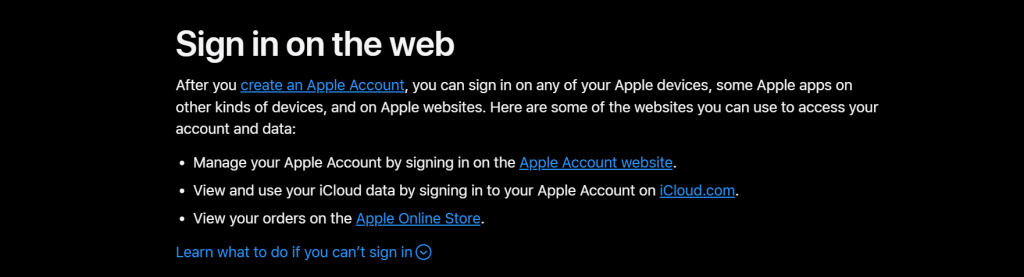
• Search for your business. If it exists, claim it. If not, create a new listing.
• Fill out every field: business name, address, phone, website, hours, and category.
• Submit for verification and await Apple’s review.
This is the single most important step in any Apple Maps local SEO strategy. Without a verified listing, nothing else matters.
2. Inconsistent Business Information Across the Web
Why This Happens
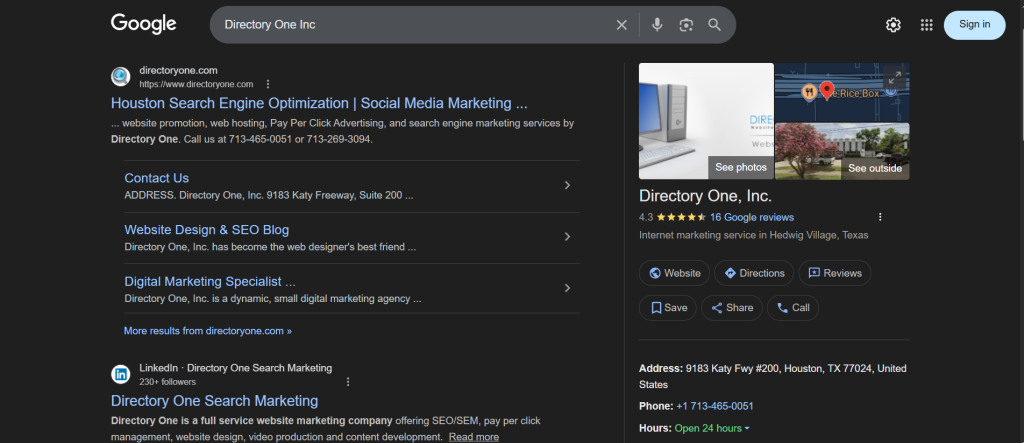
Apple Maps aggregates data from multiple third-party sources, including Yelp, Foursquare, TripAdvisor, and data aggregators like Data Axle. If your business name, address, or phone number (NAP) is inconsistent across these platforms, it creates conflicting signals that hurt your Apple Maps and local SEO performance.
How to Fix It
• Conduct a full NAP audit across all major directories and review platforms.
• Correct discrepancies in business name formatting, suite numbers, or phone number formats.
• Submit consistent information to major data aggregators so Apple Maps receives clean signals.
Apple Maps local SEO depends on consistency. Even a minor difference — like “Suite 100” vs. “Ste. 100” — can fragment your listing’s authority.
3. Missing or Incorrect Business Category
Why This Happens
Apple Maps uses categories to determine which businesses to surface for specific queries. If your category is missing, too broad, or incorrect, you will not appear when potential customers search the Apple Maps search engine for exactly what you offer.
How to Fix It
• Log in to Apple Business Connect and review your primary category.
• Choose the most specific category that accurately describes your business.
• Add secondary categories to capture a broader range of relevant searches.
Categories function as the Apple Maps SEO equivalent of keywords — they directly control what searches your business appears for.
4. Unverified or Incomplete Apple Business Connect Profile
Why This Happens
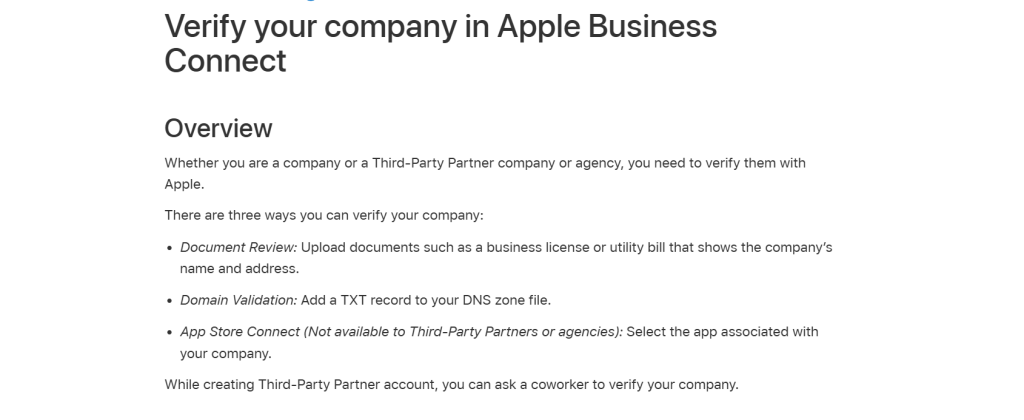
An unclaimed or unverified listing is treated with low confidence by Apple’s algorithm. A profile with missing hours, no photos, or no website link signals an incomplete business — which Apple Maps deprioritizes in results.
How to Fix It
• Complete the verification process through Apple Business Connect.
• Add professional photos of your storefront, interior, and products or services.
• Ensure your hours of operation, including holiday hours, are always current.
• Link your website and relevant social channels.
A fully optimized profile is the baseline expectation for strong Apple Maps and local SEO performance. Treat it with the same attention you give your website.
5. Poor or No Customer Reviews
Why This Happens
Apple Maps incorporates Yelp reviews as a primary trust signal. Businesses with few reviews — or a pattern of negative ones — rank lower in the Apple Maps search engine. Apple prioritizes businesses it can confidently recommend to its users.
How to Fix It
• Actively ask satisfied customers to leave Yelp reviews.
• Respond professionally to all reviews, both positive and negative.
• Send a follow-up message with a direct link to your Yelp page after a transaction.
Reviews are social proof and an Apple Maps local SEO ranking factor simultaneously. Businesses with a steady stream of positive Yelp reviews consistently outperform those without.
6. Weak Location Signals from Your Website
Why This Happens
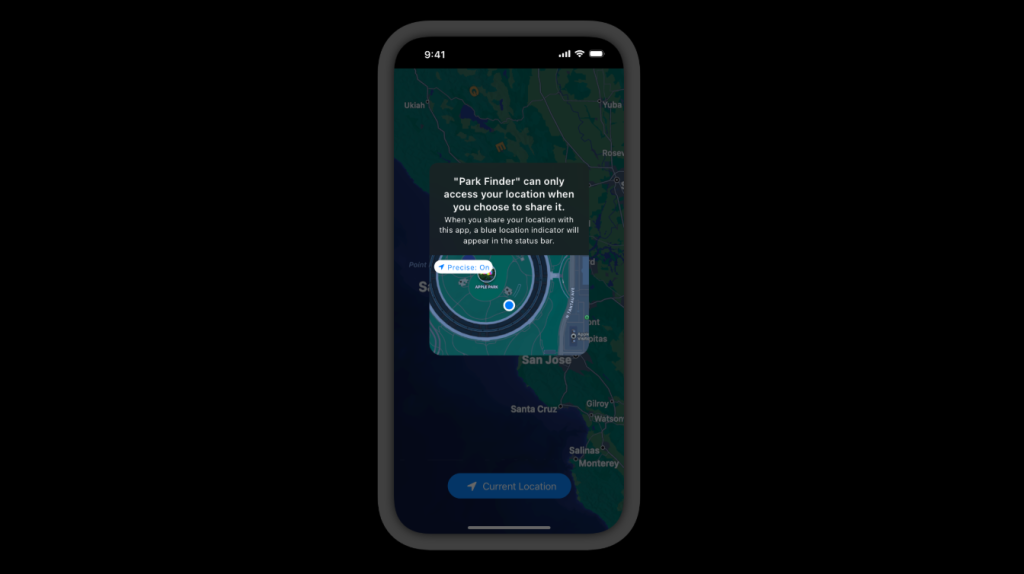
Apple Maps cross-references business listings with website data to validate legitimacy. If your website lacks proper local signals — such as a local phone number, structured data markup, or location-specific content — it weakens your overall Apple Maps SEO authority.
How to Fix It
• Add your NAP information in text format in the footer of every page.
• Implement LocalBusiness schema markup to help Apple understand your location and services.
• Create a dedicated Contact page with your full address, phone number, and an embedded map.
• Develop location-specific content if you serve multiple areas.
Your website and your Apple Maps listing reinforce each other. Strengthening one strengthens both.
7. Your Business Is Too Far from the Searcher’s Location
Why This Happens
Apple Maps is fundamentally proximity-based. Even with a perfect listing, if your physical location is far from where a search is conducted, you will naturally rank lower. This is partly beyond your control — but there are ways to maximize your reach within it.
How to Fix It
• Ensure your pin location is accurate on Apple Maps — an incorrect pin can cost you miles of relevance.
• Use hyper-local keywords in your business description within Apple Business Connect.
• Build local citations and earn mentions on neighborhood websites to strengthen your geographic signals.
While proximity is a physical reality, smart Apple Maps SEO practices maximize how far your listing’s influence extends.
Apple Maps SEO: Quick Reference Summary
- Claim and verify your Apple Business Connect listing immediately.
- Ensure NAP consistency across all online directories and data aggregators.
- Select the most accurate and specific business category available.
- Complete every section of your Apple Business Connect profile.
- Build a consistent flow of Yelp reviews from satisfied customers.
- Strengthen local signals on your website with schema markup and location content.
- Confirm your pin location is accurate and optimize your description with local keywords.
How Directory One Helps With Apple Maps SEO
At Directory One, we specialize in structured Apple Maps SEO strategies that improve local visibility and map rankings.
Our approach includes:
- Listing audits and corrections
- NAP consistency management
- Category and keyword optimization
- Integration with broader Apple Maps and local SEO strategy
We understand how the Apple Maps search engine evaluates business listings and implement updates that align with current local search practices.
Summing Up
If your business is not appearing in Apple Maps results, it’s time to take action. At Directory One, we provide professional support for Apple Maps SEO, ensuring your listing is accurate, optimized, and aligned with your local search goals.
Let directory one identify exactly why your business is not showing up — and build a strategy to fix it. Call us today at 713.269.3094 or visit: www.directoryone.com.
About The Author
